Use WSL Cron Jobs to Run Windows Scheduled Tasks

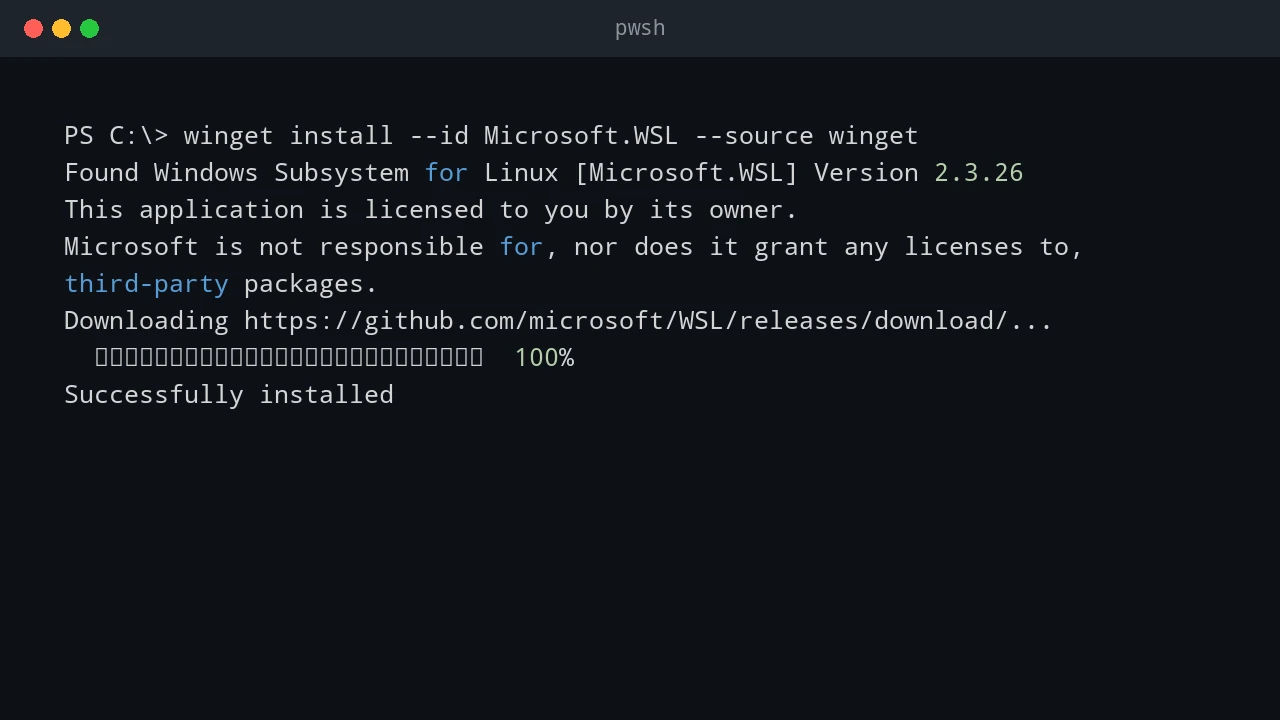
WSL is useful when an admin workflow lives between Windows and Linux. Sometimes I want Linux-style scheduling with cron, but the actual work still needs to happen on Windows: start a Windows Scheduled Task, run a PowerShell script, trigger a deployment task, or call a remote Windows server. This pattern is not a replacement for a real job scheduler. It is a practical bridge. WSL cron can keep a Linux-style schedule, and each cron entry can call Windows tools such as powershell.exe, schtasks.exe, or wsl.exe path-aware scripts. ...

June 24, 2026 · PwshTips

Windows Scheduled Tasks vs Linux Cron Jobs

Windows Task Scheduler and Linux cron solve the same basic problem: run something later, or run it again on a schedule. The idea is simple, but the two tools feel very different in daily administration. On Windows, Scheduled Tasks are tied deeply into the operating system. They understand users, triggers, privileges, idle state, battery state, and event-based starts. On Linux, cron is smaller and more direct. A cron job says, “run this command at this time,” and that simplicity is exactly why it has lasted for decades. ...

June 24, 2026 · PwshTips

Installing PowerShell Online and Offline

Installing PowerShell is easy on an internet-connected machine. It gets more interesting on servers, locked-down workstations, and networks that cannot reach package repositories. This post covers both cases: normal installs with package managers and offline installs where you need to move installers and modules by hand. Quick answer On connected Windows machines, install PowerShell 7 with winget install Microsoft.PowerShell and keep Windows PowerShell 5.1 for legacy modules. On offline machines, download the PowerShell installer, required modules, and trusted package sources on a connected computer, move them to the target system, then install from local files. Verify the install with $PSVersionTable.PSVersion. ...

December 25, 2025 · PwshTips

PowerShell for Cross-Platform Administration

Most admin work I do is not purely Windows or purely Linux. PowerShell may call Bash, Bash may call PowerShell, and old CMD commands still show up in scripts. This post covers the patterns I use to pass commands and data between those shells, then applies the same idea to USB access in WSL. Quick answer For cross-platform administration, use PowerShell when you need structured objects and use Bash or CMD when you need native platform tools. When crossing between shells, treat the boundary as a text boundary unless you deliberately serialize data as JSON. In WSL, use Windows paths carefully, pass commands with clear quoting, and confirm disk or USB device names before running commands that read or write block devices. ...

December 25, 2025 · PwshTips

PowerShell Remoting with WinRM and SSH

For a long time, PowerShell remoting usually meant WinRM. That is still true in many Windows domains. With PowerShell 7 and OpenSSH, SSH is now a practical option too, especially when Linux or mixed environments are involved. So, which protocol should you use? WinRM or SSH? There is no single best protocol. The right choice depends on the machines, authentication model, firewall rules, and whether you need rich PowerShell objects or simple cross-platform access. ...

December 14, 2025 · PwshTips

Clone a Bootable USB to an ISO

Sometimes I need to keep an exact copy of a bootable USB drive: a vendor recovery stick, a custom Windows installer, or a Linux live USB that took time to prepare. Copying the visible files is not enough because the bootloader and partition layout matter. This post shows three ways to make that image: PowerShell with WSL, Win32DiskImager on Windows, and dd on Linux. Quick answer To back up a bootable USB, create a sector-by-sector image of the whole device instead of copying files from the drive letter. On Windows, identify the USB disk with Get-Disk, then use WSL and dd or a tool such as Win32DiskImager to read the physical disk into an image file. Always confirm the disk number first because choosing the wrong disk can overwrite or expose the wrong device. ...

November 2, 2025 · PwshTips