PwshTips Hero

Automate. Innovate. Excel.

Recover Windows Event Logs After They Are Cleared

If a Windows event log is cleared on a server, the first question is usually simple: can I get it back? The honest answer is uncomfortable: sometimes yes, but only if the events were copied somewhere else before the clearing happened. If the only copy lived inside the local .evtx file and that log was cleared, normal administration tools will not magically rebuild the missing history. You may still find evidence in backups, forwarded events, EDR telemetry, domain controller logs, firewall logs, or application logs, but the local event log itself should be treated as damaged evidence. ...

June 22, 2026 · PwshTips

Windows Event Log Tampering: What Admins Should Defend Against

Windows event logs are often treated like the final record of what happened on a server. That is useful, but it can also create a false sense of safety. A local administrator has a lot of power. If that account is abused, compromised, or used carelessly, the same privilege that can fix a server can also damage the evidence that explains what happened. This post is written for defensive education. It does not publish a step-by-step anti-forensic procedure. The point is simpler and more important: administrators should assume local logs can be altered or destroyed, then design audit controls that do not depend on one machine telling the whole truth. ...

June 22, 2026 · PwshTips

PowerShell Logging Patterns for Production Scripts

Logging is one of those parts of a PowerShell script that feels optional until the first production failure happens at 2 AM. When a script is run manually, you can watch the console and fix problems as they appear. When the same script runs from Task Scheduler, a deployment tool, a service account, or a remote session, the console is gone. The log becomes the only witness. For small one-off scripts, Write-Host might be enough. For production scripts, I want a log that answers a few basic questions quickly: ...

June 21, 2026 · PwshTips

Advanced Troubleshooting for Windows Environments

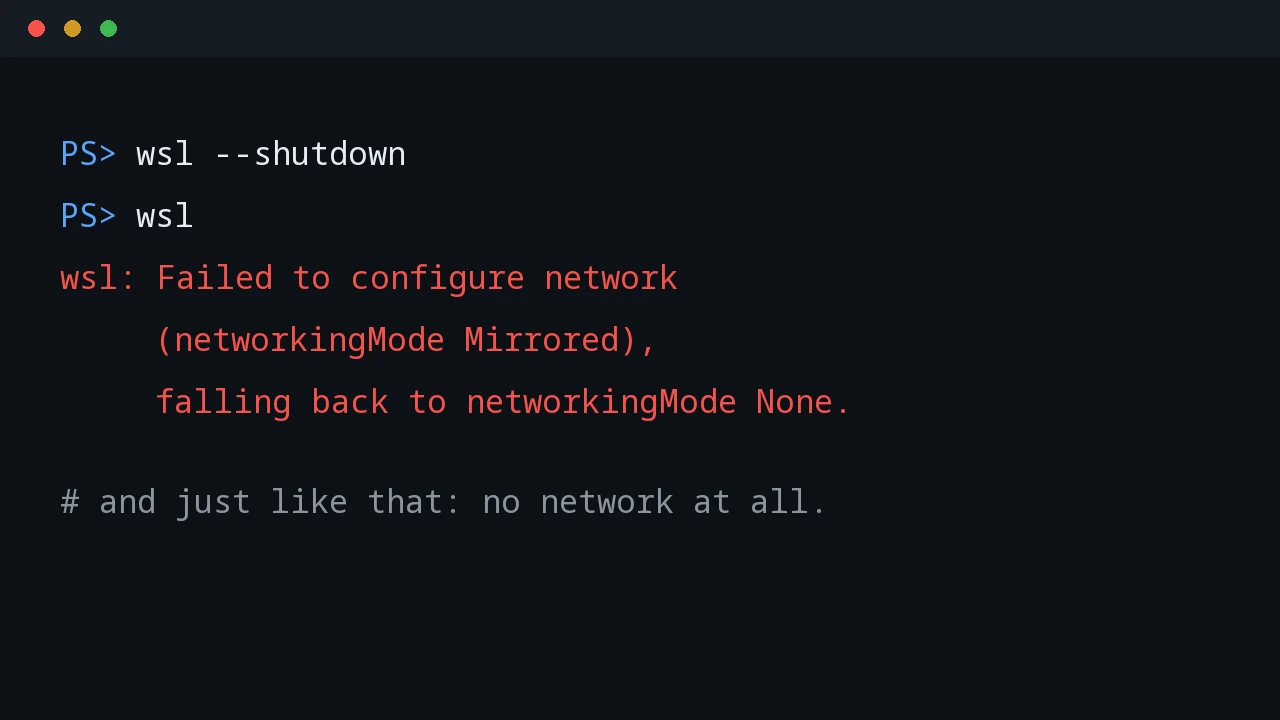
These are Windows troubleshooting notes I keep coming back to: SMB errors that block file shares, WSL refusing to start, Windows 11 complaining about TPM in VMware, and disk space disappearing after background downloads. The common thread is simple: start with the error, isolate the layer that is failing, and fix that layer before changing everything around it. Quick answer For Windows troubleshooting, start by proving which layer is broken before changing settings. For SMB share errors, test port 445, credentials, and SMB signing. For WSL crashes, restart WSL, check the distribution state, and confirm virtualization is healthy. For VMware Windows 11 install problems, verify TPM and Secure Boot settings. For disk space issues, find the folder consuming space before deleting files. ...

December 25, 2025 · PwshTips

Automating Office and Active Directory with PowerShell

Office deployment and Active Directory maintenance often land on the same admin desk. This post collects the PowerShell workflows I use for silent Office installs, Office activation firewall rules, Get-ADUser reporting, and domain rejoin cleanup when a Windows device has stale identity state. Quick answer Use PowerShell to make Office and Active Directory work repeatable: deploy Office with the Office Deployment Tool and a checked configuration.xml, open only the firewall rules needed for activation, export AD user data with Get-ADUser, and fix stale device identity by checking domain join, Azure AD join, and dsregcmd output before rejoining the computer. ...

December 25, 2025 · PwshTips

Essential PowerShell Security: Privileges, Firewalls, and File Safety

PowerShell scripts often need to touch privileged parts of Windows: services, firewall rules, downloaded scripts, and system folders. This post covers three areas I check often: elevation, Windows Defender Firewall rules, and the Mark of the Web on downloaded files. Quick answer For safer PowerShell administration, keep elevated actions small, explicit, and logged. Use gsudo, Start-Process -Verb RunAs, or Task Scheduler only when elevation is needed. Manage Windows Defender Firewall with named rules instead of broad exceptions, and inspect downloaded files before using Unblock-File because the Mark of the Web exists to warn you about internet-origin content. ...

December 25, 2025 · PwshTips

Installing PowerShell Online and Offline

Installing PowerShell is easy on an internet-connected machine. It gets more interesting on servers, locked-down workstations, and networks that cannot reach package repositories. This post covers both cases: normal installs with package managers and offline installs where you need to move installers and modules by hand. Quick answer On connected Windows machines, install PowerShell 7 with winget install Microsoft.PowerShell and keep Windows PowerShell 5.1 for legacy modules. On offline machines, download the PowerShell installer, required modules, and trusted package sources on a connected computer, move them to the target system, then install from local files. Verify the install with $PSVersionTable.PSVersion. ...

December 25, 2025 · PwshTips

PowerShell for Cross-Platform Administration

Most admin work I do is not purely Windows or purely Linux. PowerShell may call Bash, Bash may call PowerShell, and old CMD commands still show up in scripts. This post covers the patterns I use to pass commands and data between those shells, then applies the same idea to USB access in WSL. Quick answer For cross-platform administration, use PowerShell when you need structured objects and use Bash or CMD when you need native platform tools. When crossing between shells, treat the boundary as a text boundary unless you deliberately serialize data as JSON. In WSL, use Windows paths carefully, pass commands with clear quoting, and confirm disk or USB device names before running commands that read or write block devices. ...

December 25, 2025 · PwshTips

PowerShell for IT Inventory: Getting All Installed Apps from Remote Windows PCs

Software inventory is one of those jobs that sounds simple until you need to do it across many Windows machines. For audits, license checks, cleanup work, or troubleshooting, I want a repeatable way to answer one question: what is installed, and where? This post uses PowerShell to build that report. The workflow is: get a target computer list from DNS, connect to each machine, read installed-app registry keys, and export the result to CSV. ...

December 25, 2025 · PwshTips

PowerShell Fundamentals: Operators, Objects, and Script Paths

These are the PowerShell basics I use most often when writing scripts that need to survive outside a one-off terminal session: pipeline operators, null handling, objects, CSV/JSON output, and script-relative paths. None of these features are complicated by themselves, but using them consistently makes scripts easier to read and easier to troubleshoot. Quick answer Good PowerShell scripts depend on a few fundamentals: use pipeline chain operators for simple success and failure flow, use null-coalescing operators for defaults, pass objects instead of formatted text, export data as CSV or JSON when another tool needs it, and build file paths from $PSScriptRoot so scripts run correctly from any working directory. ...

December 25, 2025 · PwshTips