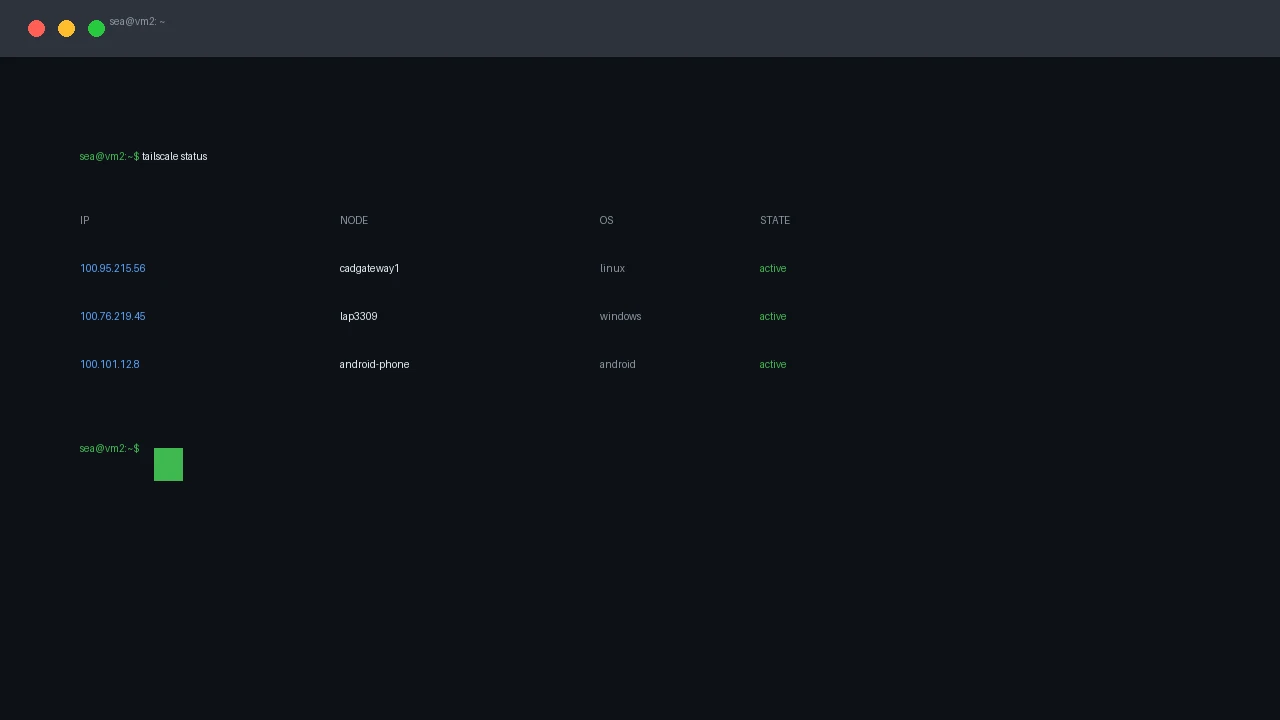
Tailscale: Your Phone Is a Terminal
Put Tailscale on your Android phone and your home server is one tap away: SSH, web UIs, and dev previews from anywhere.
Put Tailscale on your Android phone and your home server is one tap away: SSH, web UIs, and dev previews from anywhere.
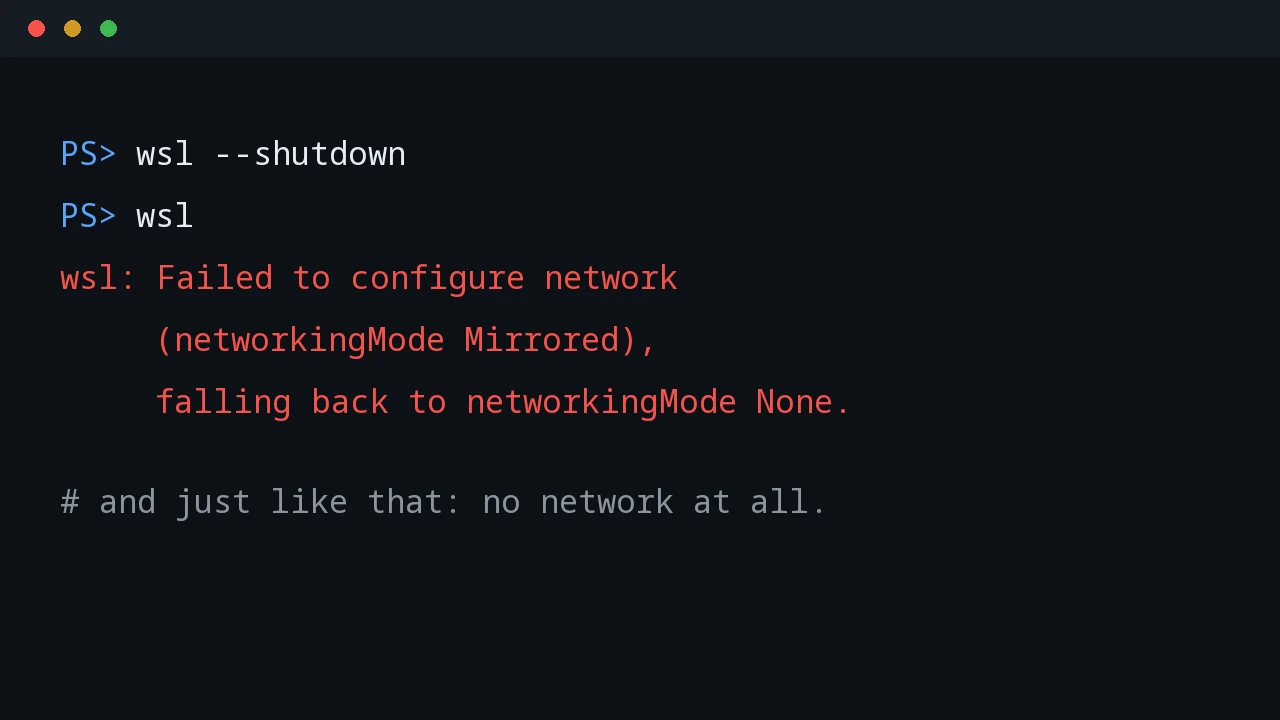
Mirrored networking promised to expose WSL services on the tailnet. Instead it hid the Tailscale interface, then killed WSL networking entirely.
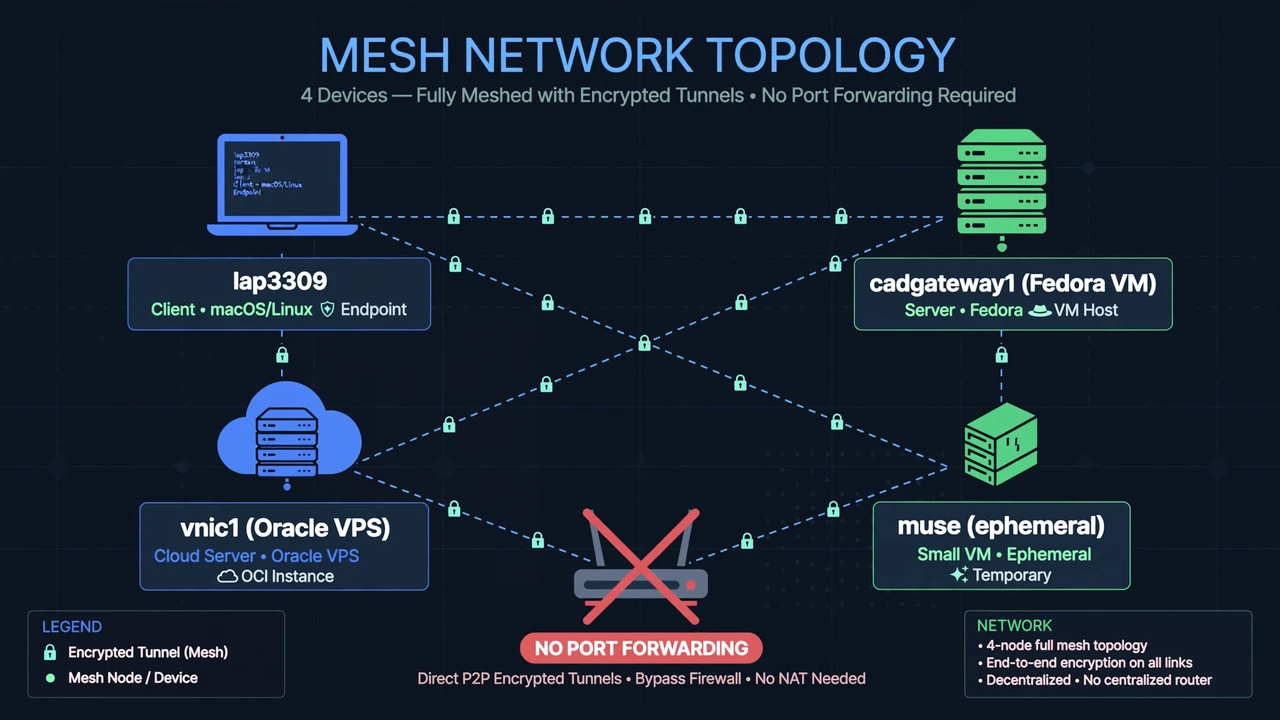
No open ports, no DDNS, no router config. How I built a private tailnet across a Windows laptop, a Fedora VM, an Oracle VPS, and an ephemeral cloud VM — and the failures that taught me how it really works.
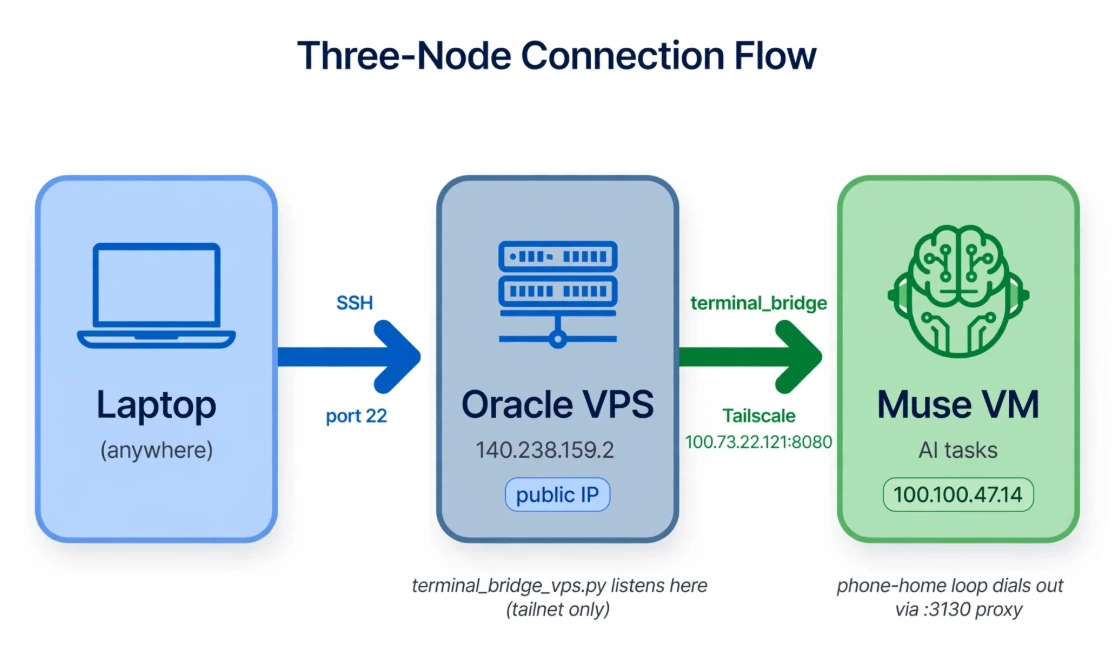
A Tailscale terminal-access postmortem: separate control-plane failures from SSH, trace TCP resets, and choose an authenticated access path.
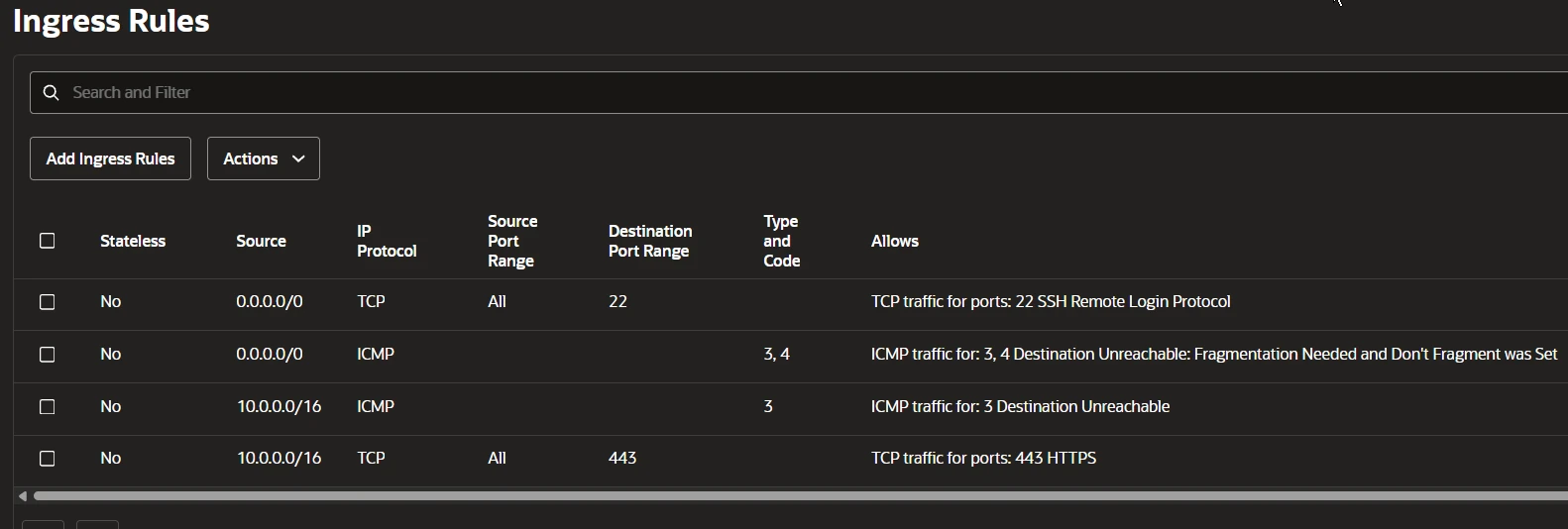
A reverse SSH tunnel test with an Oracle Cloud VPS, Ubuntu socket activation, proxy diagnostics, and the egress policy that stopped connectivity.
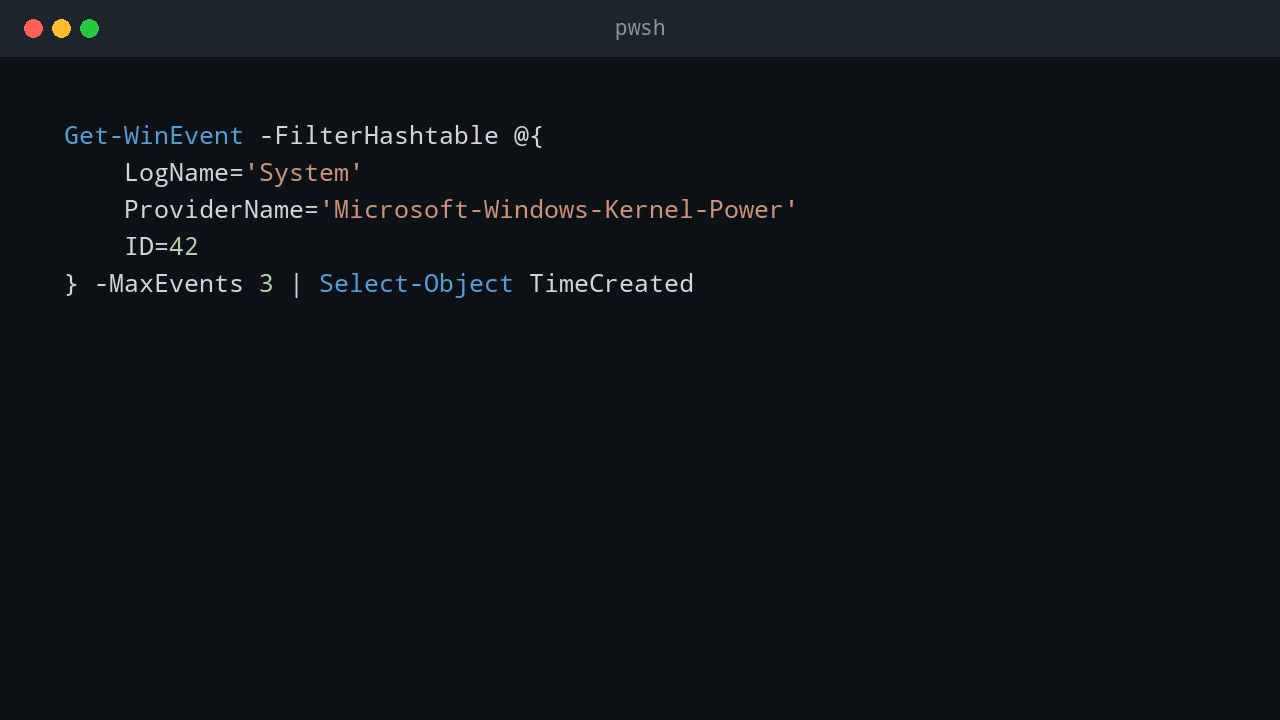
My laptop's background poller kept going 'offline' for 10–18 minutes at a time. I blamed Windows sleep, changed the power settings, and was completely wrong. Here's how the event log and a timestamped audit trail found the real culprit: a network stall.
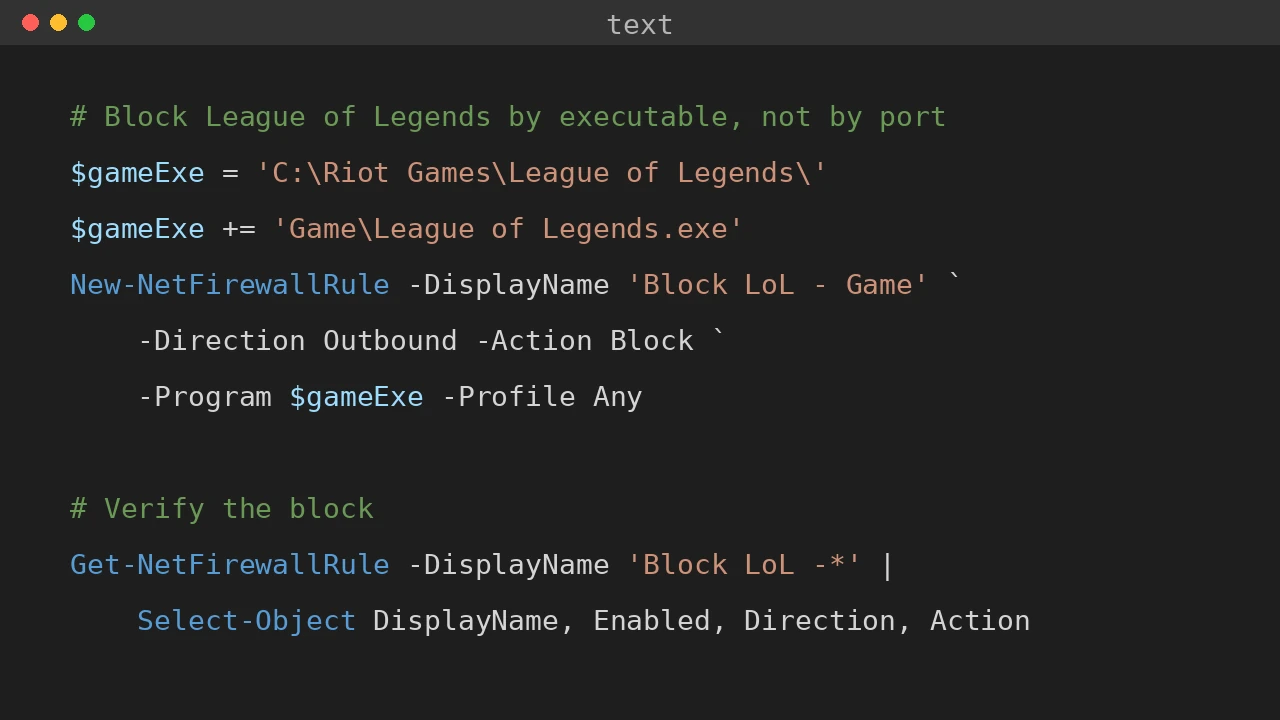
Router port blocking can't stop League of Legends. Here's why it fails — and a PowerShell script that blocks it with Windows Firewall app rules, demotes the user to standard, and deploys over PSSession or SSH.
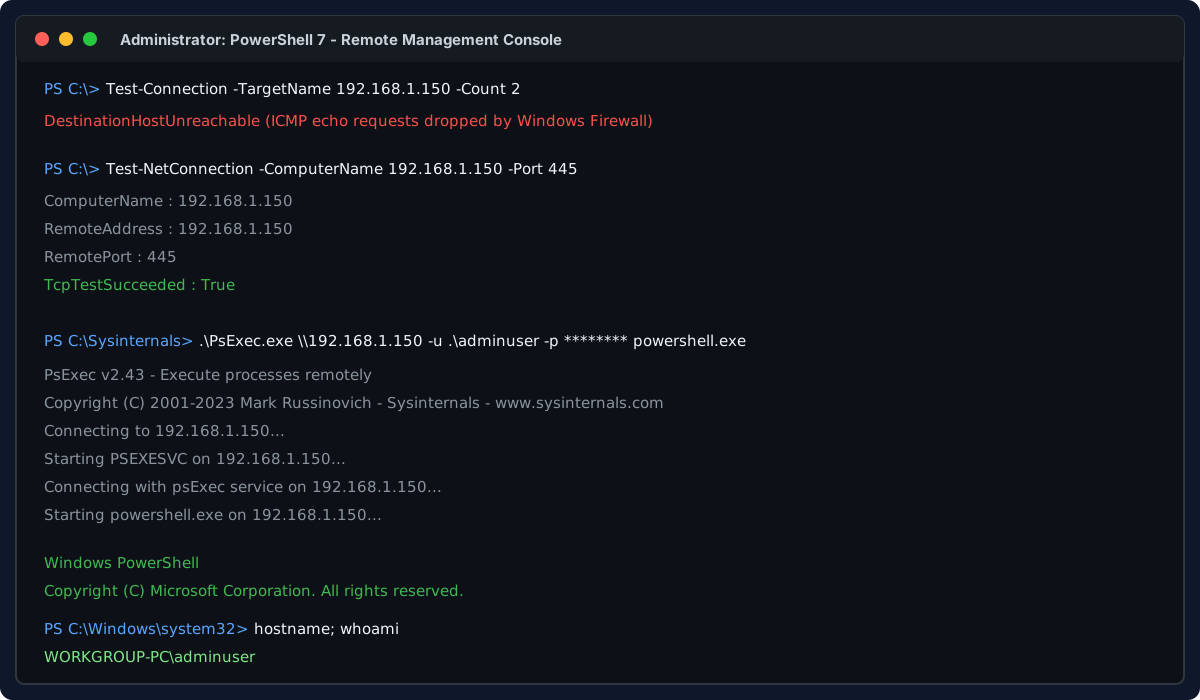
How to gain remote access to an unpingable non-domain Windows computer with zero console or physical access, using only its IP, local admin credentials, and PsExec to enable RDP, WinRM, and OpenSSH.
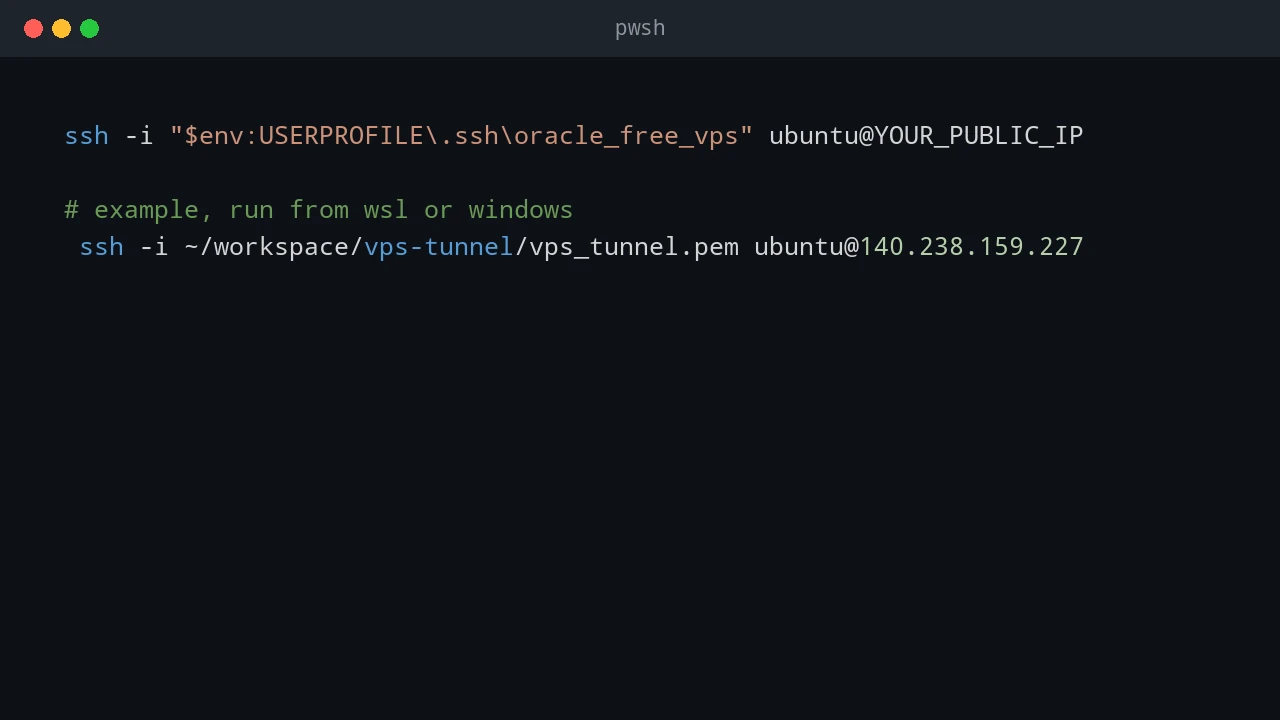
Register for Oracle Cloud Free Tier, create an Always Free eligible Ubuntu compute instance, configure its VCN and SSH access, then connect and maintain it.
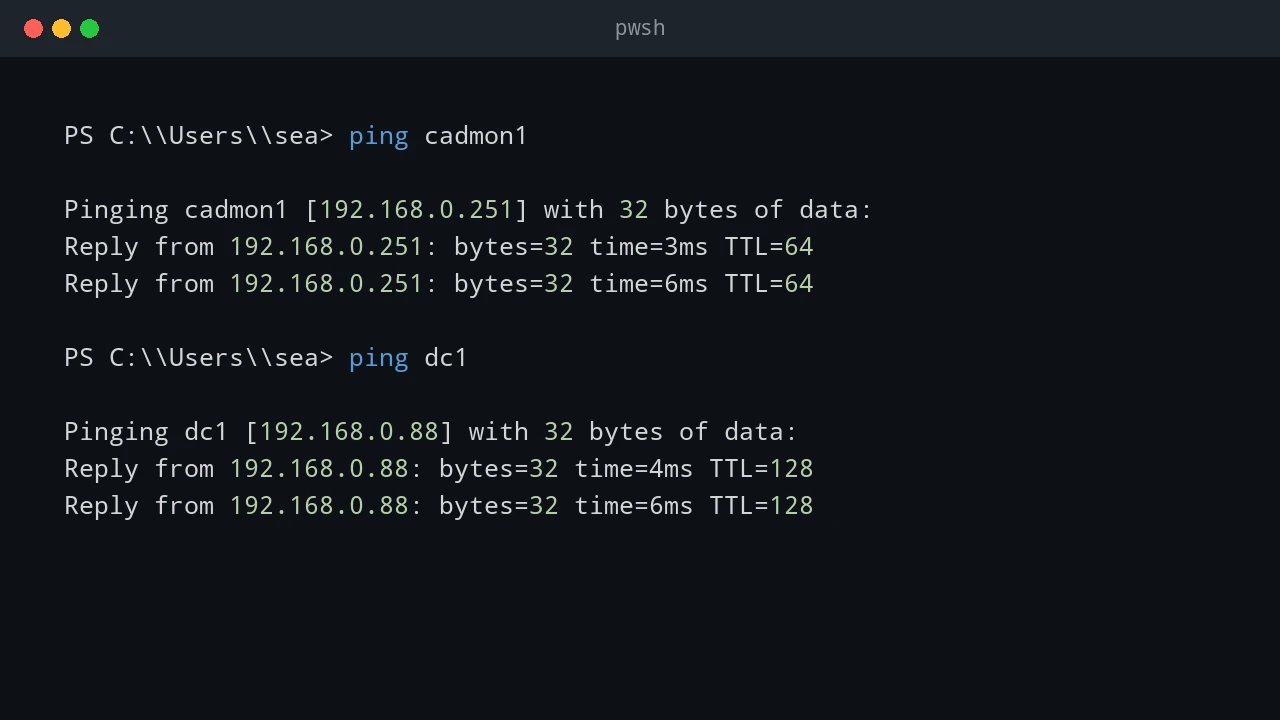
Use ping, PowerShell, Windows built-in tools, WinRM, CIM, and SSH to determine whether a remote host is running Windows or Linux.