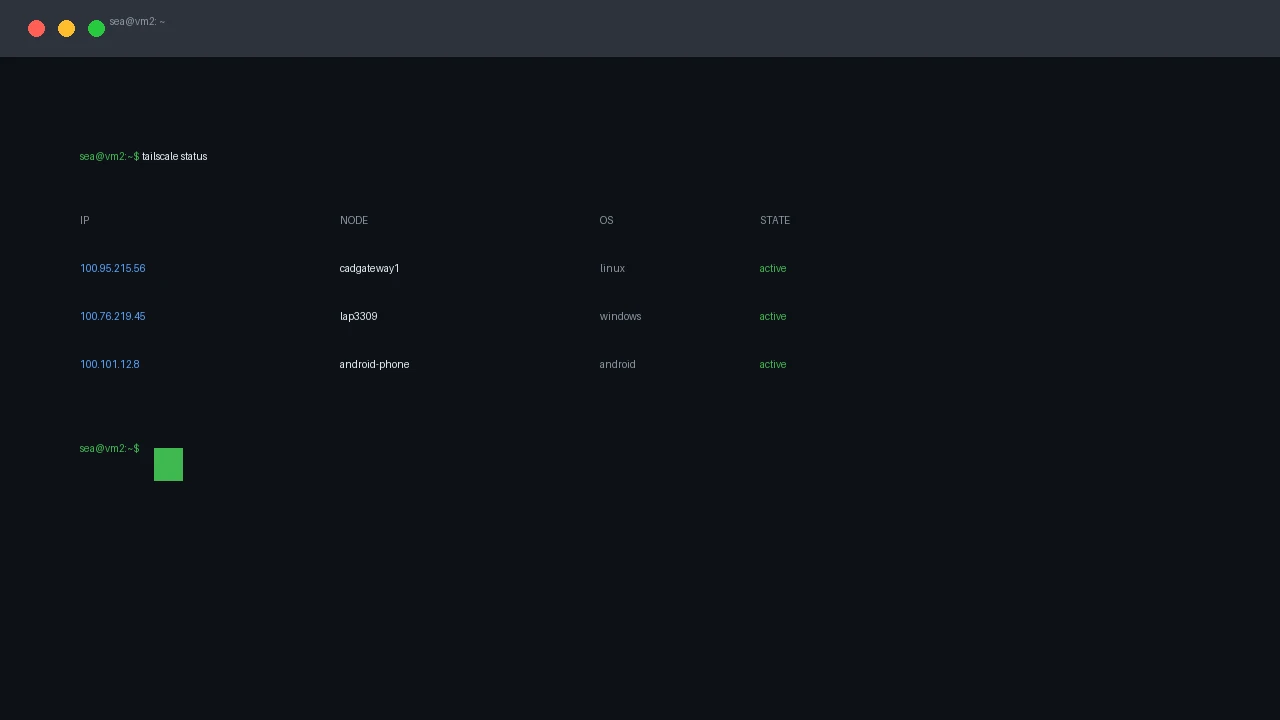
Tailscale: Your Phone Is a Terminal
Put Tailscale on your Android phone and your home server is one tap away: SSH, web UIs, and dev previews from anywhere.
Put Tailscale on your Android phone and your home server is one tap away: SSH, web UIs, and dev previews from anywhere.
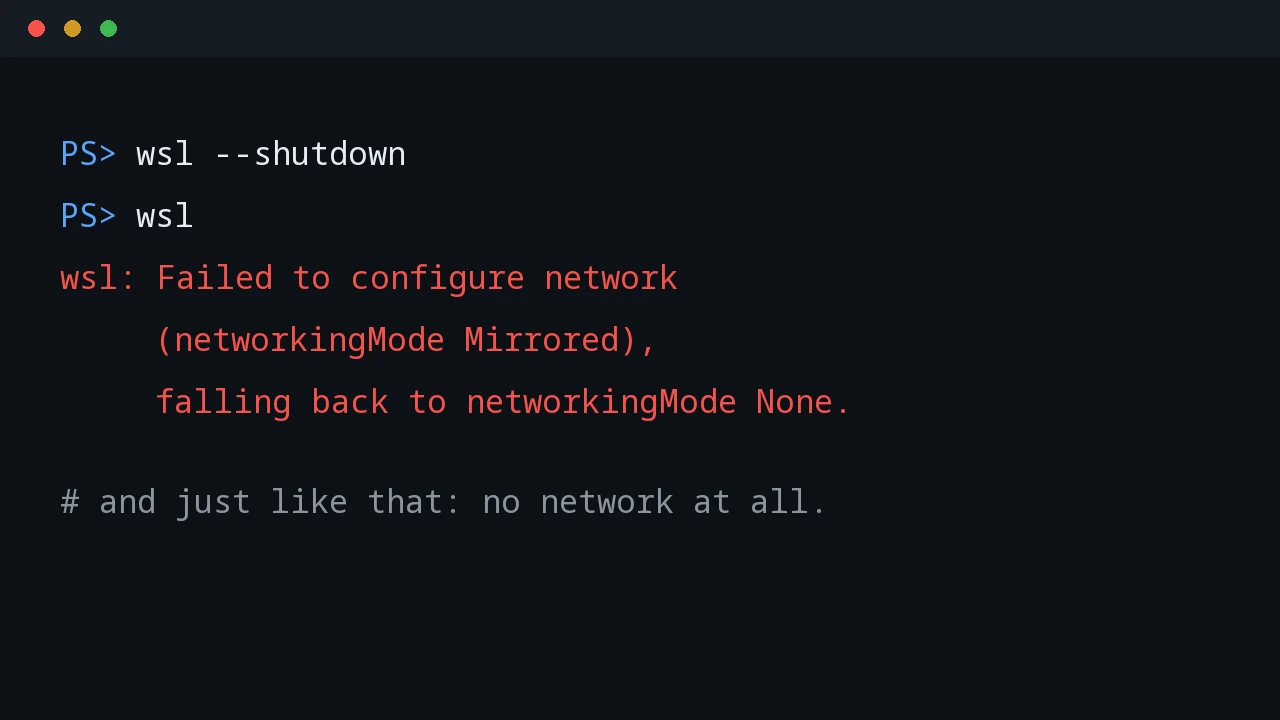
Mirrored networking promised to expose WSL services on the tailnet. Instead it hid the Tailscale interface, then killed WSL networking entirely.
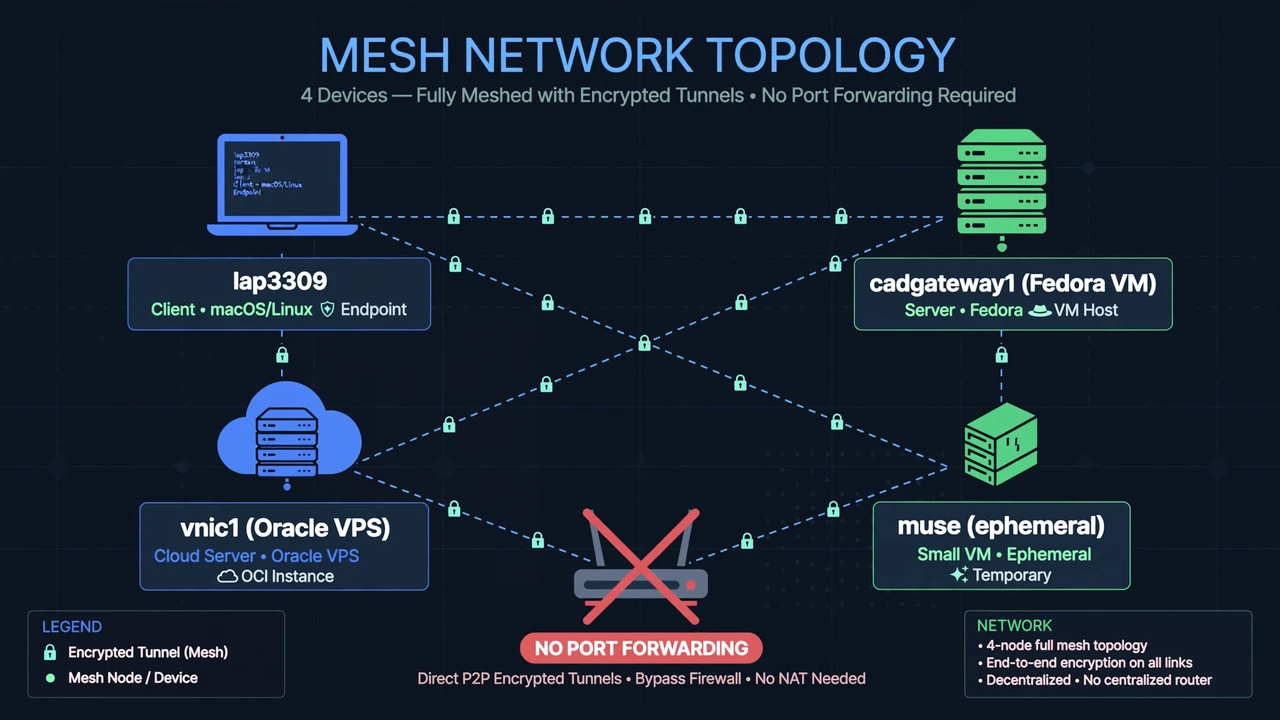
No open ports, no DDNS, no router config. How I built a private tailnet across a Windows laptop, a Fedora VM, an Oracle VPS, and an ephemeral cloud VM — and the failures that taught me how it really works.
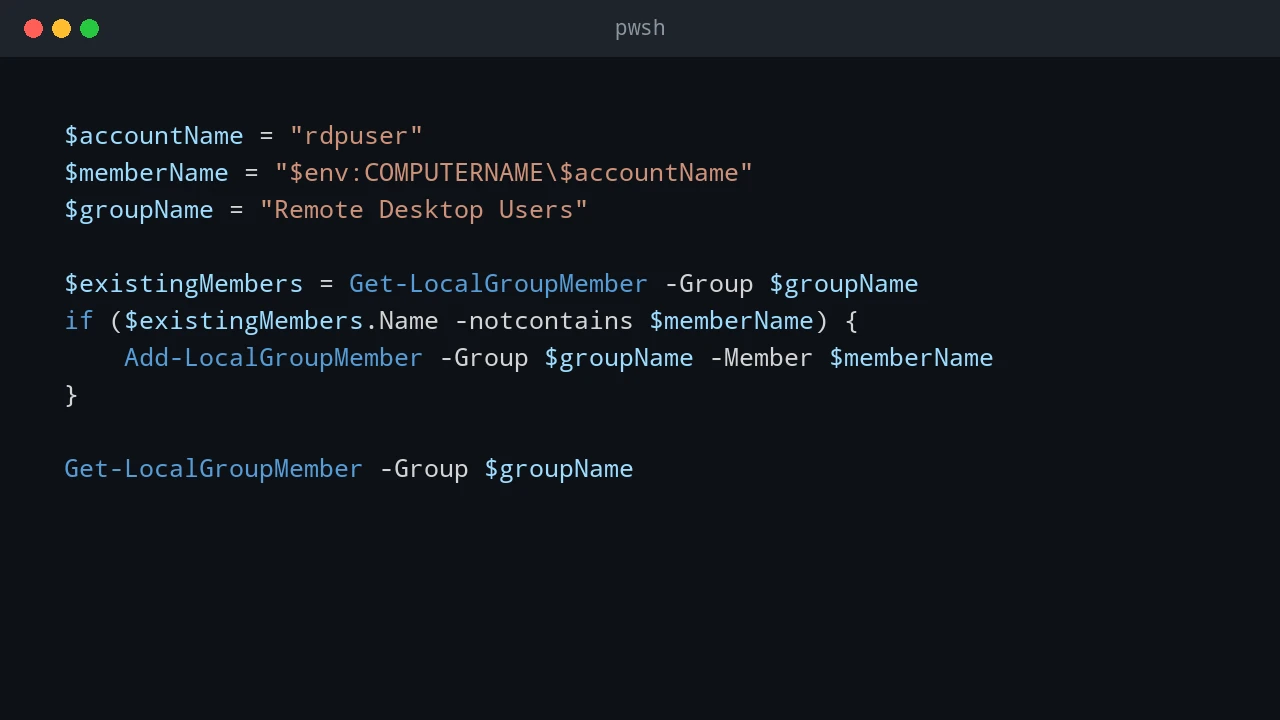
Add another Windows 11 account to Remote Desktop Users, test its credentials, and understand the one-session limit.
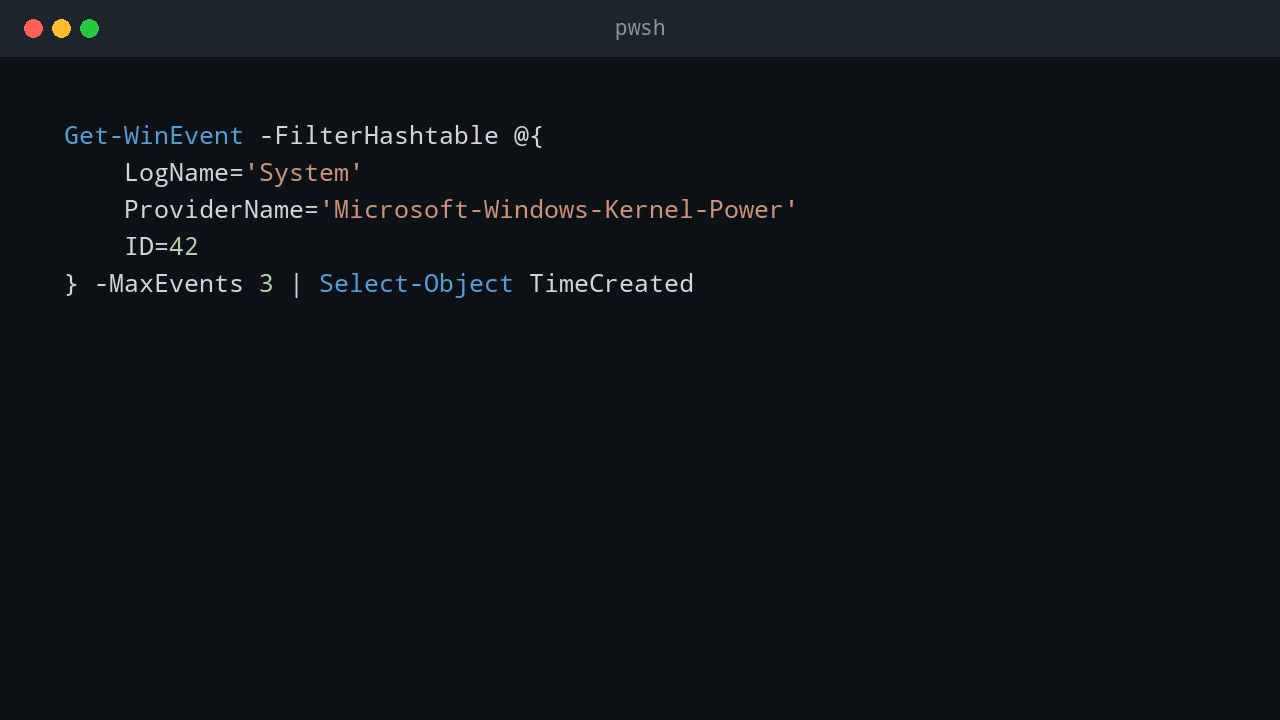
My laptop's background poller kept going 'offline' for 10–18 minutes at a time. I blamed Windows sleep, changed the power settings, and was completely wrong. Here's how the event log and a timestamped audit trail found the real culprit: a network stall.
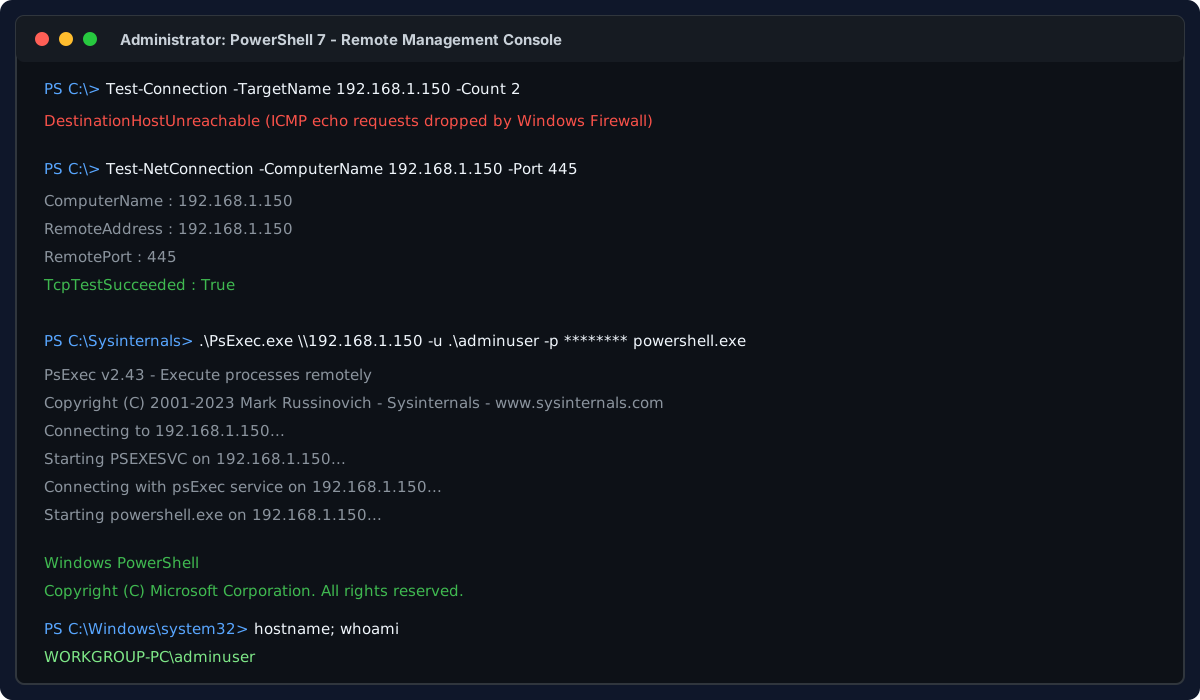
How to gain remote access to an unpingable non-domain Windows computer with zero console or physical access, using only its IP, local admin credentials, and PsExec to enable RDP, WinRM, and OpenSSH.
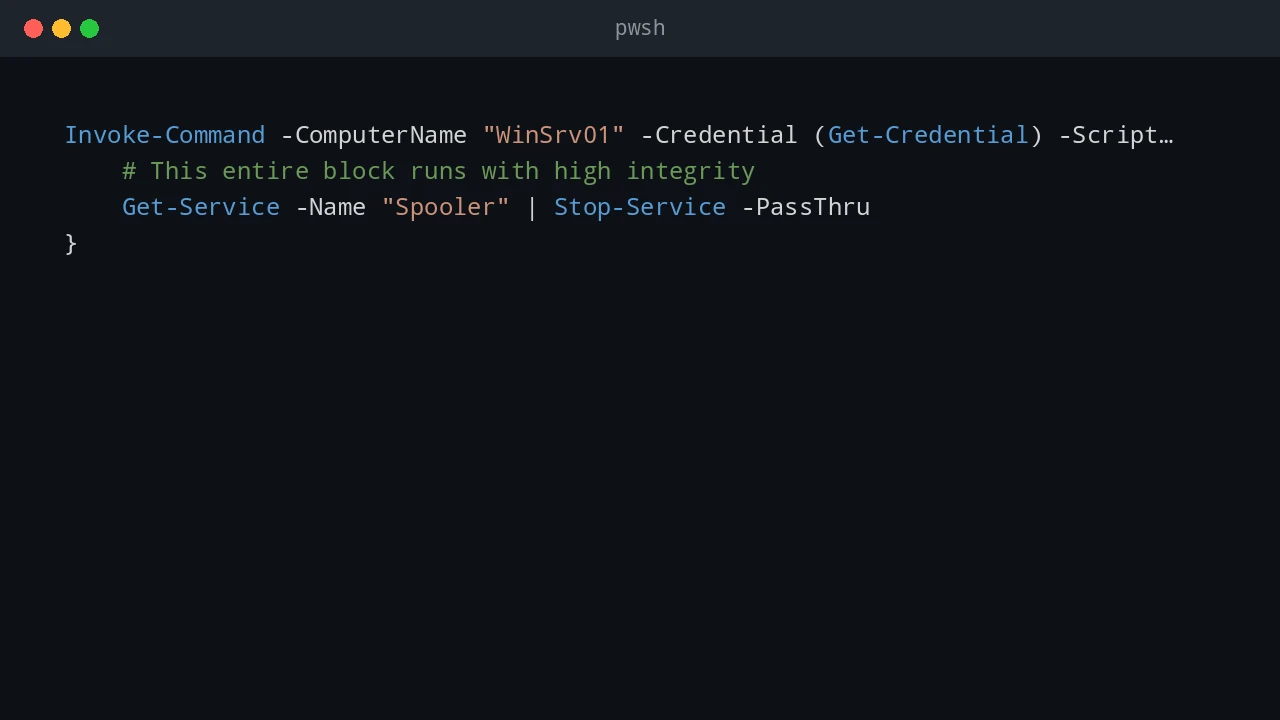
How to choose between WinRM and SSH for PowerShell remoting on Windows, Linux, and mixed environments.

A real-world performance comparison between SCP, Robocopy, and PowerShell's Copy-Item for transferring large files over LAN and 5G networks, showing how I chose the right tool for the job.
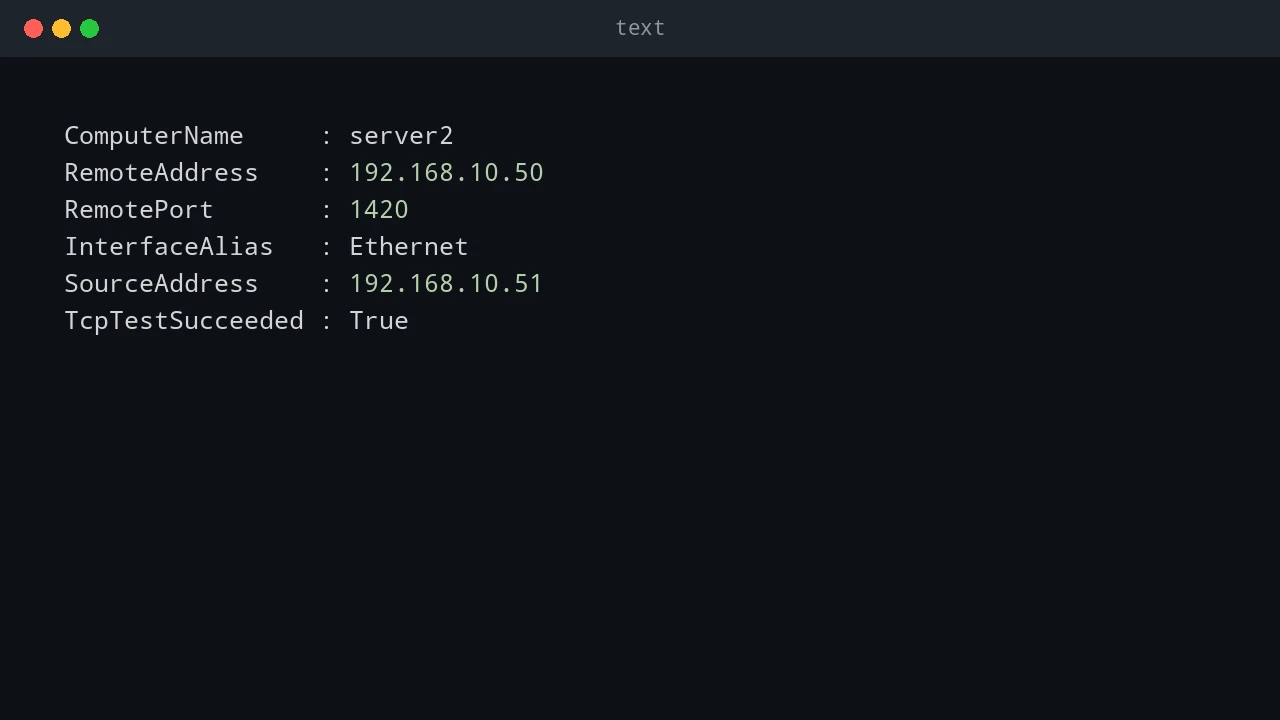
How to check whether a TCP port is open, blocked, or unreachable using PowerShell, Telnet, and PortQry.