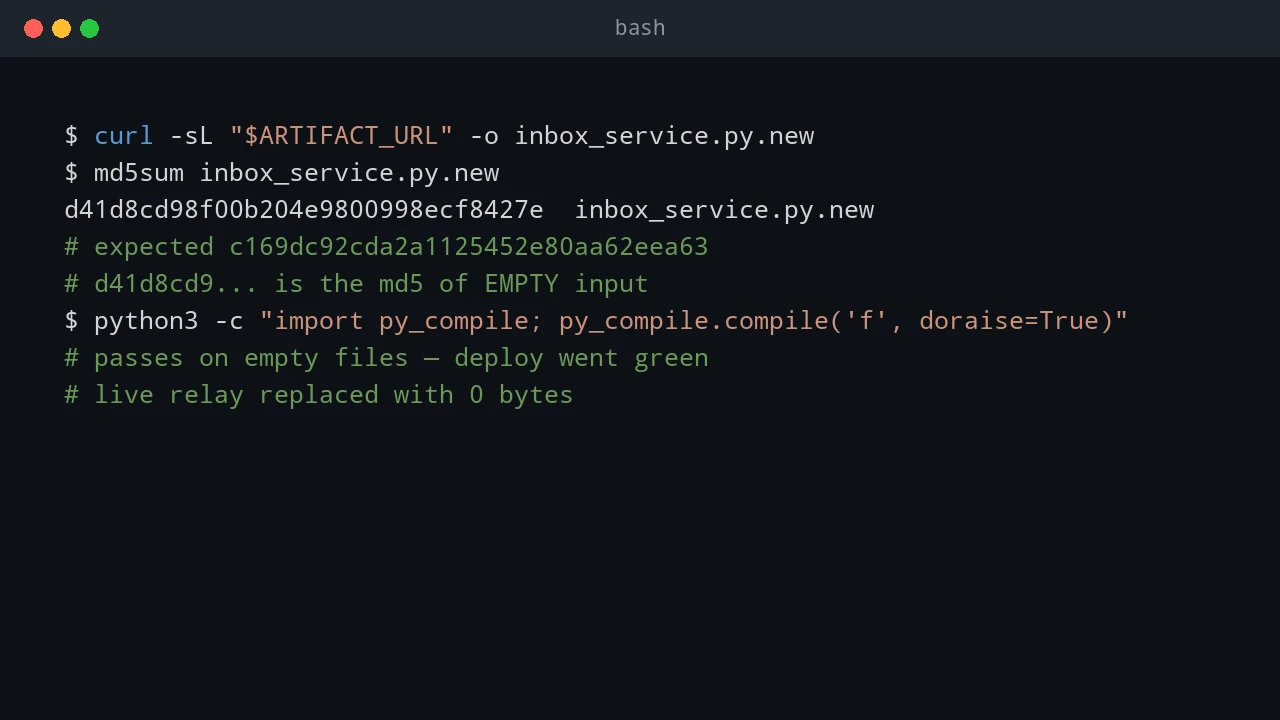
Zero-Byte Deploys and Zombie Jobs: A Failover War Story
Building a 60-second failover standby for my dev environment — and the two outages that taught me to never trust an all-green deploy chain.
Building a 60-second failover standby for my dev environment — and the two outages that taught me to never trust an all-green deploy chain.
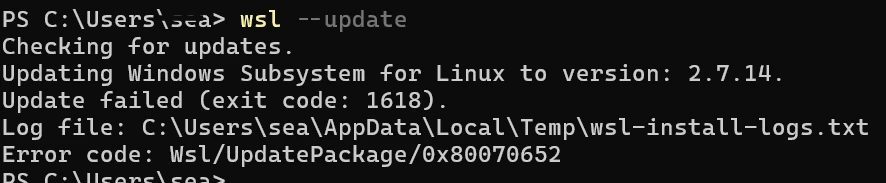
How to troubleshoot and fix WSL update error 1618 (Wsl/UpdatePackage/0x80070652) caused by concurrent Windows Installer locks and pending system reboots.
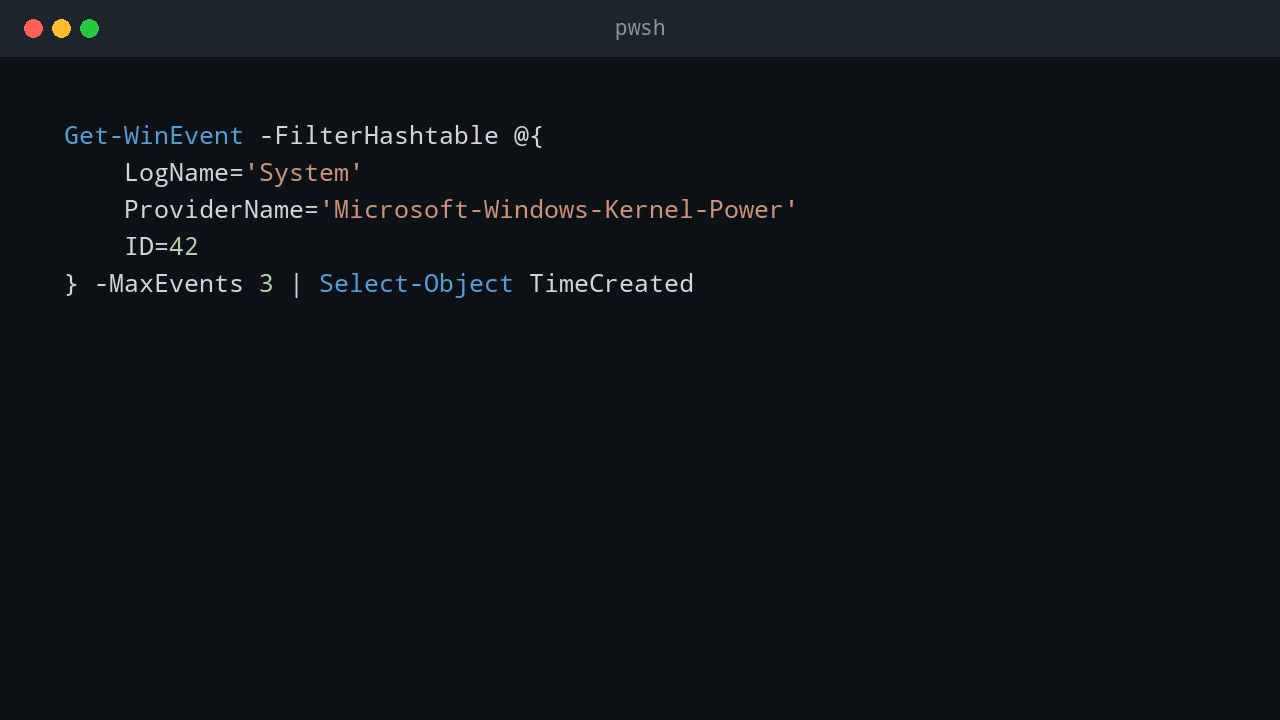
My laptop's background poller kept going 'offline' for 10–18 minutes at a time. I blamed Windows sleep, changed the power settings, and was completely wrong. Here's how the event log and a timestamped audit trail found the real culprit: a network stall.

Fix the fatal: bad object HEAD error in git status on Windows caused by a corrupted HEAD reference or missing objects, with step-by-step recovery commands.
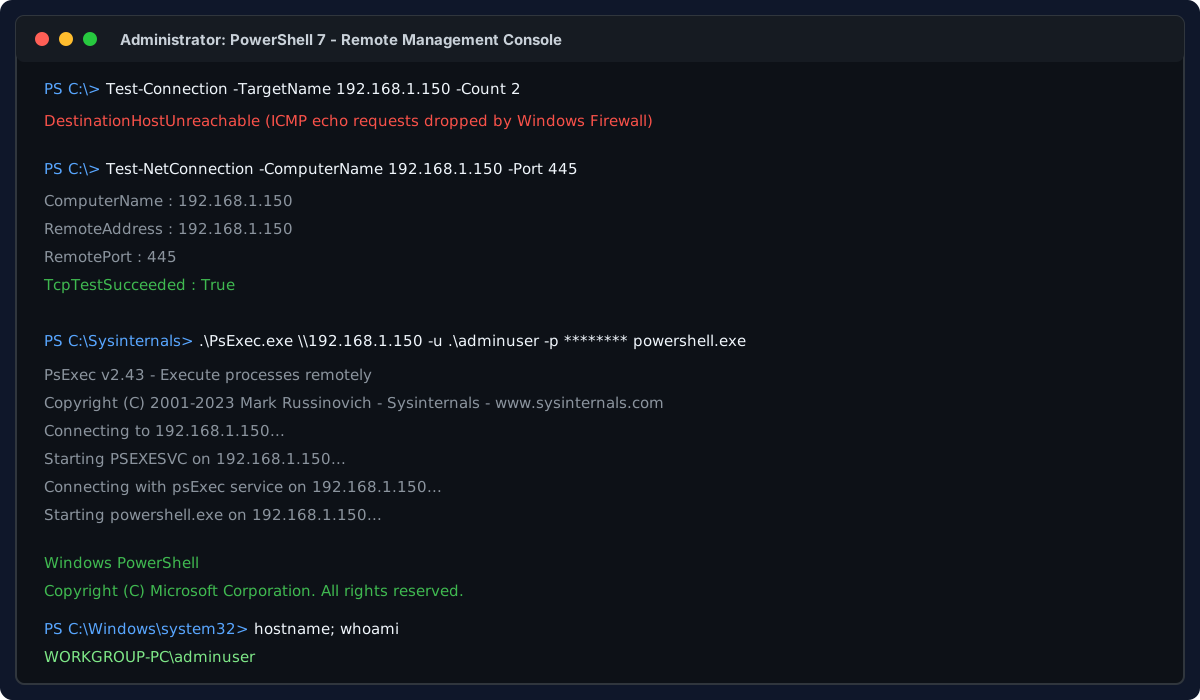
How to gain remote access to an unpingable non-domain Windows computer with zero console or physical access, using only its IP, local admin credentials, and PsExec to enable RDP, WinRM, and OpenSSH.

How to troubleshoot and fix Discord installation error code 4294967295 in winget by resolving locked Squirrel installer directories and lingering background processes.
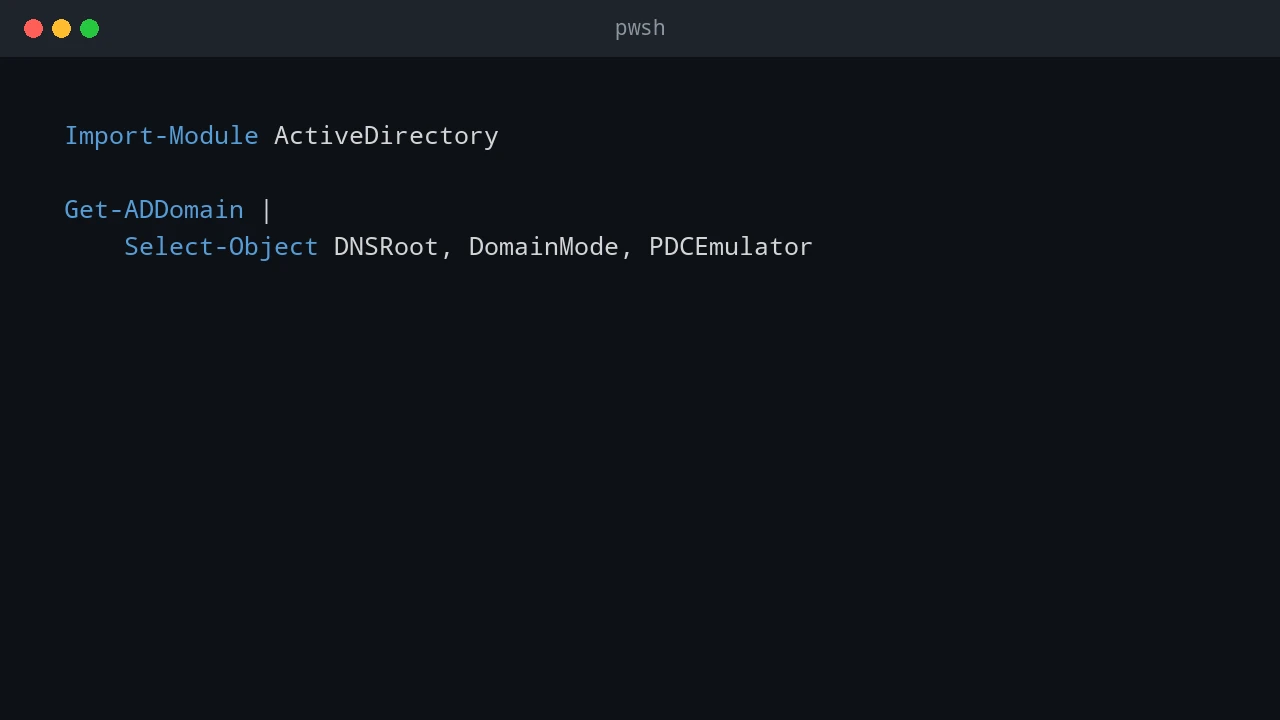
Use an admin workstation, RSAT, PowerShell, Microsoft diagnostics, and Sysinternals AD Explorer to manage Active Directory without routine domain controller logons.
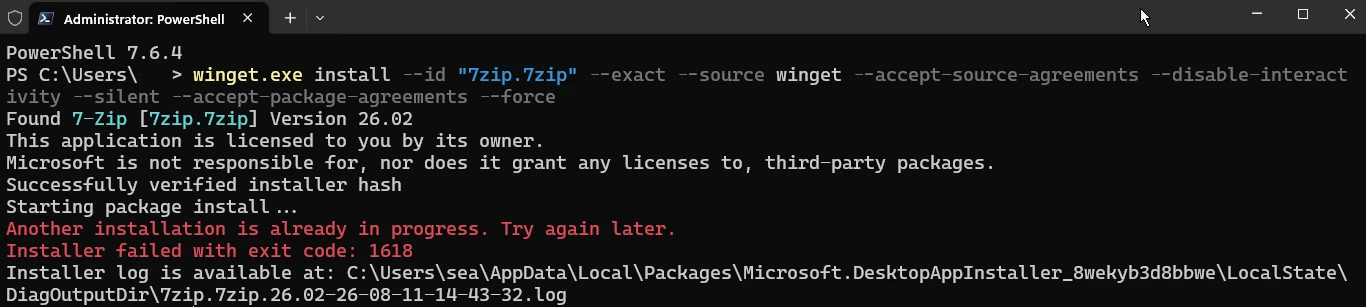
How to fix winget error 1618 when another Windows Installer operation is already in progress.

How to fix winget error 4294967295 when installing Microsoft 365 or Microsoft Office by repairing, elevating, or completely removing the existing Office installation.
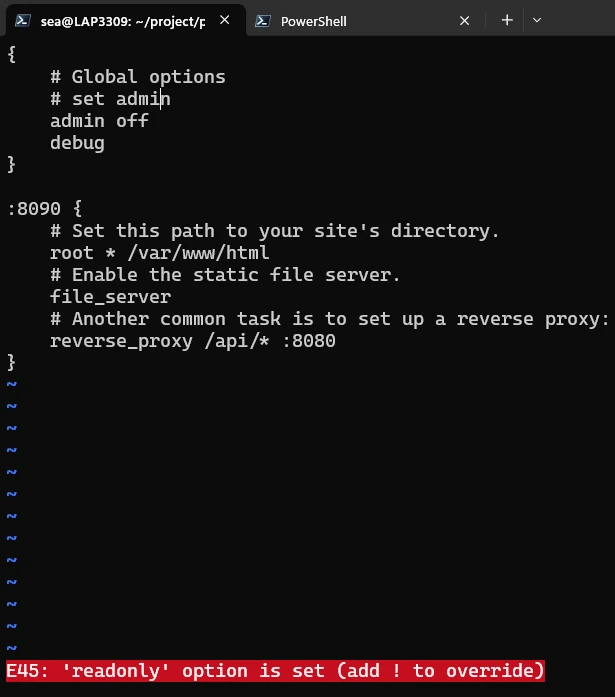
How to save a read-only file in Vim with sudo tee, handle the W12 reload warning, and avoid losing a long configuration file.