Scheduled Tasks with PowerShell for Local and Remote Deployment

Scheduled Tasks are one of the most useful built-in deployment tools on Windows. They are not as polished as Intune, Configuration Manager, or a real RMM platform, but they are available almost everywhere and work well for controlled admin jobs: copy a script, run a cleanup task, install an MSI, start a BAT file, or schedule a one-time maintenance command. I use scheduled tasks when I need something more reliable than “open a remote PowerShell session and hope the command keeps running.” A task can run as SYSTEM, run whether a user is logged on or not, keep its own history, and start at a specific time. That makes it useful for local work and for remote deployments to a small group of machines. ...

June 24, 2026 · PwshTips

PowerShell Error Handling with Try, Catch, and Finally

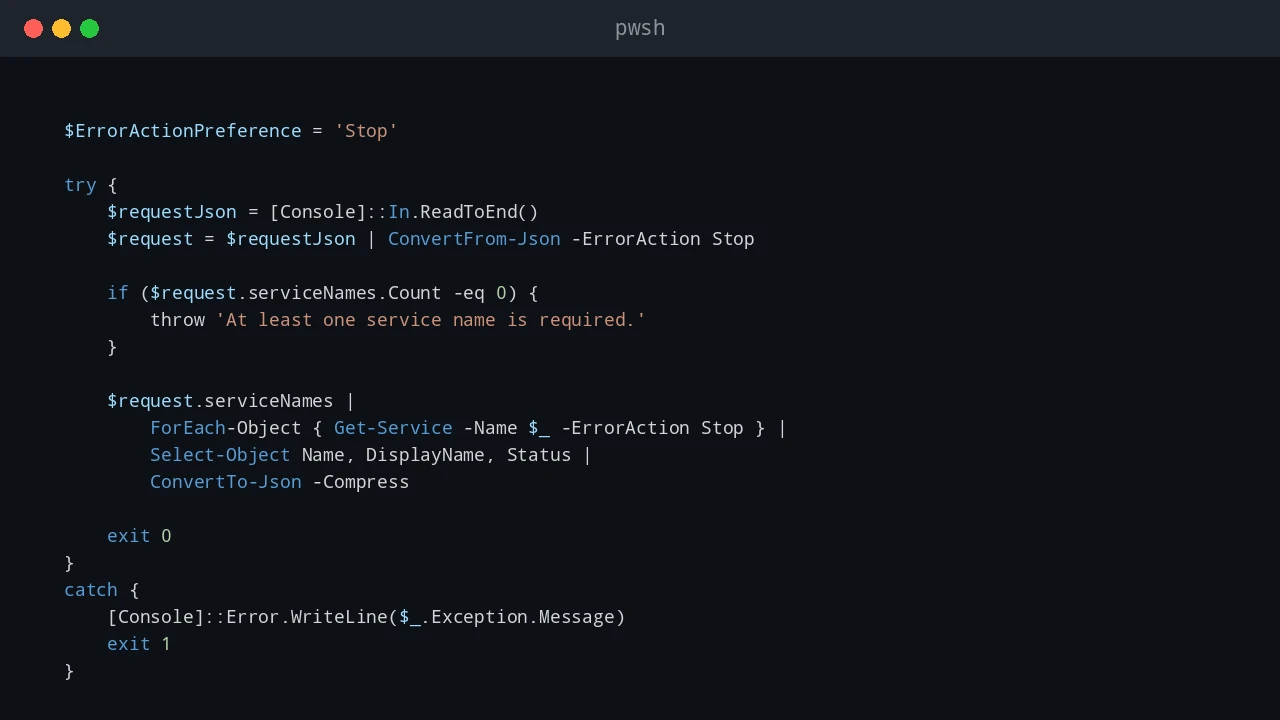
PowerShell error handling is easy to ignore while a script is still small. A command fails, the red text appears, and you fix the problem while looking at the console. That stops working when the same script runs from Task Scheduler, a deployment tool, a remote session, or a service account. At that point, the script needs to explain what failed without you watching it live. For production scripts, I usually want two things at the same time: a clear message on the screen when I run the script manually, and a log file that remains after the console is closed. try, catch, and finally are the basic tools for that pattern. ...

June 23, 2026 · PwshTips

Remove Temporary Hex Folders from the C Drive

Sometimes Windows leaves strange folder names directly under C:\. They often look like random hexadecimal strings, for example 2b5da985a5f78e4b5d0c3b89, feba7..., or another long mix of numbers and letters. I usually see this after installing or repairing Microsoft Visual C++ Redistributable packages, .NET components, drivers, or other Windows installer packages. Most of the time these folders are temporary extraction folders. The installer should clean them up when it finishes. When an installer crashes, is interrupted, runs under a different security context, or leaves files locked until reboot, the folder can remain on the root of the system drive. ...

June 23, 2026 · PwshTips

PowerShell Logging Patterns for Production Scripts

Logging is one of those parts of a PowerShell script that feels optional until the first production failure happens at 2 AM. When a script is run manually, you can watch the console and fix problems as they appear. When the same script runs from Task Scheduler, a deployment tool, a service account, or a remote session, the console is gone. The log becomes the only witness. For small one-off scripts, Write-Host might be enough. For production scripts, I want a log that answers a few basic questions quickly: ...

June 21, 2026 · PwshTips

Installing PowerShell Online and Offline

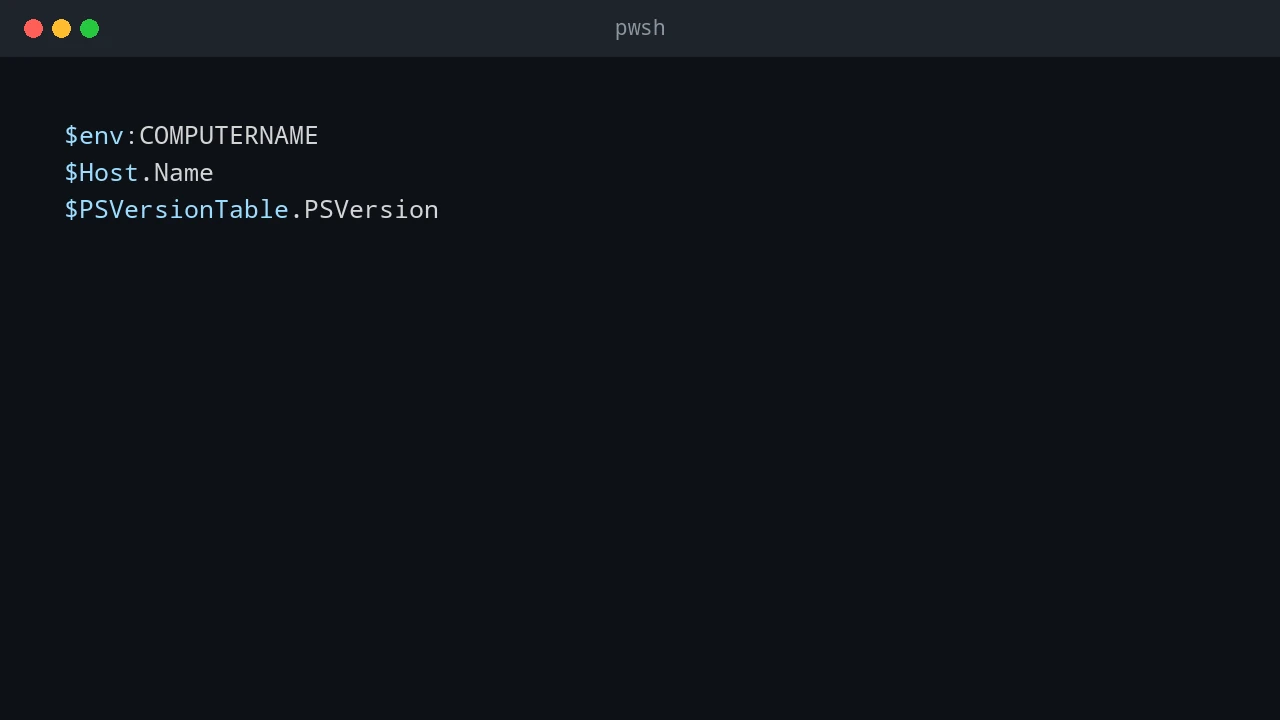
Installing PowerShell is easy on an internet-connected machine. It gets more interesting on servers, locked-down workstations, and networks that cannot reach package repositories. This post covers both cases: normal installs with package managers and offline installs where you need to move installers and modules by hand. Quick answer On connected Windows machines, install PowerShell 7 with winget install Microsoft.PowerShell and keep Windows PowerShell 5.1 for legacy modules. On offline machines, download the PowerShell installer, required modules, and trusted package sources on a connected computer, move them to the target system, then install from local files. Verify the install with $PSVersionTable.PSVersion. ...

December 25, 2025 · PwshTips