Scheduled Tasks with PowerShell for Local and Remote Deployment

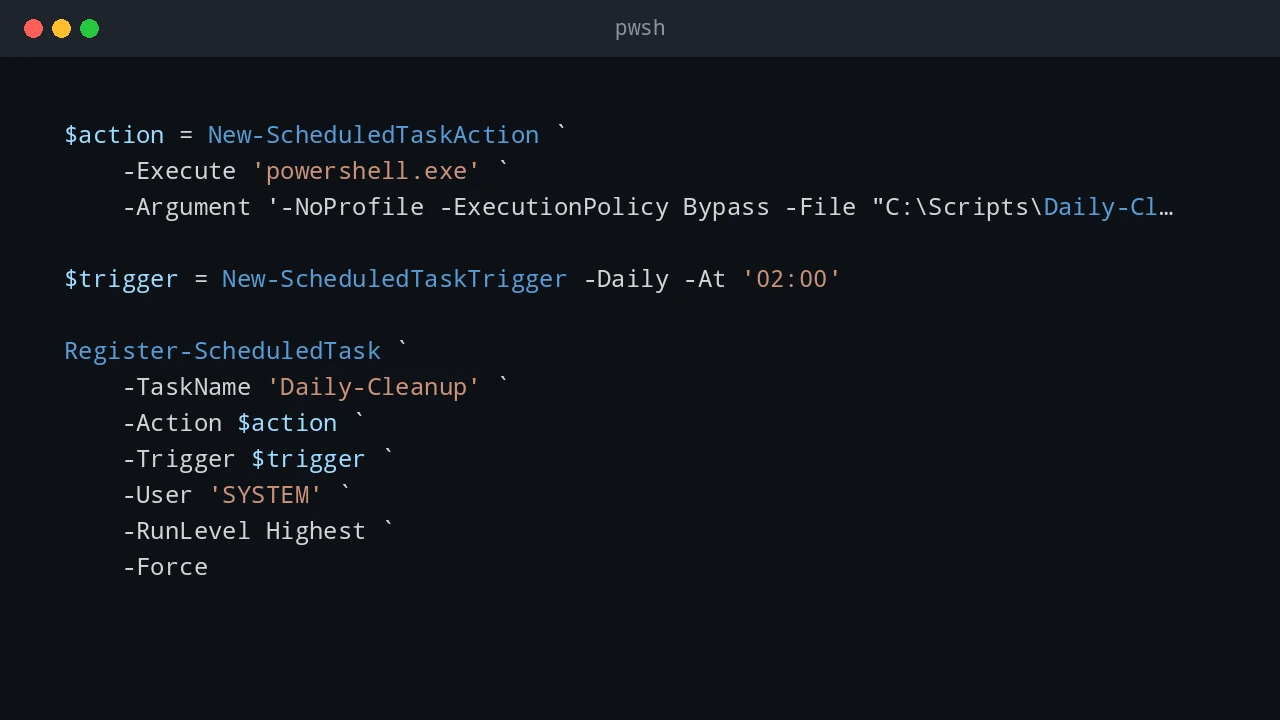
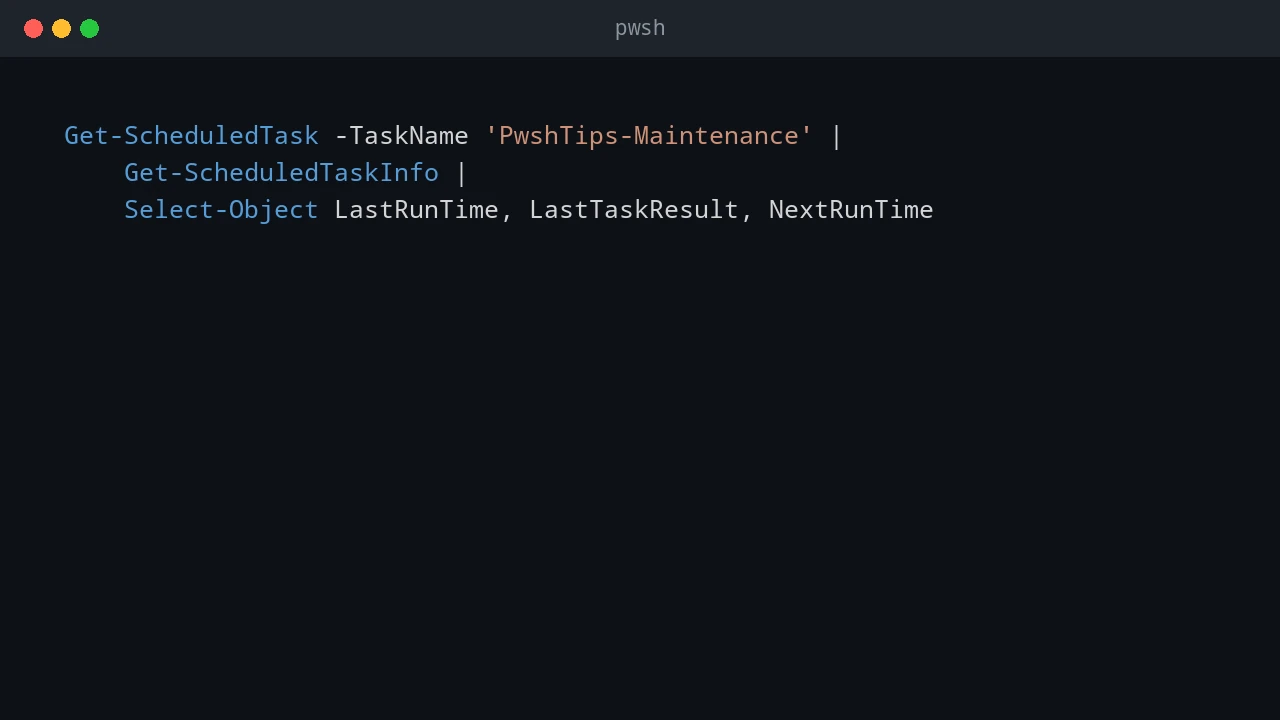
Scheduled Tasks are one of the most useful built-in deployment tools on Windows. They are not as polished as Intune, Configuration Manager, or a real RMM platform, but they are available almost everywhere and work well for controlled admin jobs: copy a script, run a cleanup task, install an MSI, start a BAT file, or schedule a one-time maintenance command. I use scheduled tasks when I need something more reliable than “open a remote PowerShell session and hope the command keeps running.” A task can run as SYSTEM, run whether a user is logged on or not, keep its own history, and start at a specific time. That makes it useful for local work and for remote deployments to a small group of machines. ...

June 24, 2026 · PwshTips

Use WSL Cron Jobs to Run Windows Scheduled Tasks

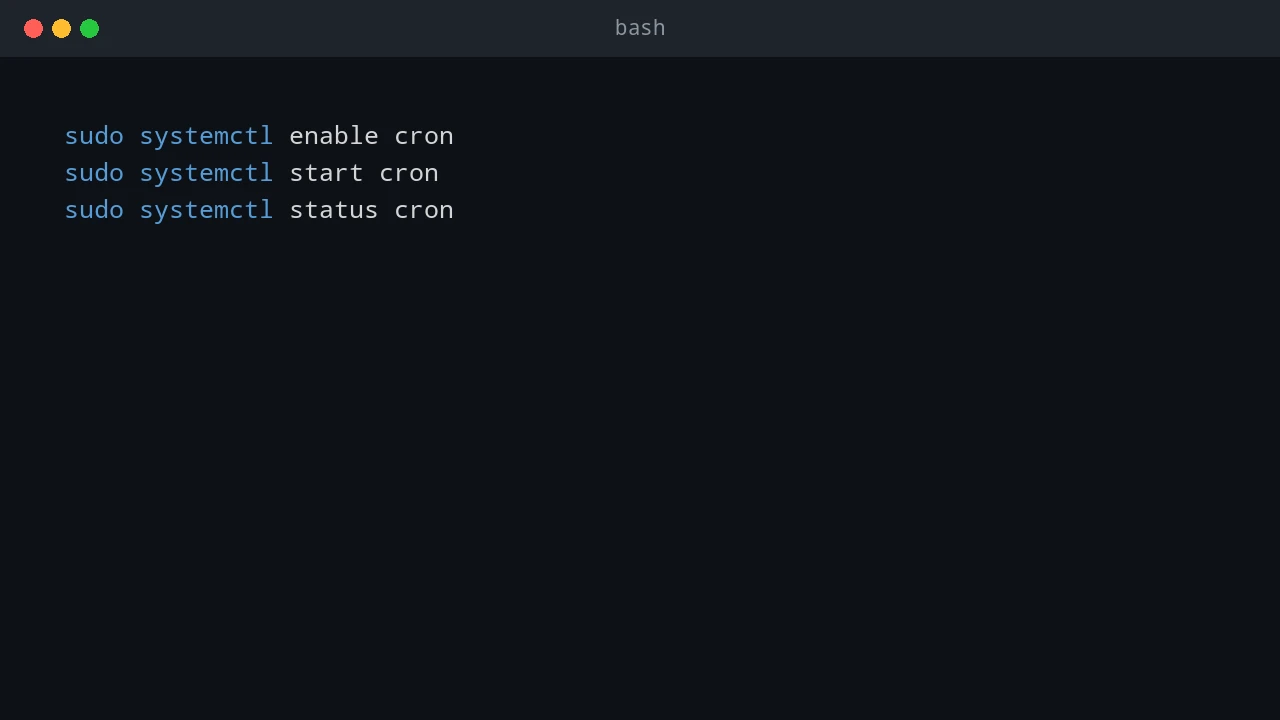
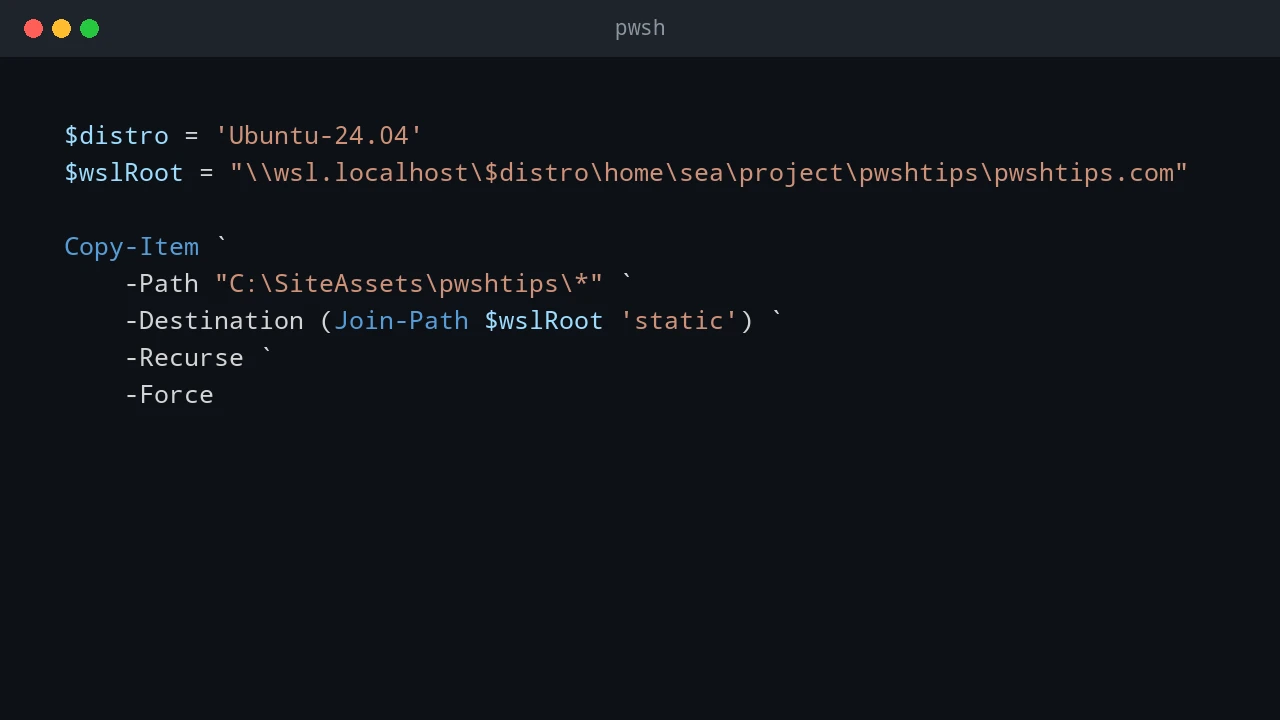
WSL is useful when an admin workflow lives between Windows and Linux. Sometimes I want Linux-style scheduling with cron, but the actual work still needs to happen on Windows: start a Windows Scheduled Task, run a PowerShell script, trigger a deployment task, or call a remote Windows server. This pattern is not a replacement for a real job scheduler. It is a practical bridge. WSL cron can keep a Linux-style schedule, and each cron entry can call Windows tools such as powershell.exe, schtasks.exe, or wsl.exe path-aware scripts. ...

June 24, 2026 · PwshTips

Windows Scheduled Tasks vs Linux Cron Jobs

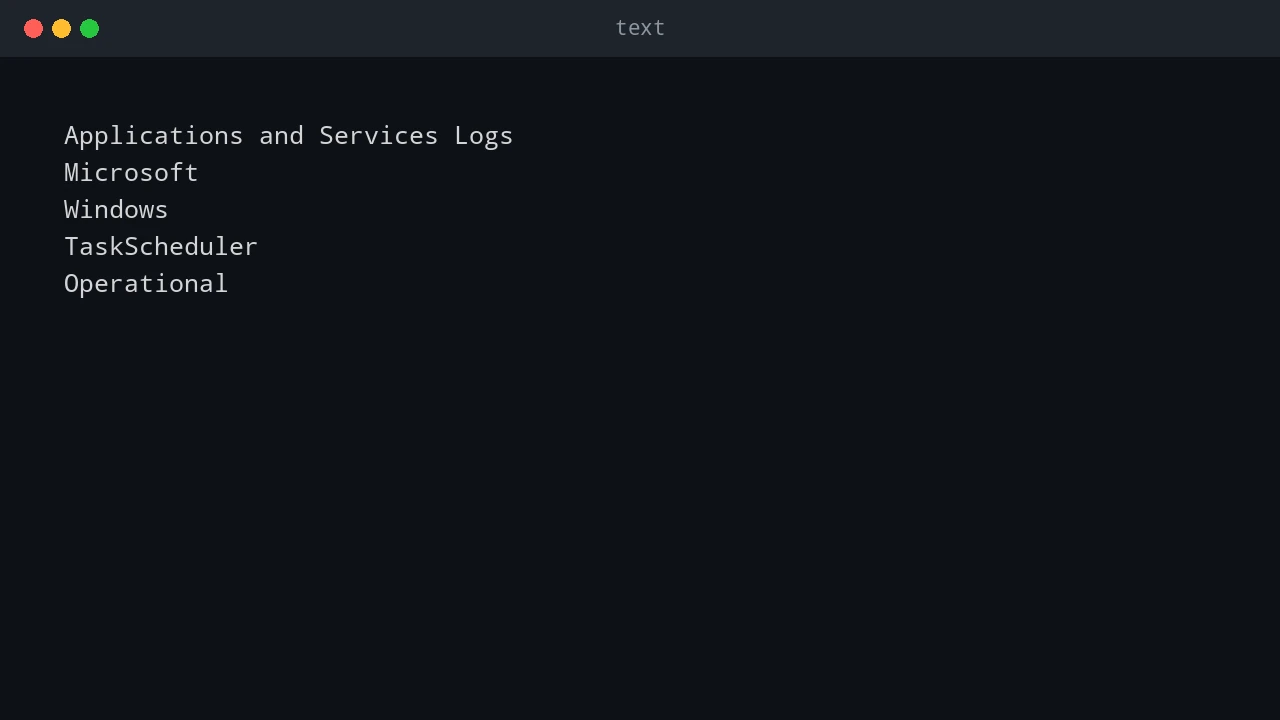
Windows Task Scheduler and Linux cron solve the same basic problem: run something later, or run it again on a schedule. The idea is simple, but the two tools feel very different in daily administration. On Windows, Scheduled Tasks are tied deeply into the operating system. They understand users, triggers, privileges, idle state, battery state, and event-based starts. On Linux, cron is smaller and more direct. A cron job says, “run this command at this time,” and that simplicity is exactly why it has lasted for decades. ...

June 24, 2026 · PwshTips

PowerShell Error Handling with Try, Catch, and Finally

PowerShell error handling is easy to ignore while a script is still small. A command fails, the red text appears, and you fix the problem while looking at the console. That stops working when the same script runs from Task Scheduler, a deployment tool, a remote session, or a service account. At that point, the script needs to explain what failed without you watching it live. For production scripts, I usually want two things at the same time: a clear message on the screen when I run the script manually, and a log file that remains after the console is closed. try, catch, and finally are the basic tools for that pattern. ...

June 23, 2026 · PwshTips

Remove Temporary Hex Folders from the C Drive

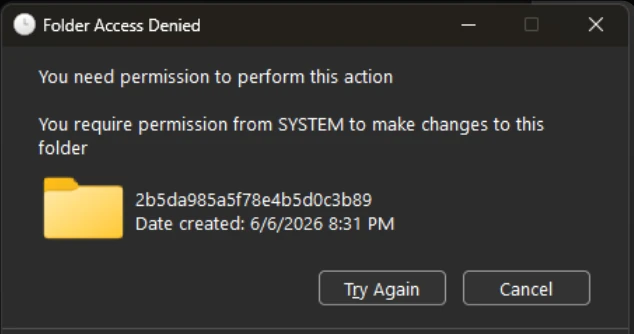
Sometimes Windows leaves strange folder names directly under C:\. They often look like random hexadecimal strings, for example 2b5da985a5f78e4b5d0c3b89, feba7..., or another long mix of numbers and letters. I usually see this after installing or repairing Microsoft Visual C++ Redistributable packages, .NET components, drivers, or other Windows installer packages. Most of the time these folders are temporary extraction folders. The installer should clean them up when it finishes. When an installer crashes, is interrupted, runs under a different security context, or leaves files locked until reboot, the folder can remain on the root of the system drive. ...

June 23, 2026 · PwshTips

Recover Windows Event Logs After They Are Cleared

If a Windows event log is cleared on a server, the first question is usually simple: can I get it back? The honest answer is uncomfortable: sometimes yes, but only if the events were copied somewhere else before the clearing happened. If the only copy lived inside the local .evtx file and that log was cleared, normal administration tools will not magically rebuild the missing history. You may still find evidence in backups, forwarded events, EDR telemetry, domain controller logs, firewall logs, or application logs, but the local event log itself should be treated as damaged evidence. ...

June 22, 2026 · PwshTips

Windows Event Log Tampering: What Admins Should Defend Against

Windows event logs are often treated like the final record of what happened on a server. That is useful, but it can also create a false sense of safety. A local administrator has a lot of power. If that account is abused, compromised, or used carelessly, the same privilege that can fix a server can also damage the evidence that explains what happened. This post is written for defensive education. It does not publish a step-by-step anti-forensic procedure. The point is simpler and more important: administrators should assume local logs can be altered or destroyed, then design audit controls that do not depend on one machine telling the whole truth. ...

June 22, 2026 · PwshTips

PowerShell Logging Patterns for Production Scripts

Logging is one of those parts of a PowerShell script that feels optional until the first production failure happens at 2 AM. When a script is run manually, you can watch the console and fix problems as they appear. When the same script runs from Task Scheduler, a deployment tool, a service account, or a remote session, the console is gone. The log becomes the only witness. For small one-off scripts, Write-Host might be enough. For production scripts, I want a log that answers a few basic questions quickly: ...

June 21, 2026 · PwshTips

PowerShell for IT Inventory: Getting All Installed Apps from Remote Windows PCs

Software inventory is one of those jobs that sounds simple until you need to do it across many Windows machines. For audits, license checks, cleanup work, or troubleshooting, I want a repeatable way to answer one question: what is installed, and where? This post uses PowerShell to build that report. The workflow is: get a target computer list from DNS, connect to each machine, read installed-app registry keys, and export the result to CSV. ...

December 25, 2025 · PwshTips

PowerShell Remoting with WinRM and SSH

For a long time, PowerShell remoting usually meant WinRM. That is still true in many Windows domains. With PowerShell 7 and OpenSSH, SSH is now a practical option too, especially when Linux or mixed environments are involved. So, which protocol should you use? WinRM or SSH? There is no single best protocol. The right choice depends on the machines, authentication model, firewall rules, and whether you need rich PowerShell objects or simple cross-platform access. ...

December 14, 2025 · PwshTips