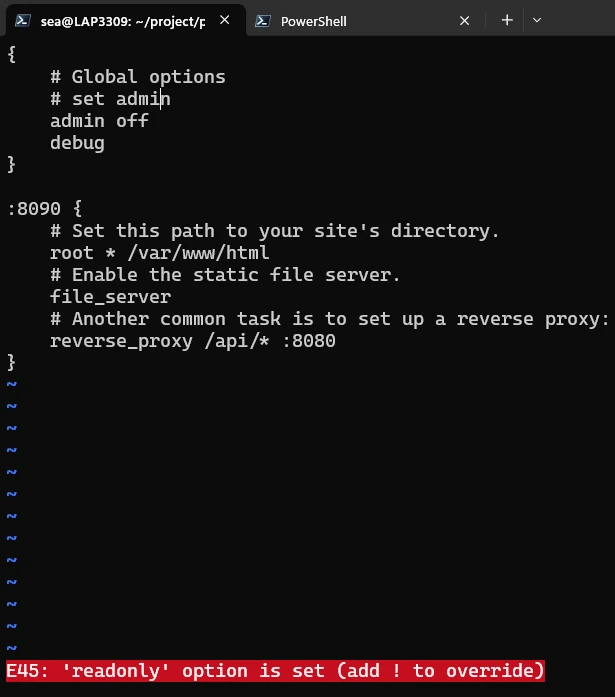
Fix E45 in Vim

Vim is an improved version of the traditional vi editor. It is a popular command-line editor on Linux and Unix systems, and it is also available on Windows. Many administrators use it to edit configuration files directly on a server, often through an SSH session. The first time Vim refuses to save a long configuration file, it can feel like the file is lost. The content is still in Vim’s buffer, but the current user does not have permission to write the file back to disk. The important thing is to stay in Vim and use the buffer to write the file through sudo. ...

August 10, 2026 · 9 min · PwshTips

Manage Hosts by RDCMan and Tabby

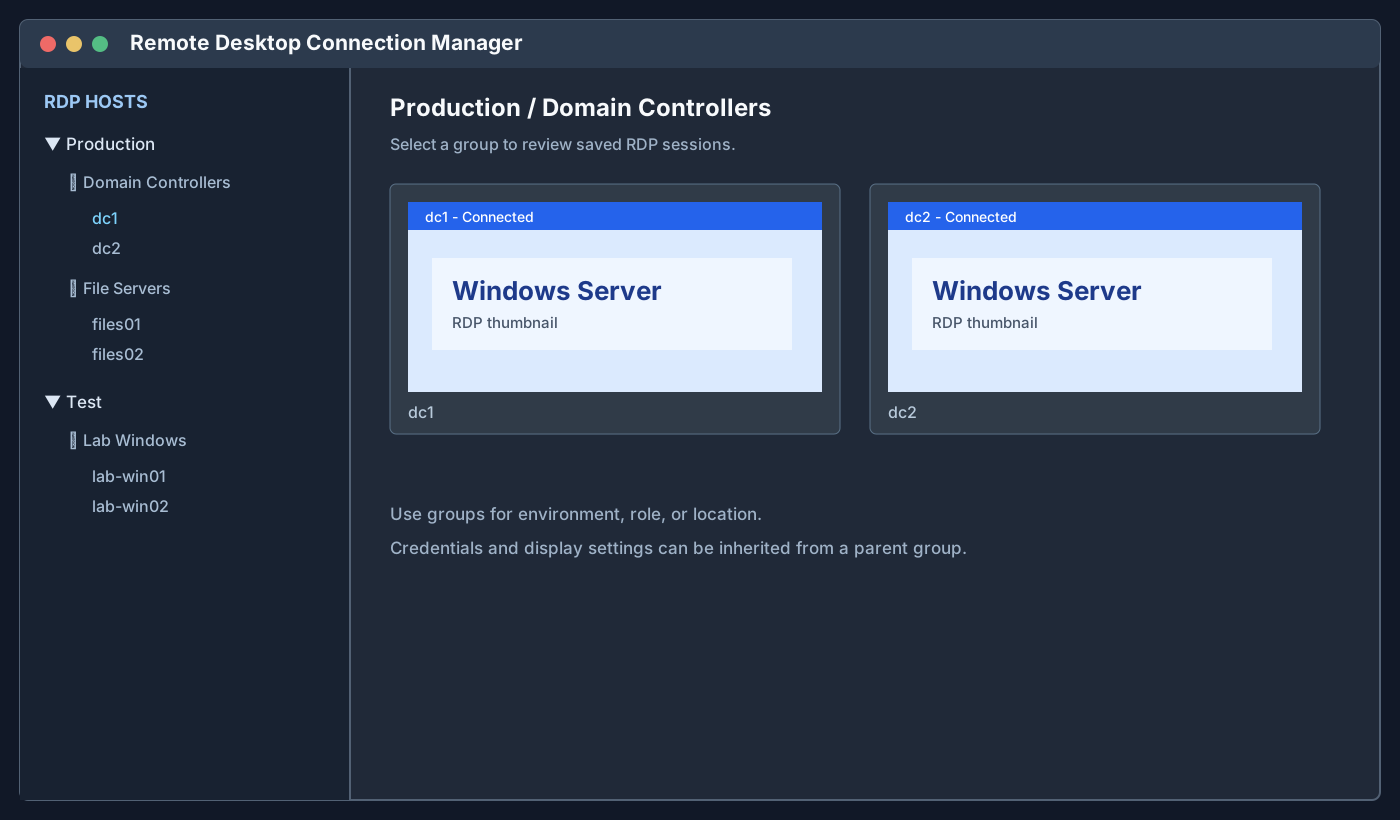
I manage two different types of remote computers every week: Windows hosts that I access through Remote Desktop Protocol (RDP), and Linux hosts that I access through Secure Shell (SSH). Instead of putting every connection into one large application, I use two focused tools: Microsoft Sysinternals RDCMan for Windows RDP connections and Tabby for Linux SSH connections. This arrangement keeps the connection type visible. When I need a Windows desktop, I open RDCMan. When I need a Linux shell, I open Tabby. Both applications are lightweight enough to leave available during the day, and both let me organize a growing list of hosts into named groups. ...

August 10, 2026 · 9 min · PwshTips

PowerShell Is Denied in Tabby

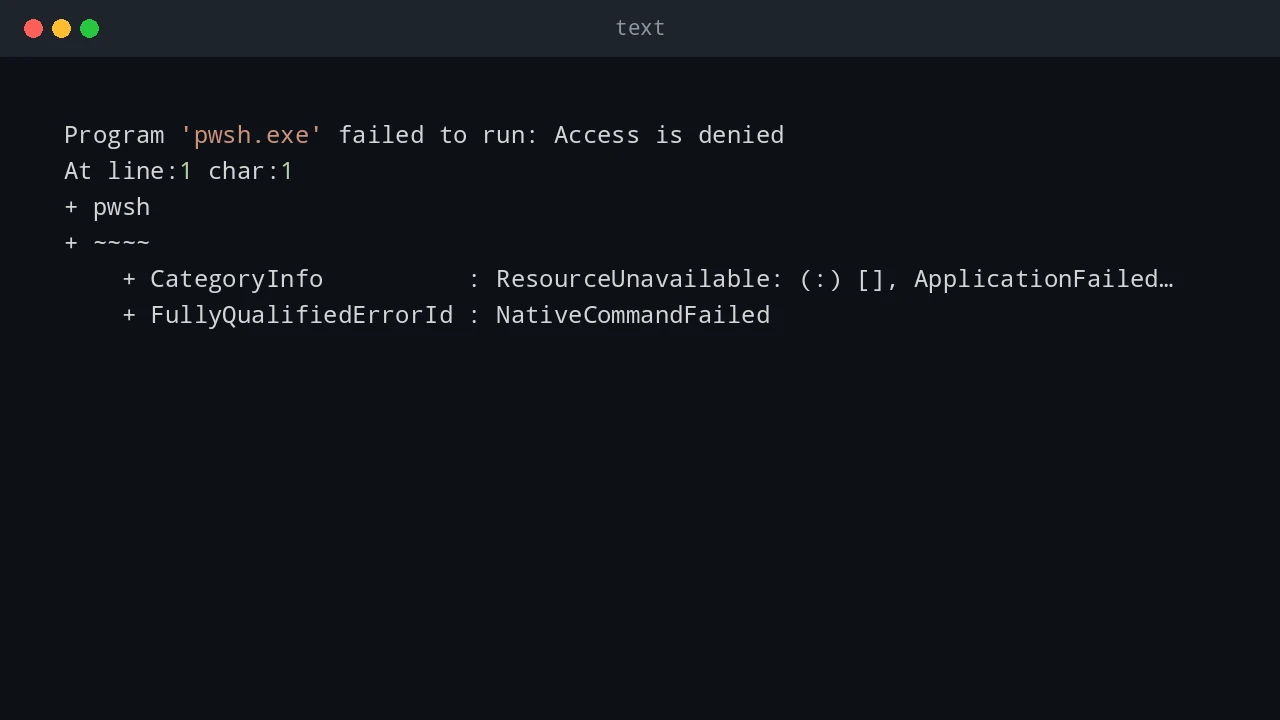
I installed the PowerShell Preview version on Windows, installed Tabby, and opened a new Tabby terminal. The terminal itself started normally, but running pwsh failed immediately. The error looked like this: Program 'pwsh.exe' failed to run: Access is denied At line:1 char:1 + pwsh + ~~~~ + CategoryInfo : ResourceUnavailable: (:) [], ApplicationFailedException + FullyQualifiedErrorId : NativeCommandFailed This was confusing because PowerShell Preview had already been installed and pwsh worked outside Tabby. The fix was to remove the Preview package and its remaining AppX package, install the stable PowerShell package, remove Tabby, reboot Windows, and verify which pwsh.exe Windows resolved. ...

August 9, 2026 · 8 min · PwshTips

Fix VS Code WSL Server 404

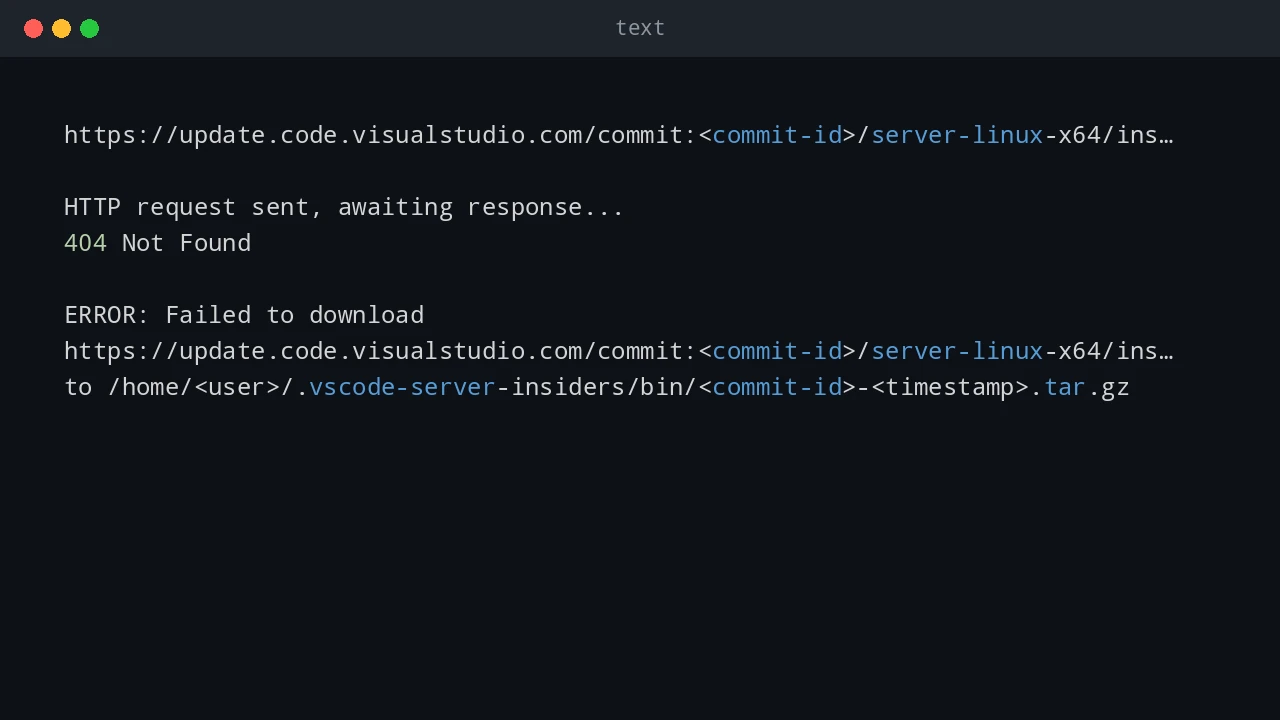
After a VS Code update, I hit a Remote WSL failure even though WSL itself still worked from the command line. The WSL terminal opened normally: wsl But VS Code could not connect to the WSL distro. The Remote WSL log showed a failed download like this: https://update.code.visualstudio.com/commit:<commit-id>/server-linux-x64/insider HTTP request sent, awaiting response... 404 Not Found ERROR: Failed to download https://update.code.visualstudio.com/commit:<commit-id>/server-linux-x64/insider to /home/<user>/.vscode-server-insiders/bin/<commit-id>-<timestamp>.tar.gz The important details are: Log detail Meaning update.code.visualstudio.com VS Code is trying to download its remote server package commit:<commit-id> The server must match the exact VS Code client build server-linux-x64 The server package is for Linux x64 inside WSL insider The VS Code client is using the Insiders update channel .vscode-server-insiders The WSL-side install folder for the Insiders server 404 Not Found That exact server package was not available at the update endpoint This is a VS Code Remote WSL server install problem, not a general WSL failure. ...

June 25, 2026 · 10 min · PwshTips

Clone a Bootable USB to an ISO

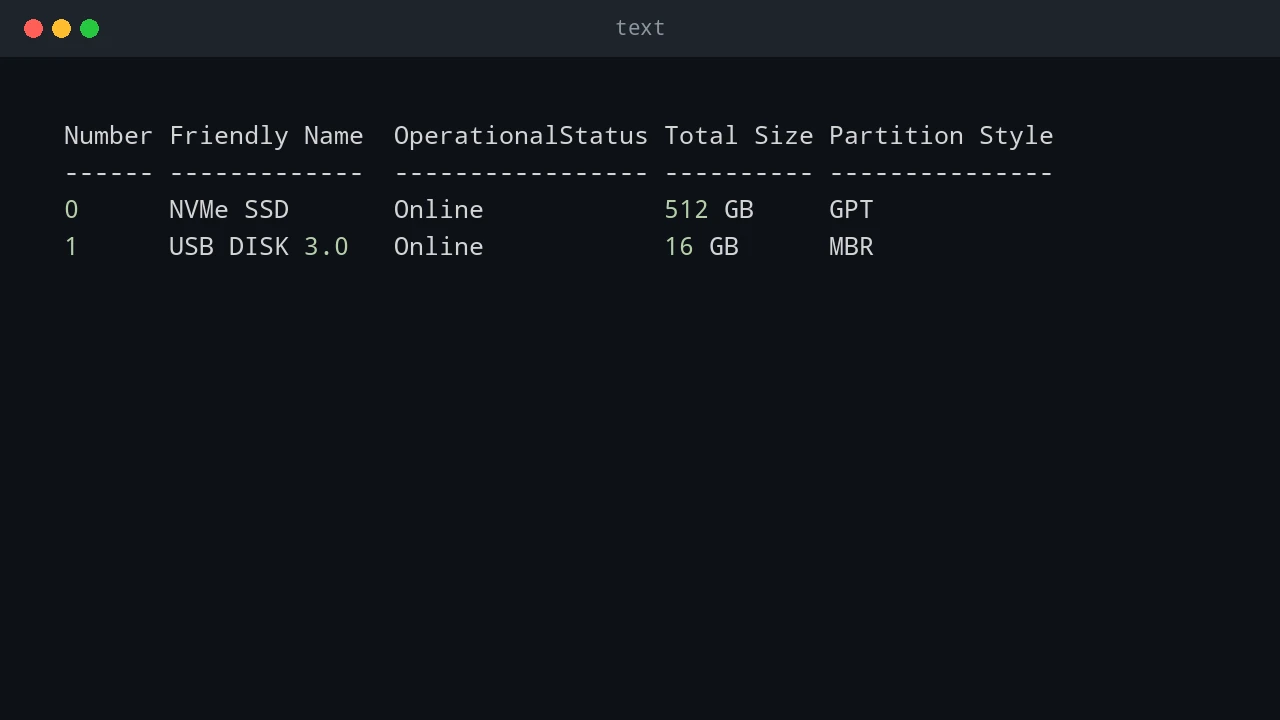
Sometimes I need to keep an exact copy of a bootable USB drive: a vendor recovery stick, a custom Windows installer, or a Linux live USB that took time to prepare. Copying the visible files is not enough because the bootloader and partition layout matter. This post shows three ways to make that image: PowerShell with WSL, Win32DiskImager on Windows, and dd on Linux. Quick answer To back up a bootable USB, create a sector-by-sector image of the whole device instead of copying files from the drive letter. On Windows, identify the USB disk with Get-Disk, then use WSL and dd or a tool such as Win32DiskImager to read the physical disk into an image file. Always confirm the disk number first because choosing the wrong disk can overwrite or expose the wrong device. ...

November 2, 2025 · 6 min · PwshTips