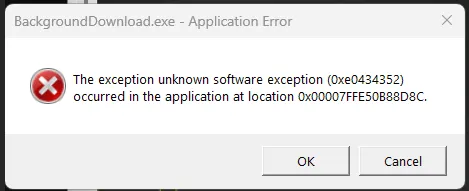
Advanced Troubleshooting for Windows Environments
These are Windows troubleshooting notes I keep coming back to: SMB errors that block file shares, WSL refusing to start, Windows 11 complaining about TPM in VMware, and disk space disappearing after background downloads. The common thread is simple: start with the error, isolate the layer that is failing, and fix that layer before changing everything around it. Quick answer For Windows troubleshooting, start by proving which layer is broken before changing settings. For SMB share errors, test port 445, credentials, and SMB signing. For WSL crashes, restart WSL, check the distribution state, and confirm virtualization is healthy. For VMware Windows 11 install problems, verify TPM and Secure Boot settings. For disk space issues, find the folder consuming space before deleting files. ...