PowerShell for Cross-Platform Administration

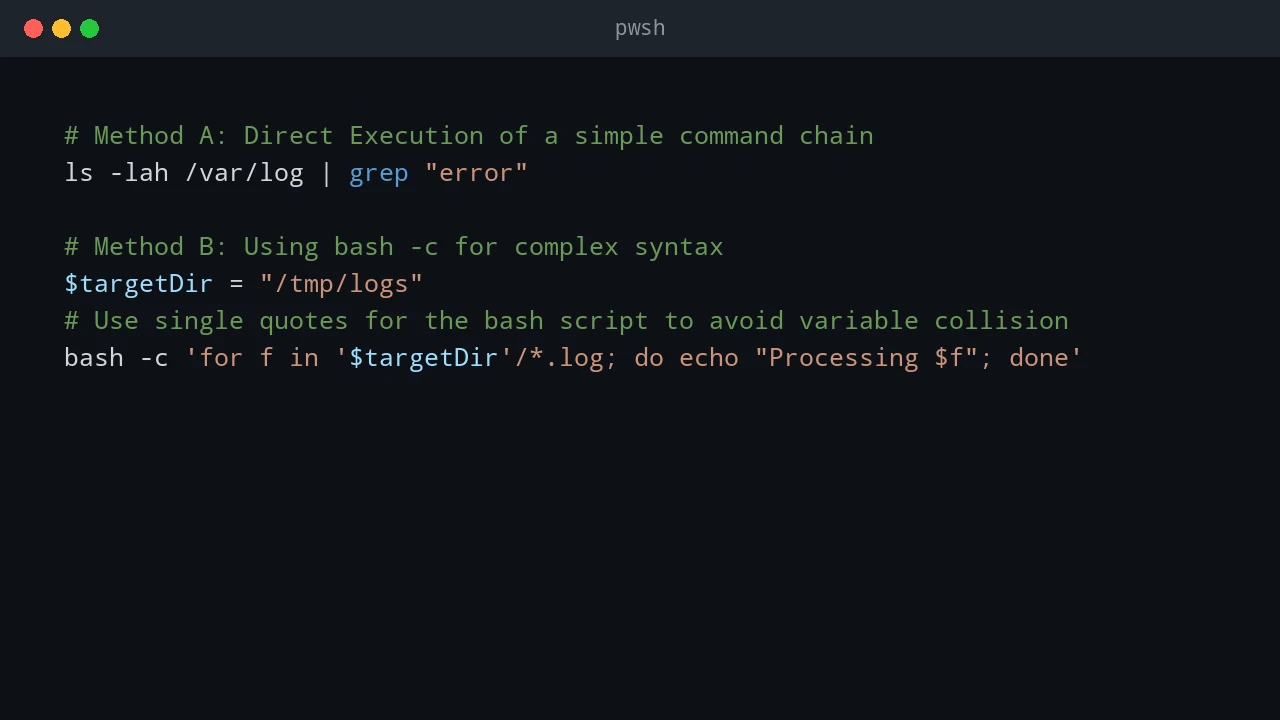
Most admin work I do is not purely Windows or purely Linux. PowerShell may call Bash, Bash may call PowerShell, and old CMD commands still show up in scripts. This post covers the patterns I use to pass commands and data between those shells, then applies the same idea to USB access in WSL. Quick answer For cross-platform administration, use PowerShell when you need structured objects and use Bash or CMD when you need native platform tools. When crossing between shells, treat the boundary as a text boundary unless you deliberately serialize data as JSON. In WSL, use Windows paths carefully, pass commands with clear quoting, and confirm disk or USB device names before running commands that read or write block devices. ...

December 25, 2025 · PwshTips

File Transfer Speed: SCP vs. Robocopy vs. Copy-Item

When I need to move large files between Windows systems, I do not pick a tool by habit. LAN copies, WAN copies, and PowerShell remoting copies behave very differently. This post compares SCP (OpenSSH), Robocopy (SMB), and Copy-Item (WinRM) for the kinds of transfers I actually run. The short version: Robocopy is usually best on a LAN, SCP or rsync is usually safer across untrusted or unstable networks, and Copy-Item is convenient for small files inside an existing PowerShell remoting workflow. ...

November 7, 2025 · PwshTips