Recover Windows Event Logs After They Are Cleared

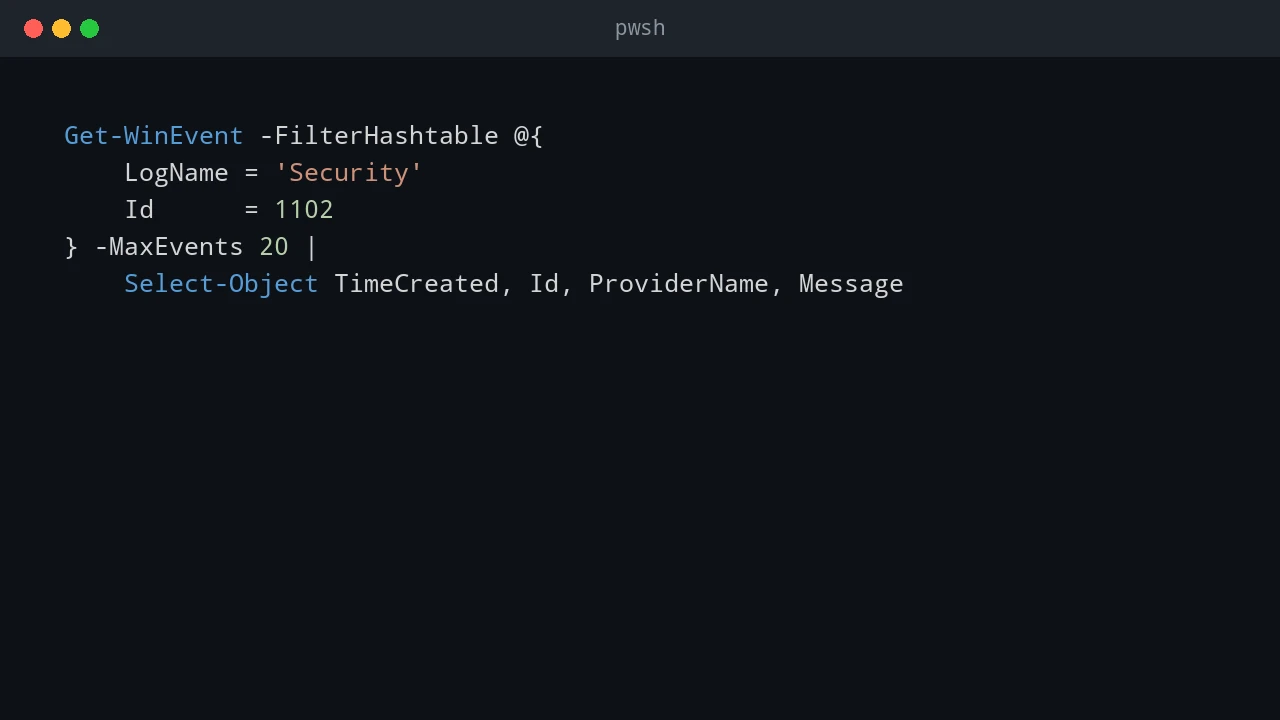
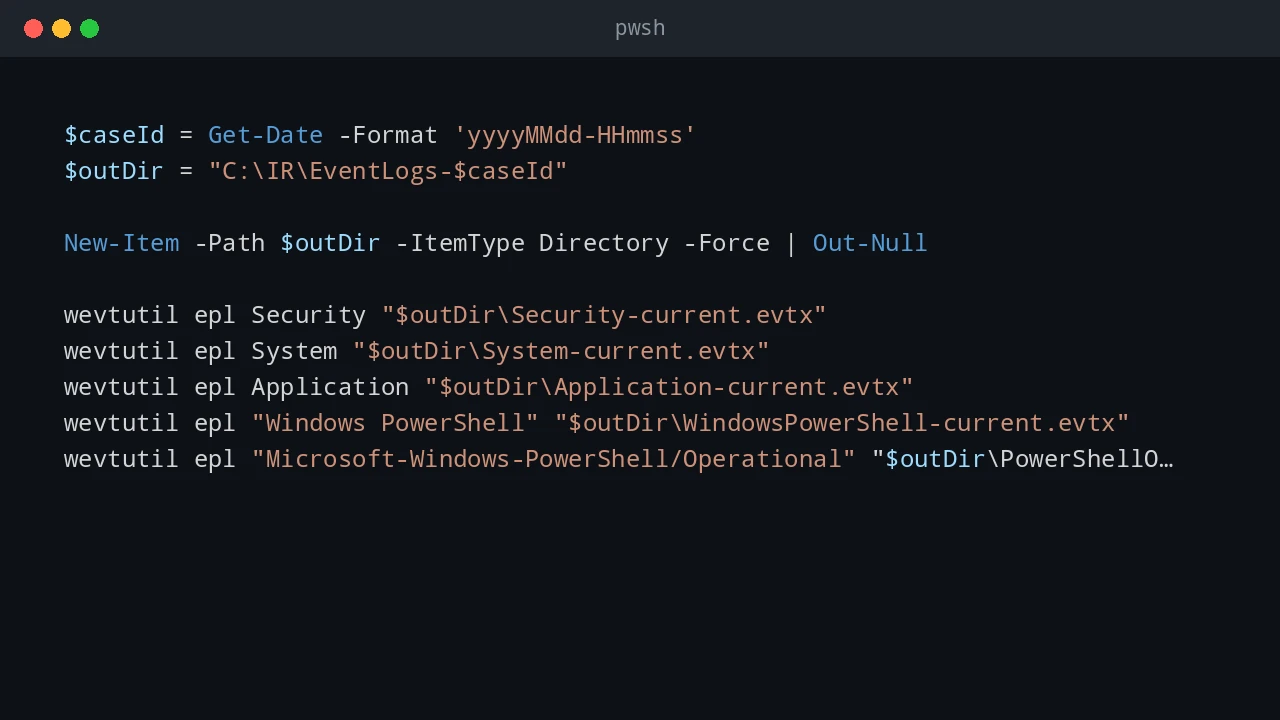
If a Windows event log is cleared on a server, the first question is usually simple: can I get it back? The honest answer is uncomfortable: sometimes yes, but only if the events were copied somewhere else before the clearing happened. If the only copy lived inside the local .evtx file and that log was cleared, normal administration tools will not magically rebuild the missing history. You may still find evidence in backups, forwarded events, EDR telemetry, domain controller logs, firewall logs, or application logs, but the local event log itself should be treated as damaged evidence. ...

June 22, 2026 · PwshTips

Windows Event Log Tampering: What Admins Should Defend Against

Windows event logs are often treated like the final record of what happened on a server. That is useful, but it can also create a false sense of safety. A local administrator has a lot of power. If that account is abused, compromised, or used carelessly, the same privilege that can fix a server can also damage the evidence that explains what happened. This post is written for defensive education. It does not publish a step-by-step anti-forensic procedure. The point is simpler and more important: administrators should assume local logs can be altered or destroyed, then design audit controls that do not depend on one machine telling the whole truth. ...

June 22, 2026 · PwshTips

Essential PowerShell Security: Privileges, Firewalls, and File Safety

PowerShell scripts often need to touch privileged parts of Windows: services, firewall rules, downloaded scripts, and system folders. This post covers three areas I check often: elevation, Windows Defender Firewall rules, and the Mark of the Web on downloaded files. Quick answer For safer PowerShell administration, keep elevated actions small, explicit, and logged. Use gsudo, Start-Process -Verb RunAs, or Task Scheduler only when elevation is needed. Manage Windows Defender Firewall with named rules instead of broad exceptions, and inspect downloaded files before using Unblock-File because the Mark of the Web exists to warn you about internet-origin content. ...

December 25, 2025 · PwshTips

Installing PowerShell Online and Offline

Installing PowerShell is easy on an internet-connected machine. It gets more interesting on servers, locked-down workstations, and networks that cannot reach package repositories. This post covers both cases: normal installs with package managers and offline installs where you need to move installers and modules by hand. Quick answer On connected Windows machines, install PowerShell 7 with winget install Microsoft.PowerShell and keep Windows PowerShell 5.1 for legacy modules. On offline machines, download the PowerShell installer, required modules, and trusted package sources on a connected computer, move them to the target system, then install from local files. Verify the install with $PSVersionTable.PSVersion. ...

December 25, 2025 · PwshTips

PowerShell Remoting with WinRM and SSH

For a long time, PowerShell remoting usually meant WinRM. That is still true in many Windows domains. With PowerShell 7 and OpenSSH, SSH is now a practical option too, especially when Linux or mixed environments are involved. So, which protocol should you use? WinRM or SSH? There is no single best protocol. The right choice depends on the machines, authentication model, firewall rules, and whether you need rich PowerShell objects or simple cross-platform access. ...

December 14, 2025 · PwshTips

Test if a Network Port is Open

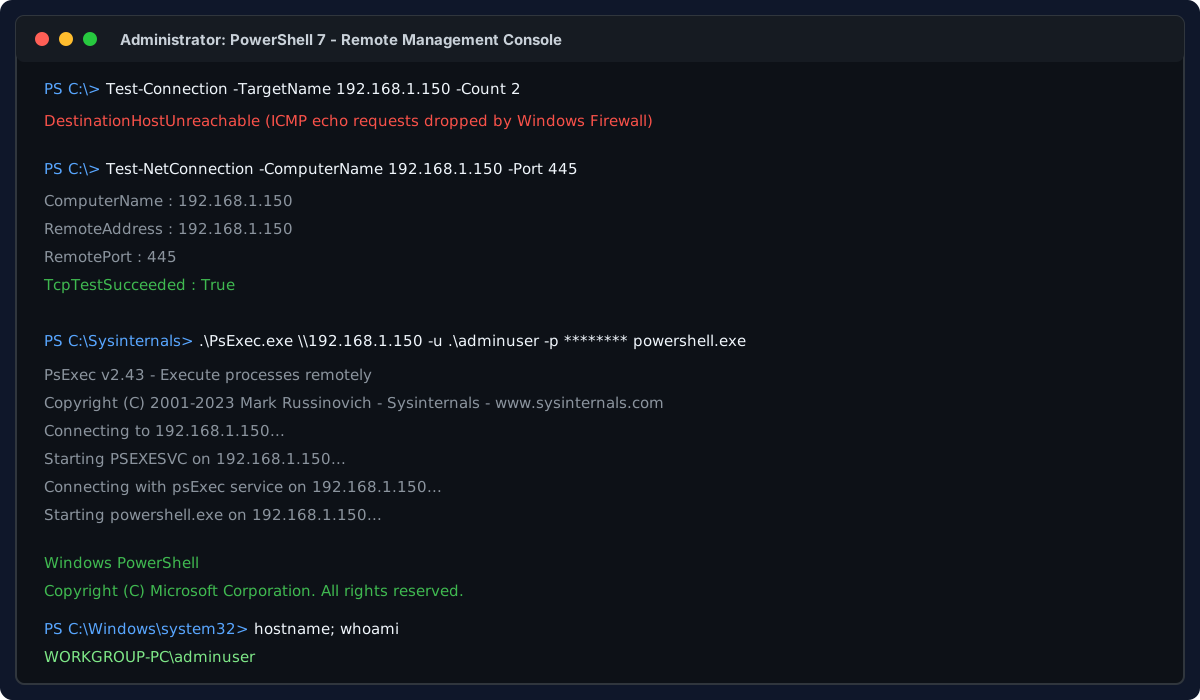
When an application cannot connect, I usually test the port before changing firewall rules or blaming DNS. A quick TCP test tells me whether the client can reach the service at all. These are the Windows tools I use most often: Test-NetConnection, a small .NET TcpClient check, Telnet, and PortQry. Quick answer To test whether a TCP port is open from Windows, run Test-NetConnection -ComputerName servername -Port 443 and check TcpTestSucceeded. True means the client reached the service on that port. False means the port is closed, blocked by a firewall, the service is not listening, or the network path is unavailable. On older systems, use Telnet, PortQry, or a .NET TcpClient test. ...

November 5, 2025 · PwshTips