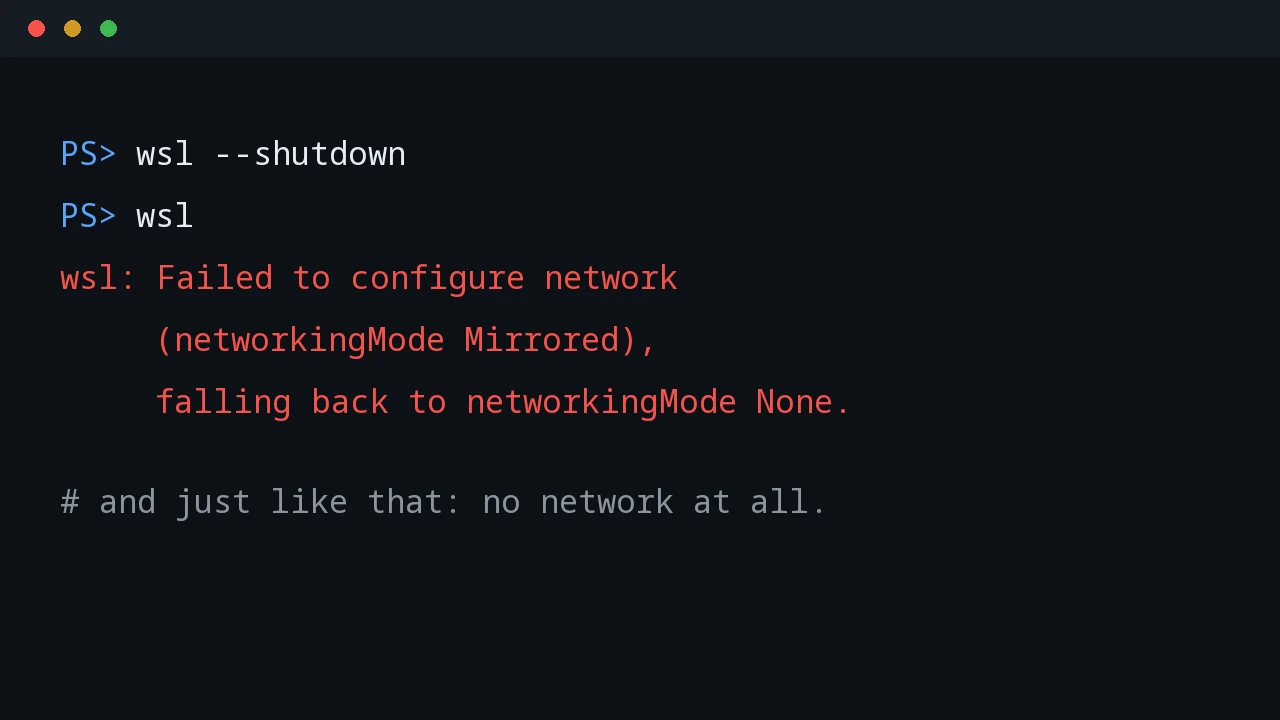
WSL Mirrored Networking and Tailscale Do Not Mix
Mirrored networking promised to expose WSL services on the tailnet. Instead it hid the Tailscale interface, then killed WSL networking entirely.
Mirrored networking promised to expose WSL services on the tailnet. Instead it hid the Tailscale interface, then killed WSL networking entirely.
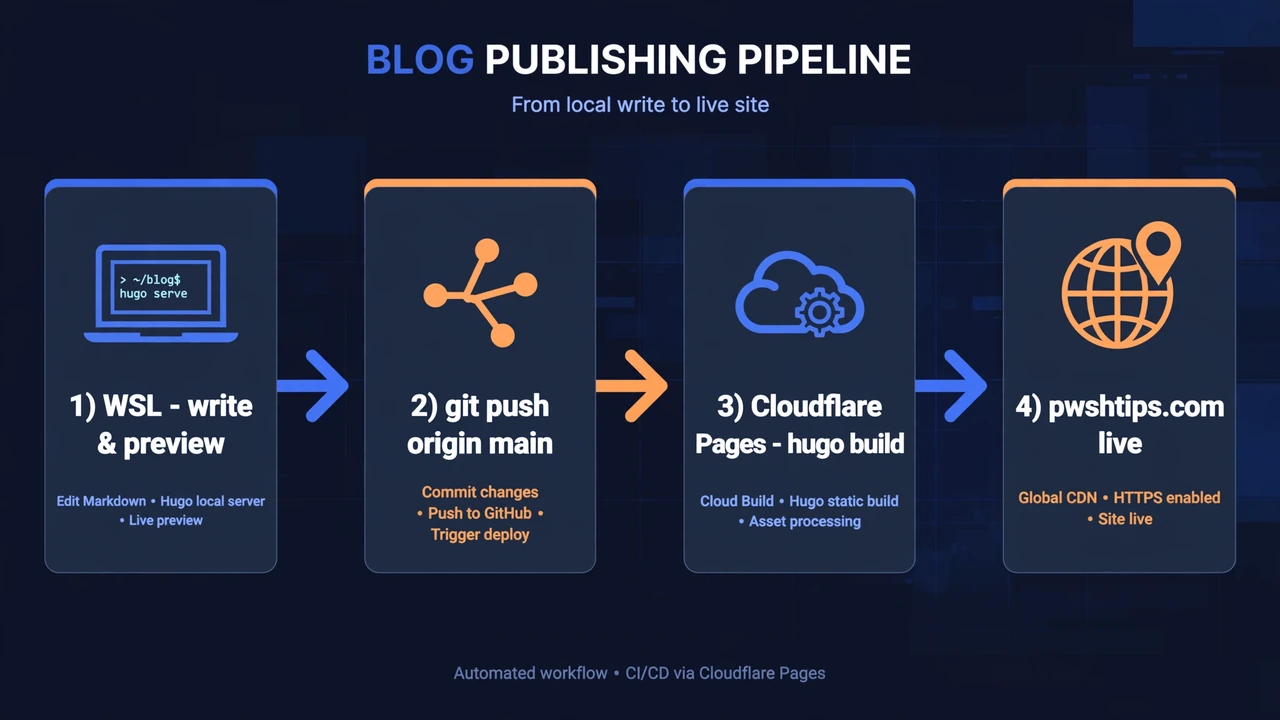
The full publishing pipeline behind pwshtips.com: write in WSL, preview with local Hugo, push to GitHub, and let Cloudflare Pages deploy it live in under two minutes.
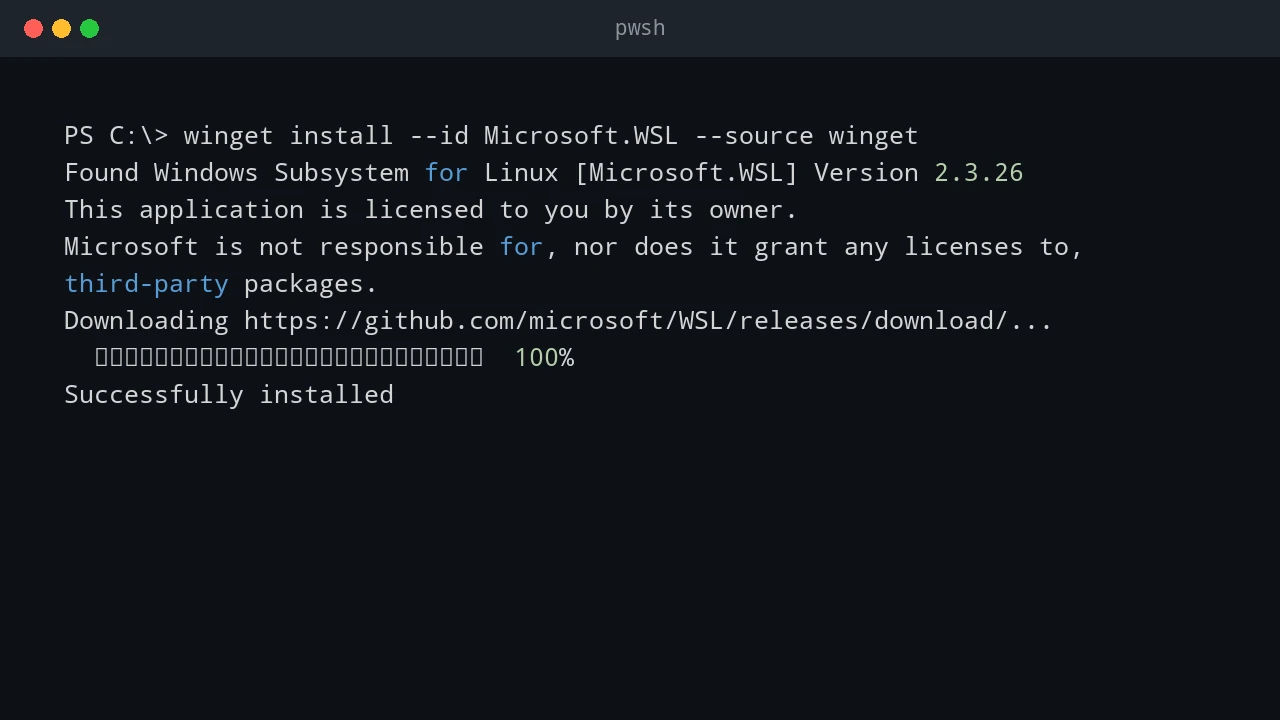
A practical guide to installing WSL on Windows, configuring your Linux user, moving files between Windows and Linux, and going further with web servers, PowerShell, and VS Code.
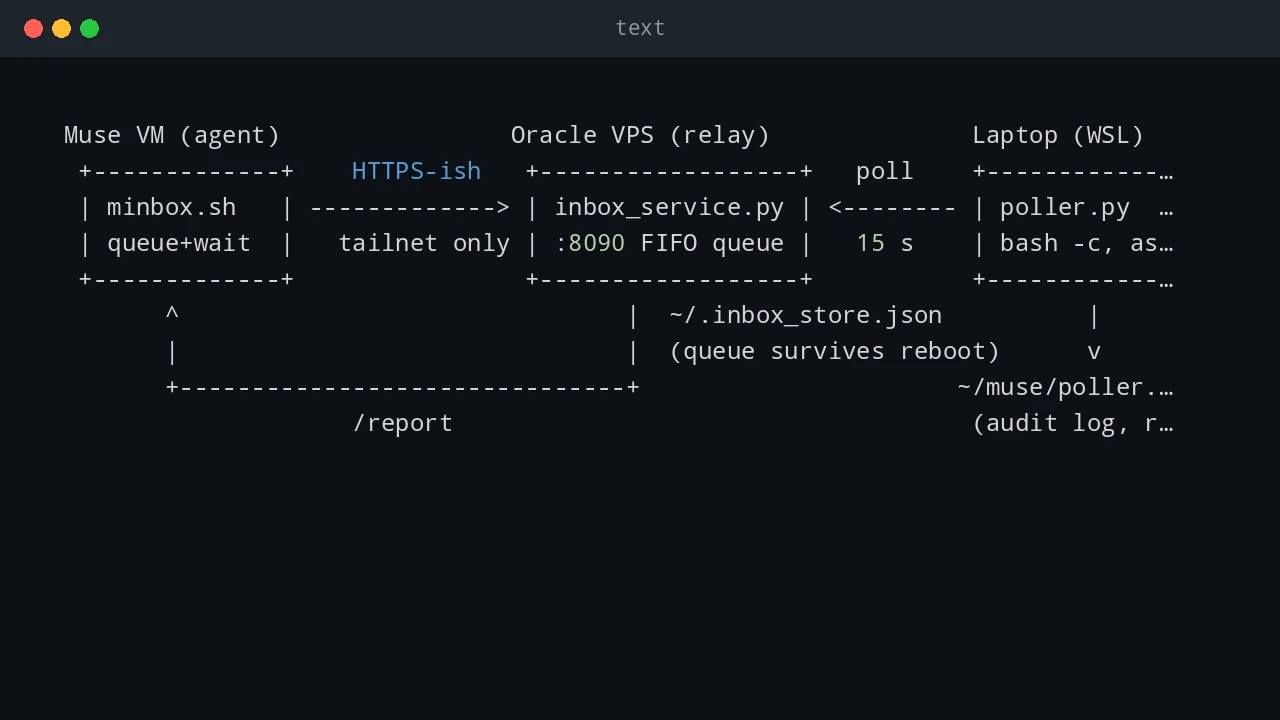
A persistent, bidirectional command channel between an AI agent VM, a small VPS relay, and a Windows laptop's WSL — what each piece does, how to set it up, and the dozen pitfalls I actually hit.
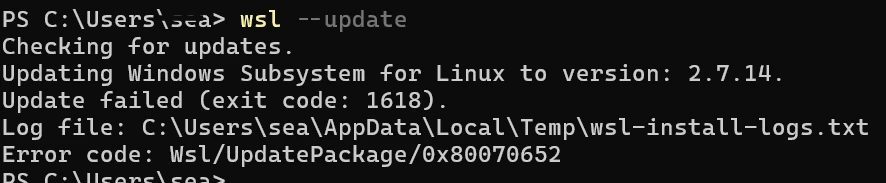
How to troubleshoot and fix WSL update error 1618 (Wsl/UpdatePackage/0x80070652) caused by concurrent Windows Installer locks and pending system reboots.
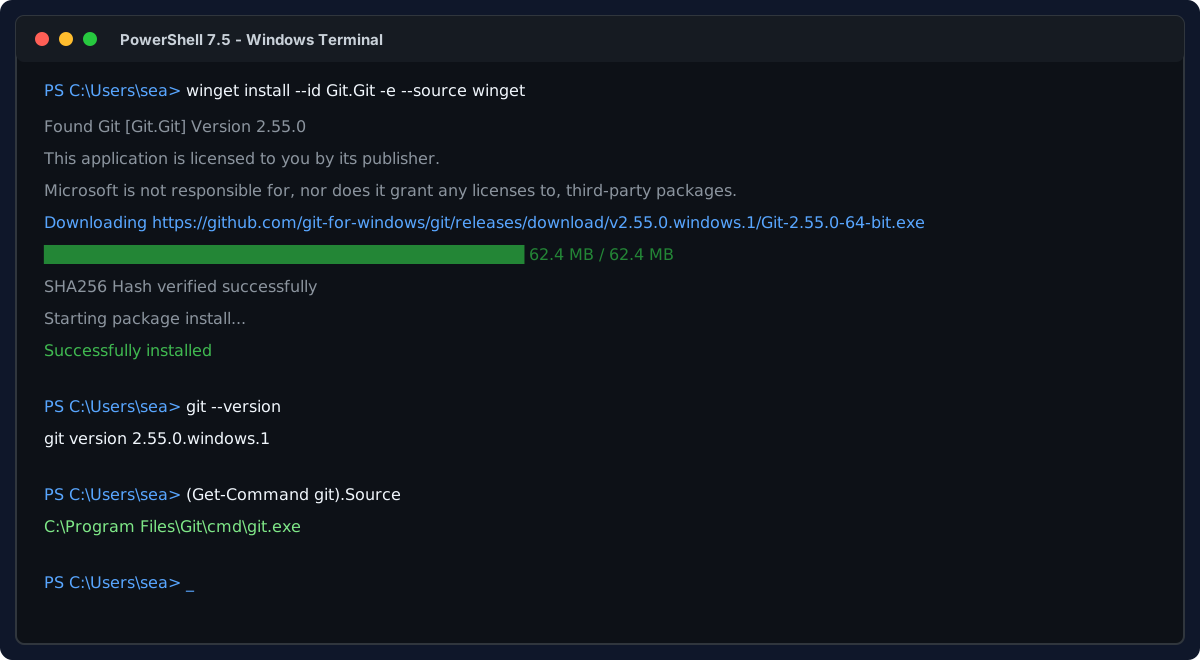
Install Git on Windows and WSL Linux, configure shared Windows credentials, set line ending standards, and master daily Git commands.

Fix the fatal: bad object HEAD error in git status on Windows caused by a corrupted HEAD reference or missing objects, with step-by-step recovery commands.
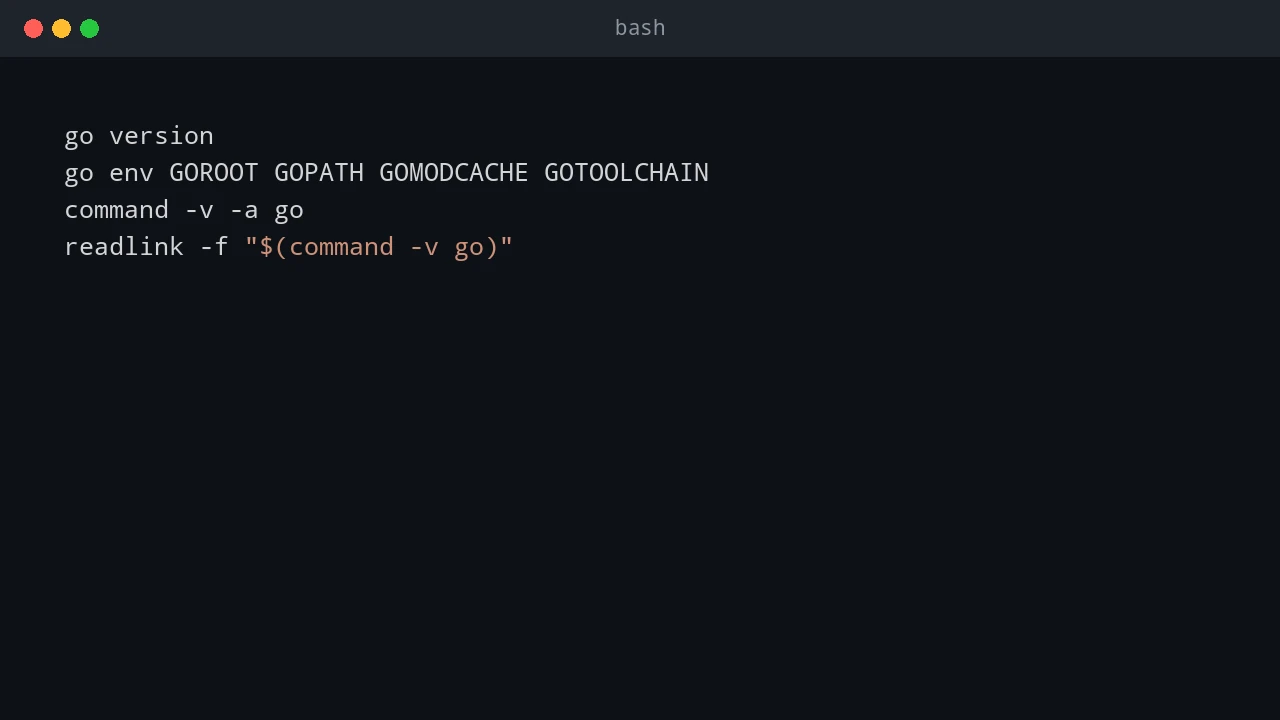
Upgrade Go in WSL or Linux side by side or as a replacement, verify the official archive, and keep go.mod and go.sum under control.
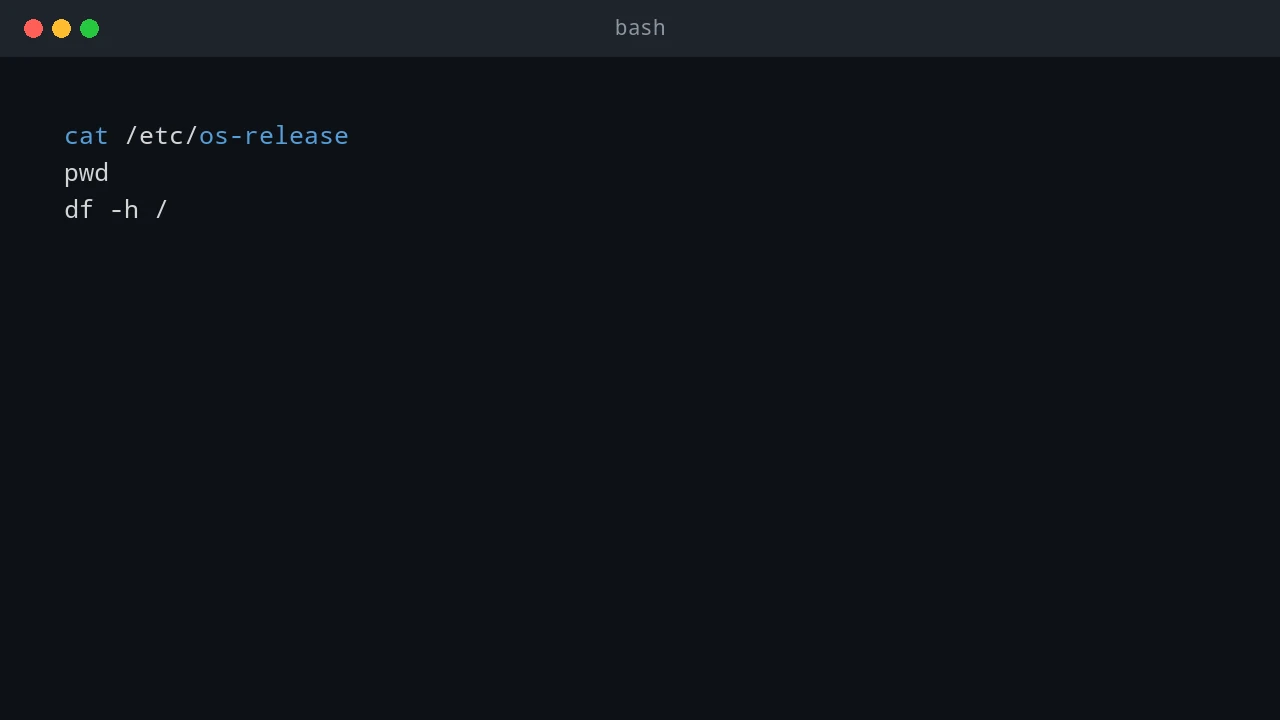
How to upgrade an existing Ubuntu-24.04 WSL instance to Ubuntu 26.04 in place while keeping its files, packages, configuration, and project data.
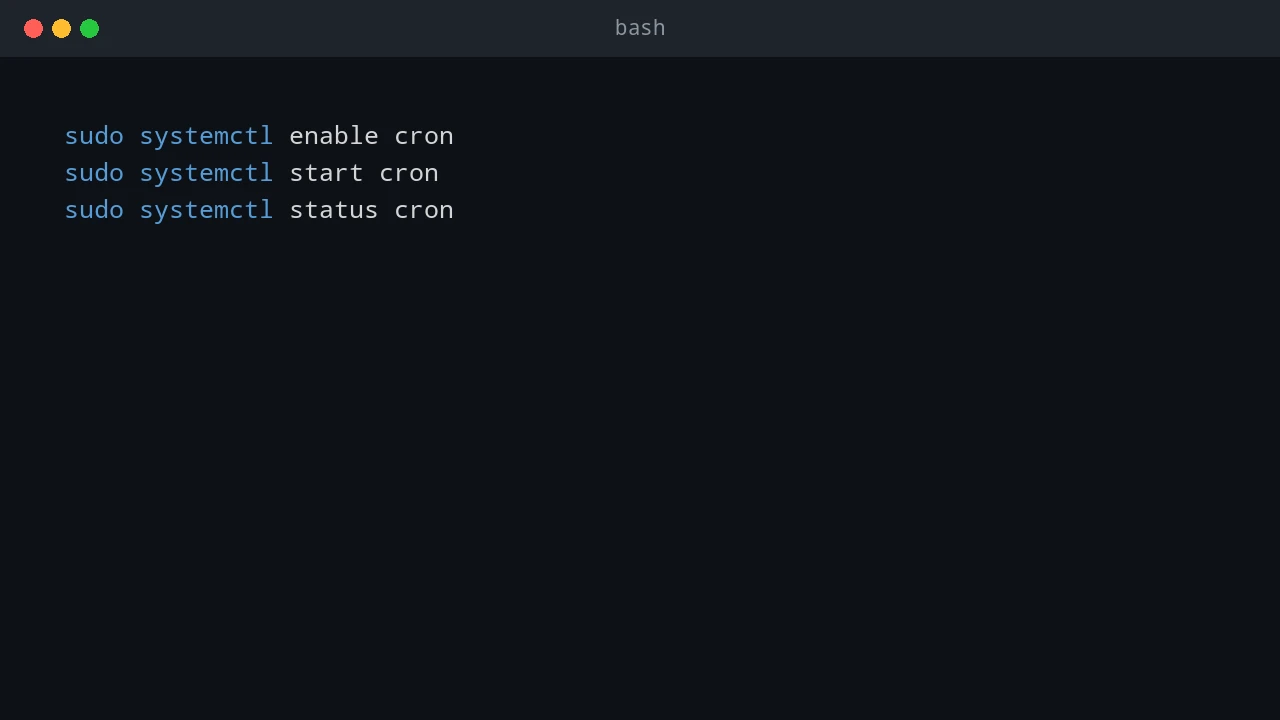
How to use cron inside WSL to trigger Windows scheduled tasks on the local computer and remote Windows servers, and how to start and keep WSL alive after boot.