Scheduled Tasks with PowerShell for Local and Remote Deployment

Scheduled Tasks are one of the most useful built-in deployment tools on Windows. They are not as polished as Intune, Configuration Manager, or a real RMM platform, but they are available almost everywhere and work well for controlled admin jobs: copy a script, run a cleanup task, install an MSI, start a BAT file, or schedule a one-time maintenance command. I use scheduled tasks when I need something more reliable than “open a remote PowerShell session and hope the command keeps running.” A task can run as SYSTEM, run whether a user is logged on or not, keep its own history, and start at a specific time. That makes it useful for local work and for remote deployments to a small group of machines. ...

June 24, 2026 · PwshTips

Use WSL Cron Jobs to Run Windows Scheduled Tasks

WSL is useful when an admin workflow lives between Windows and Linux. Sometimes I want Linux-style scheduling with cron, but the actual work still needs to happen on Windows: start a Windows Scheduled Task, run a PowerShell script, trigger a deployment task, or call a remote Windows server. This pattern is not a replacement for a real job scheduler. It is a practical bridge. WSL cron can keep a Linux-style schedule, and each cron entry can call Windows tools such as powershell.exe, schtasks.exe, or wsl.exe path-aware scripts. ...

June 24, 2026 · PwshTips

Windows Scheduled Tasks vs Linux Cron Jobs

Windows Task Scheduler and Linux cron solve the same basic problem: run something later, or run it again on a schedule. The idea is simple, but the two tools feel very different in daily administration. On Windows, Scheduled Tasks are tied deeply into the operating system. They understand users, triggers, privileges, idle state, battery state, and event-based starts. On Linux, cron is smaller and more direct. A cron job says, “run this command at this time,” and that simplicity is exactly why it has lasted for decades. ...

June 24, 2026 · PwshTips

PowerShell Error Handling with Try, Catch, and Finally

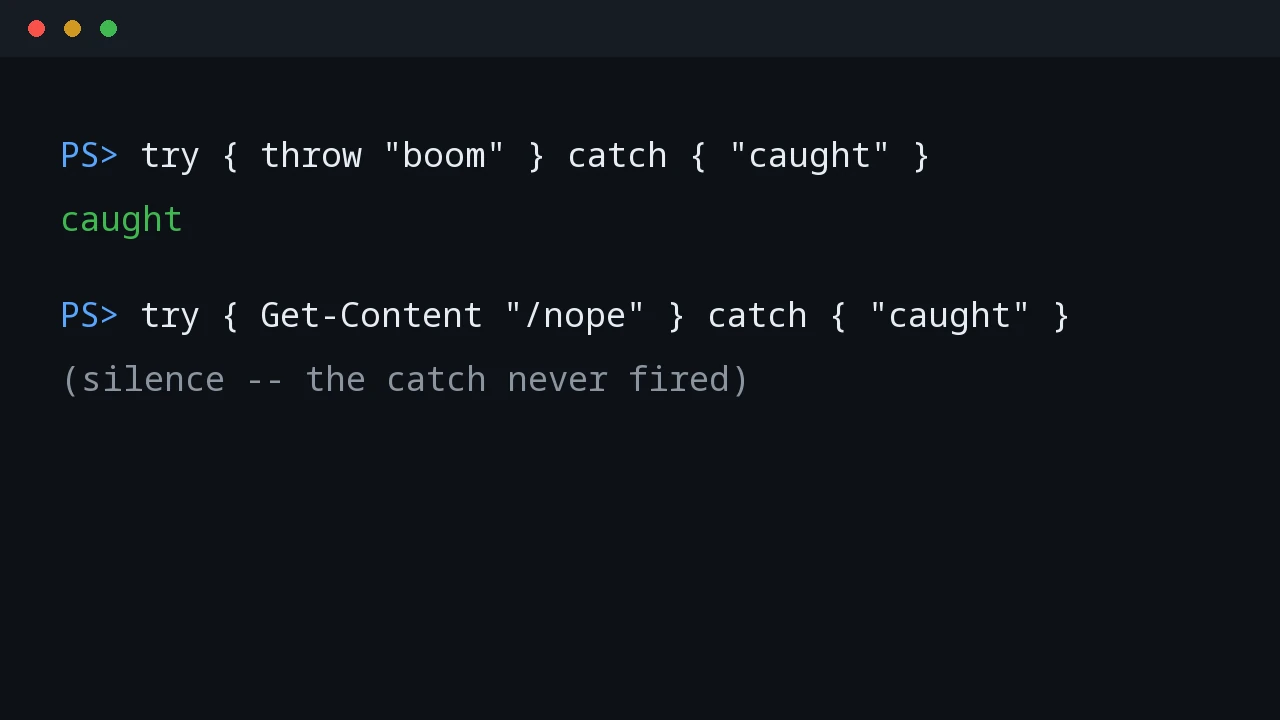
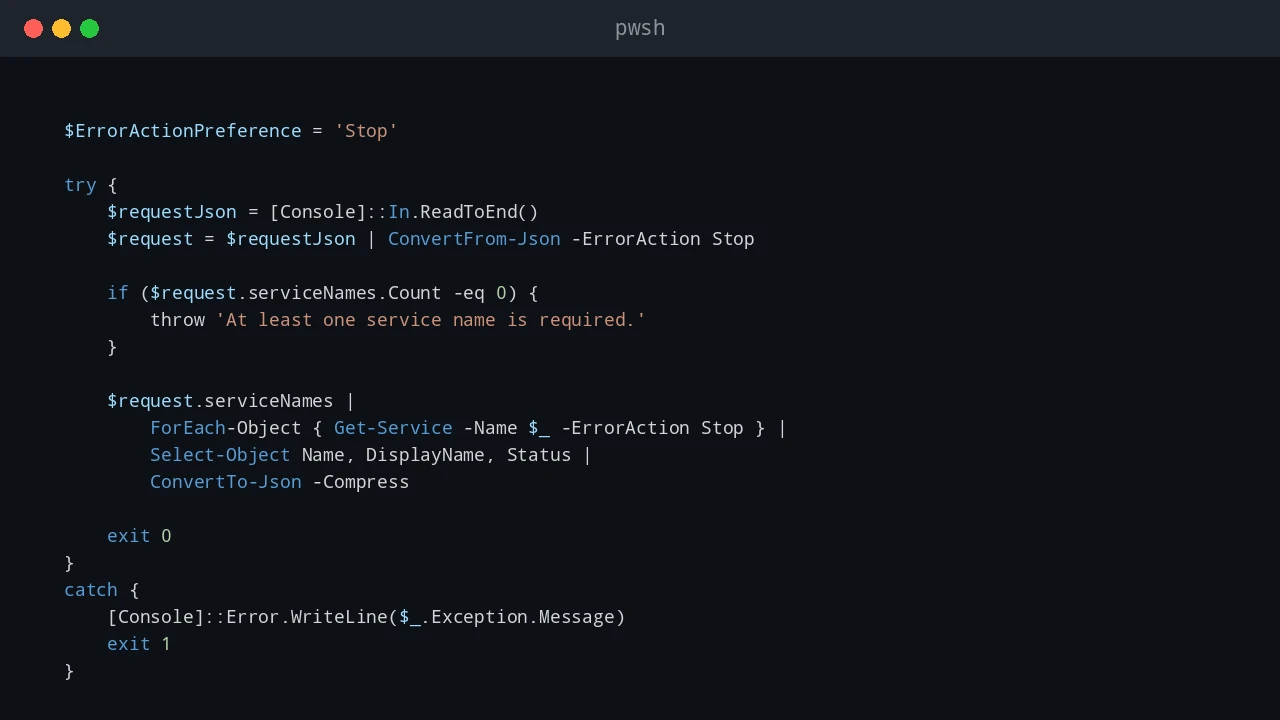
PowerShell error handling is easy to ignore while a script is still small. A command fails, the red text appears, and you fix the problem while looking at the console. That stops working when the same script runs from Task Scheduler, a deployment tool, a remote session, or a service account. At that point, the script needs to explain what failed without you watching it live. For production scripts, I usually want two things at the same time: a clear message on the screen when I run the script manually, and a log file that remains after the console is closed. try, catch, and finally are the basic tools for that pattern. ...

June 23, 2026 · PwshTips

PowerShell Logging Patterns for Production Scripts

Logging is one of those parts of a PowerShell script that feels optional until the first production failure happens at 2 AM. When a script is run manually, you can watch the console and fix problems as they appear. When the same script runs from Task Scheduler, a deployment tool, a service account, or a remote session, the console is gone. The log becomes the only witness. For small one-off scripts, Write-Host might be enough. For production scripts, I want a log that answers a few basic questions quickly: ...

June 21, 2026 · PwshTips

Automating Office and Active Directory with PowerShell

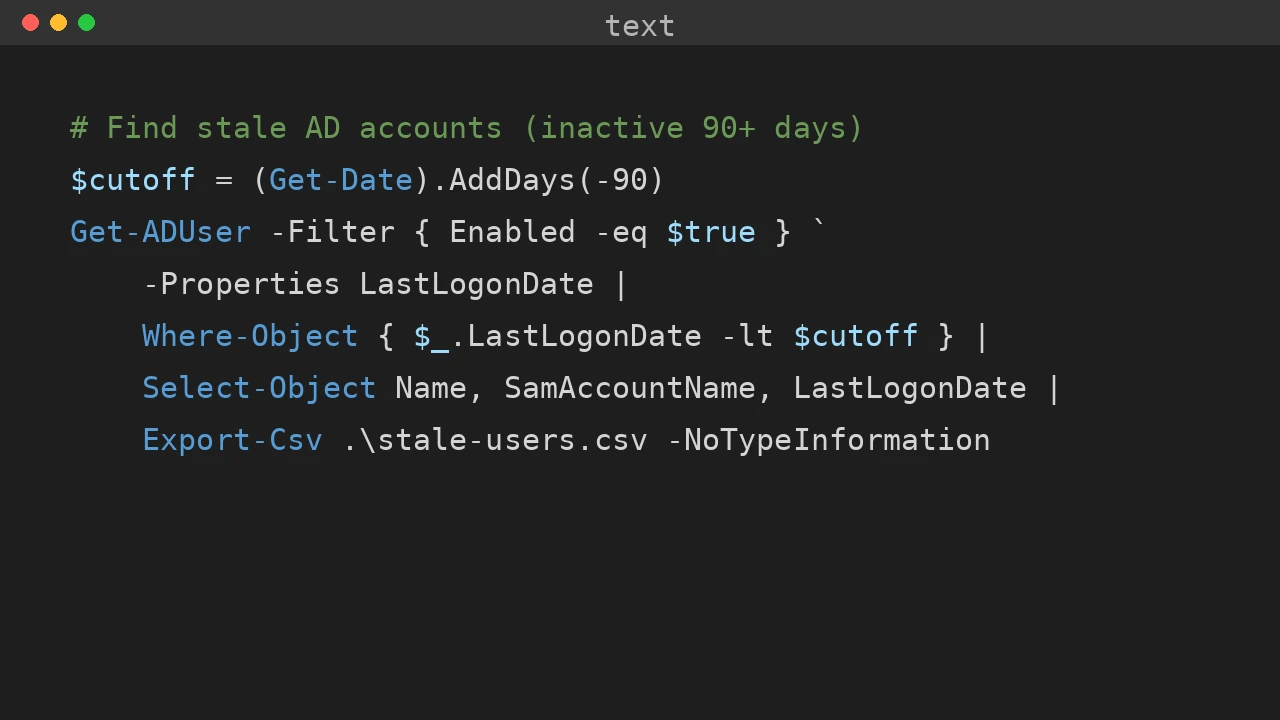
Office deployment and Active Directory maintenance often land on the same admin desk. This post collects the PowerShell workflows I use for silent Office installs, Office activation firewall rules, Get-ADUser reporting, and domain rejoin cleanup when a Windows device has stale identity state. Quick answer Use PowerShell to make Office and Active Directory work repeatable: deploy Office with the Office Deployment Tool and a checked configuration.xml, open only the firewall rules needed for activation, export AD user data with Get-ADUser, and fix stale device identity by checking domain join, Azure AD join, and dsregcmd output before rejoining the computer. ...

December 25, 2025 · PwshTips

Essential PowerShell Security: Privileges, Firewalls, and File Safety

PowerShell scripts often need to touch privileged parts of Windows: services, firewall rules, downloaded scripts, and system folders. This post covers three areas I check often: elevation, Windows Defender Firewall rules, and the Mark of the Web on downloaded files. Quick answer For safer PowerShell administration, keep elevated actions small, explicit, and logged. Use gsudo, Start-Process -Verb RunAs, or Task Scheduler only when elevation is needed. Manage Windows Defender Firewall with named rules instead of broad exceptions, and inspect downloaded files before using Unblock-File because the Mark of the Web exists to warn you about internet-origin content. ...

December 25, 2025 · PwshTips

PowerShell for Cross-Platform Administration

Most admin work I do is not purely Windows or purely Linux. PowerShell may call Bash, Bash may call PowerShell, and old CMD commands still show up in scripts. This post covers the patterns I use to pass commands and data between those shells, then applies the same idea to USB access in WSL. Quick answer For cross-platform administration, use PowerShell when you need structured objects and use Bash or CMD when you need native platform tools. When crossing between shells, treat the boundary as a text boundary unless you deliberately serialize data as JSON. In WSL, use Windows paths carefully, pass commands with clear quoting, and confirm disk or USB device names before running commands that read or write block devices. ...

December 25, 2025 · PwshTips

PowerShell for IT Inventory: Getting All Installed Apps from Remote Windows PCs

Software inventory is one of those jobs that sounds simple until you need to do it across many Windows machines. For audits, license checks, cleanup work, or troubleshooting, I want a repeatable way to answer one question: what is installed, and where? This post uses PowerShell to build that report. The workflow is: get a target computer list from DNS, connect to each machine, read installed-app registry keys, and export the result to CSV. ...

December 25, 2025 · PwshTips

PowerShell Fundamentals: Operators, Objects, and Script Paths

These are the PowerShell basics I use most often when writing scripts that need to survive outside a one-off terminal session: pipeline operators, null handling, objects, CSV/JSON output, and script-relative paths. None of these features are complicated by themselves, but using them consistently makes scripts easier to read and easier to troubleshoot. Quick answer Good PowerShell scripts depend on a few fundamentals: use pipeline chain operators for simple success and failure flow, use null-coalescing operators for defaults, pass objects instead of formatted text, export data as CSV or JSON when another tool needs it, and build file paths from $PSScriptRoot so scripts run correctly from any working directory. ...

December 25, 2025 · PwshTips