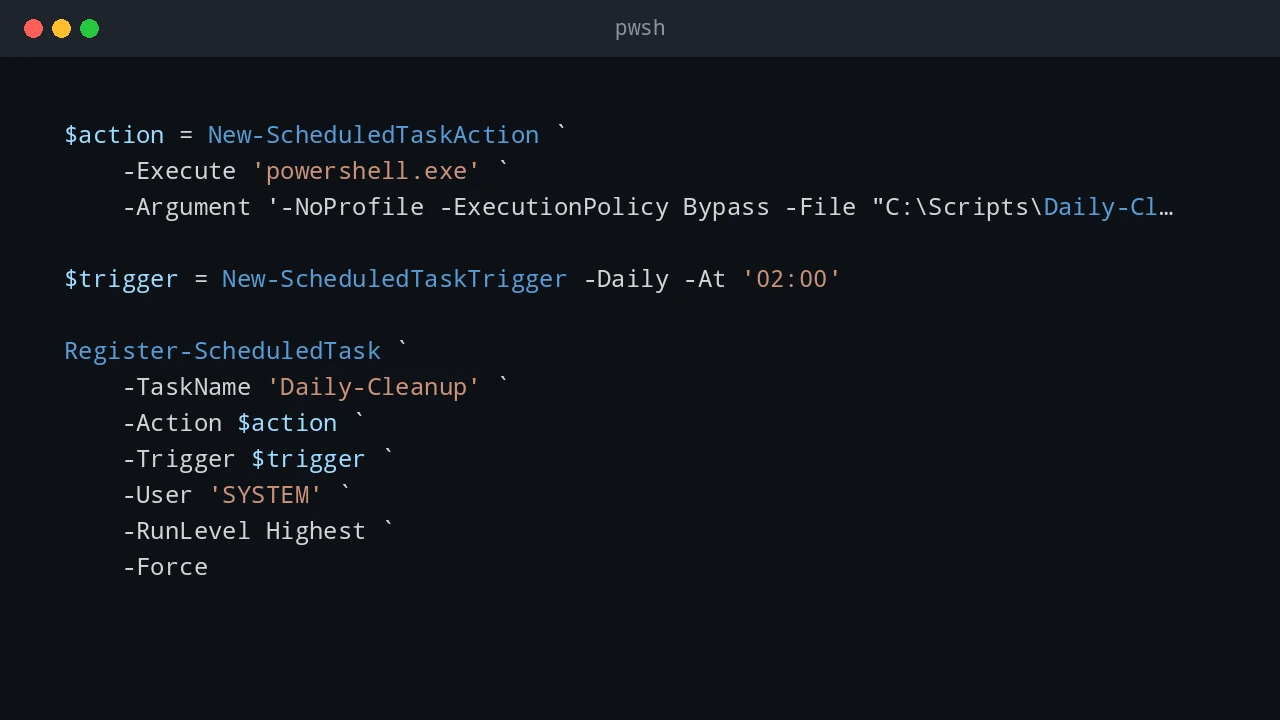
Windows Scheduled Tasks vs Linux Cron Jobs
A practical comparison of Windows Task Scheduler and Linux cron jobs, including pros, cons, examples, and what each scheduler can and cannot do well.
A practical comparison of Windows Task Scheduler and Linux cron jobs, including pros, cons, examples, and what each scheduler can and cannot do well.
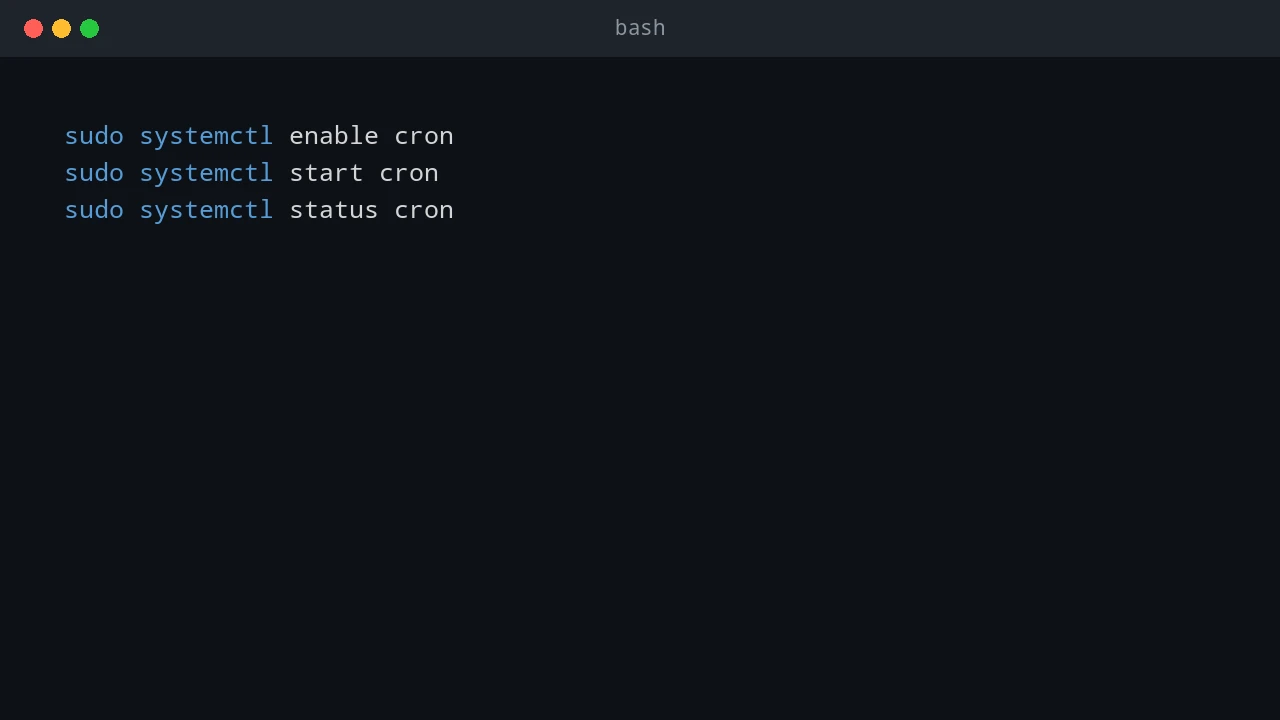
How to use cron inside WSL to trigger Windows scheduled tasks on the local computer and remote Windows servers, and how to start and keep WSL alive after boot.
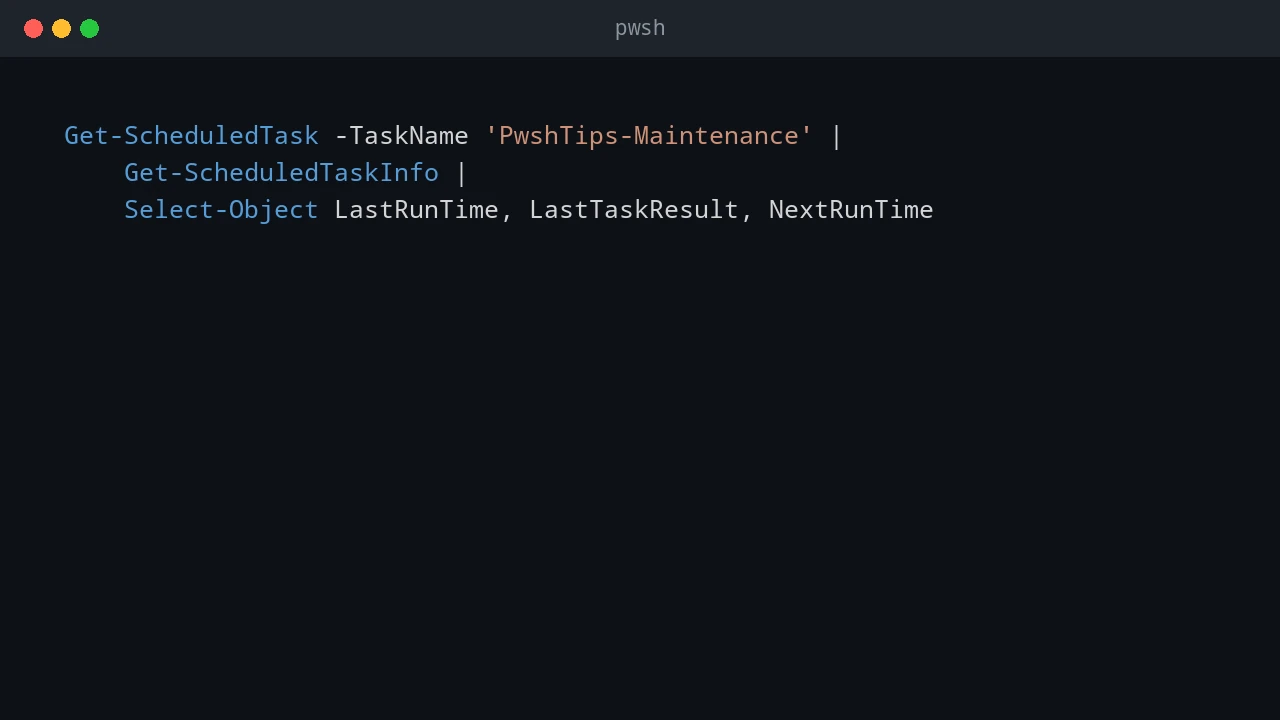
How to create scheduled tasks with PowerShell and use them to deploy scripts, copy files, run Robocopy, install MSI packages, and start BAT files on local or remote Windows computers.
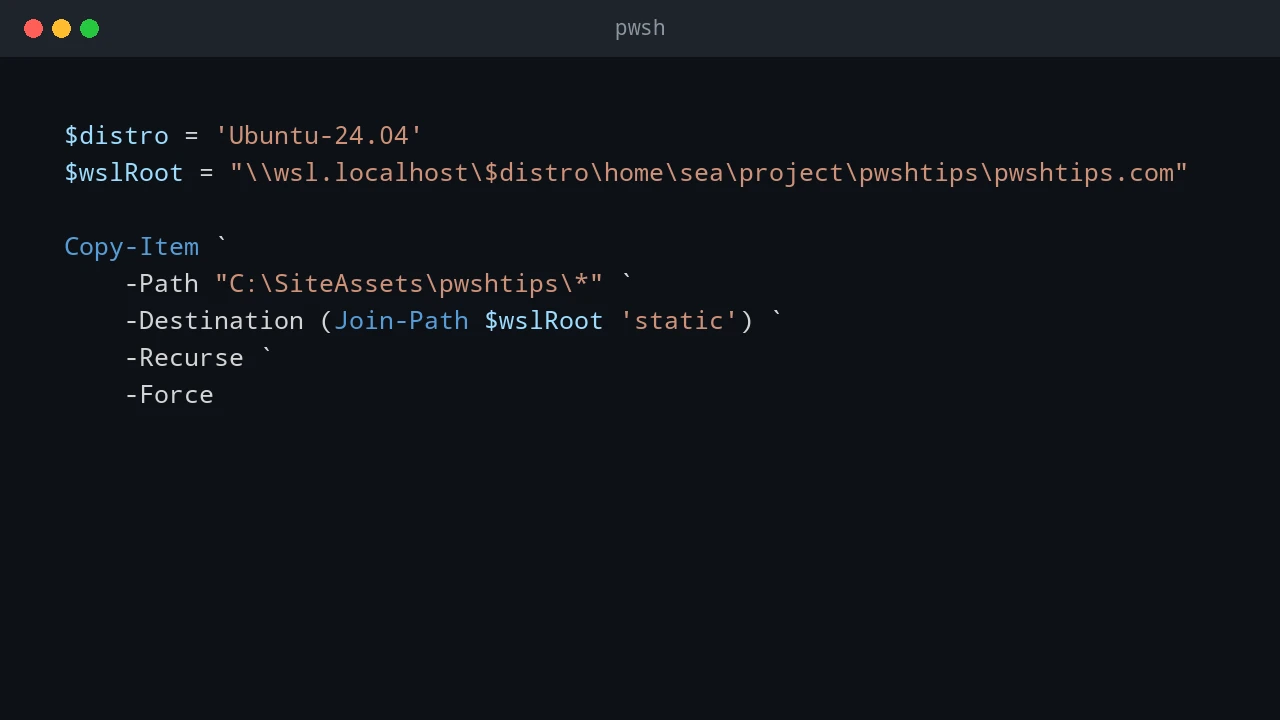
How to run PowerShell from a WSL cron job to copy files between Windows and WSL, run Windows scripts, restart WSL services such as Hugo, and restart Windows services such as IIS.
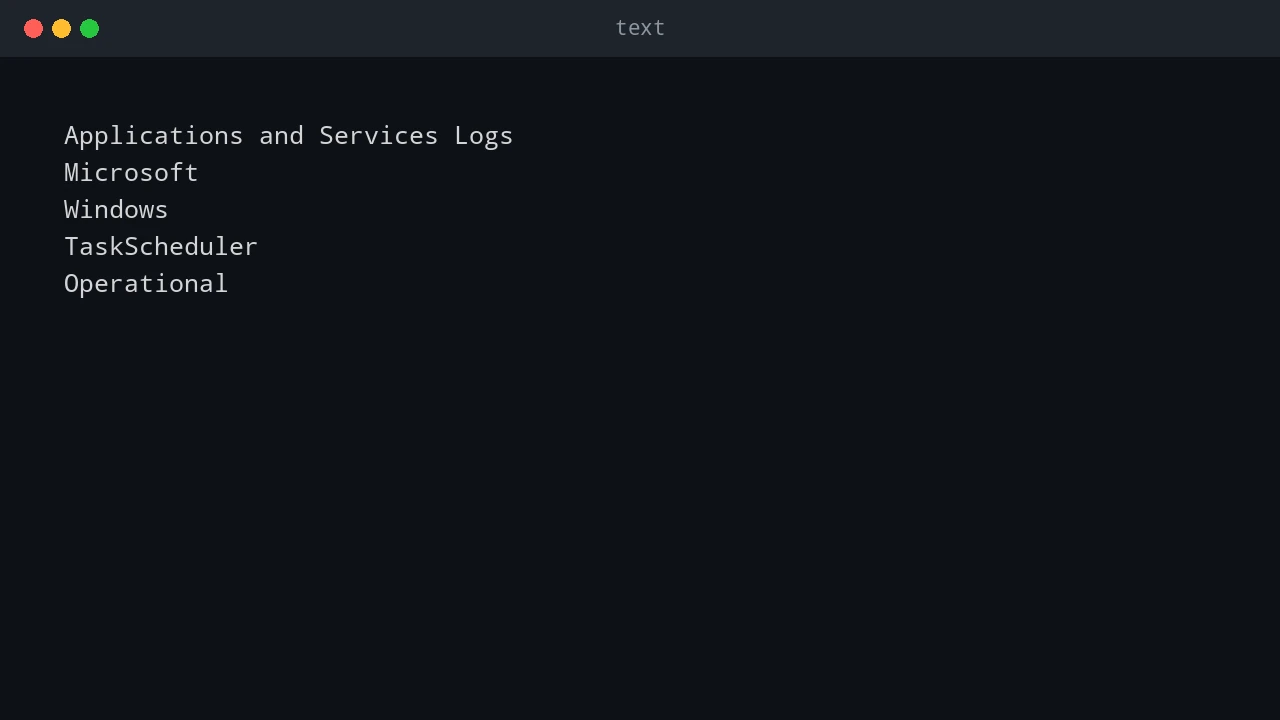
How to troubleshoot Windows Task Scheduler Event ID 101 with error value 2147750687, why it usually means another instance is already running, and how to fix overlapping or stuck scheduled tasks.
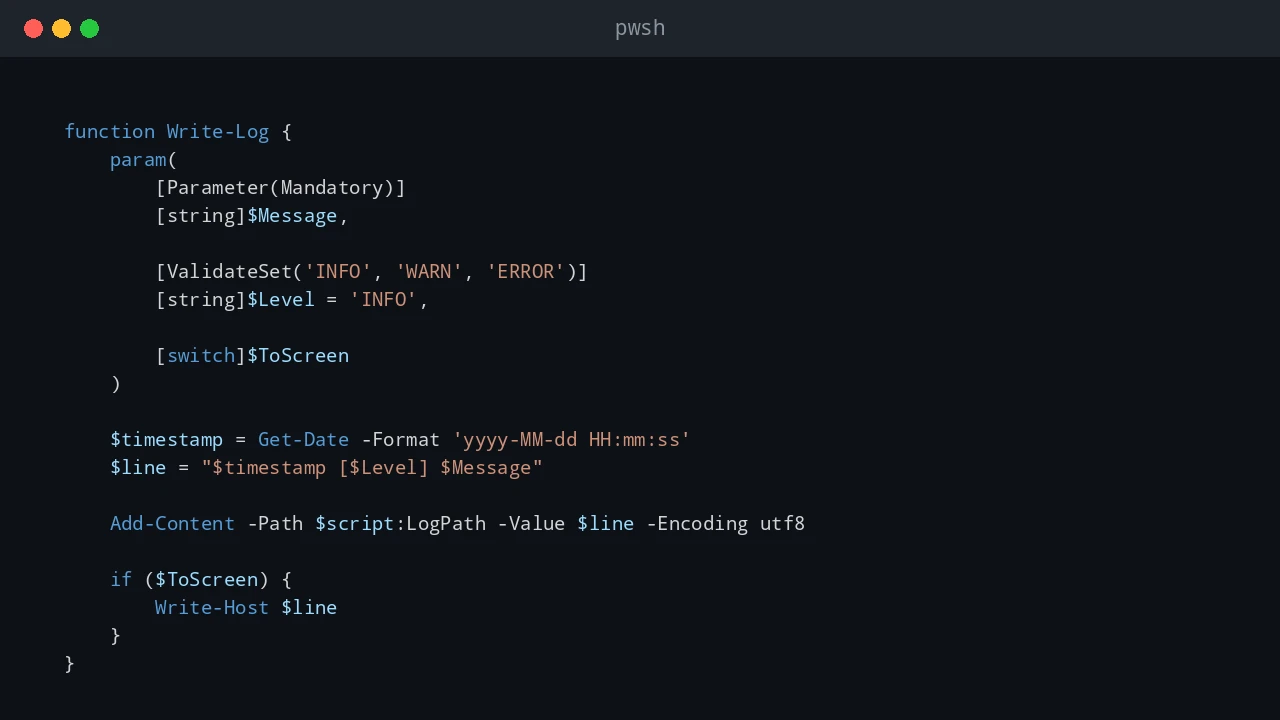
Practical logging patterns for PowerShell scripts that run unattended in scheduled tasks, servers, and admin automation.
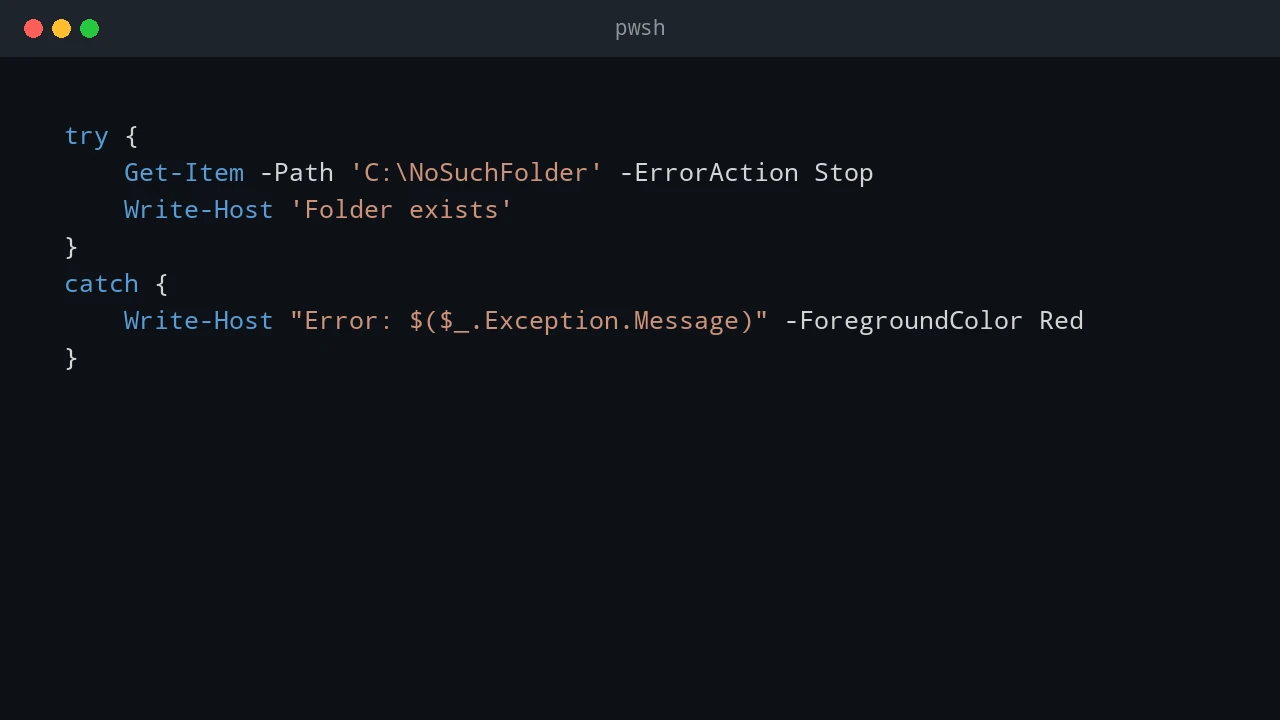
How to handle PowerShell errors with try, catch, and finally while writing error messages to both the console and a log file.
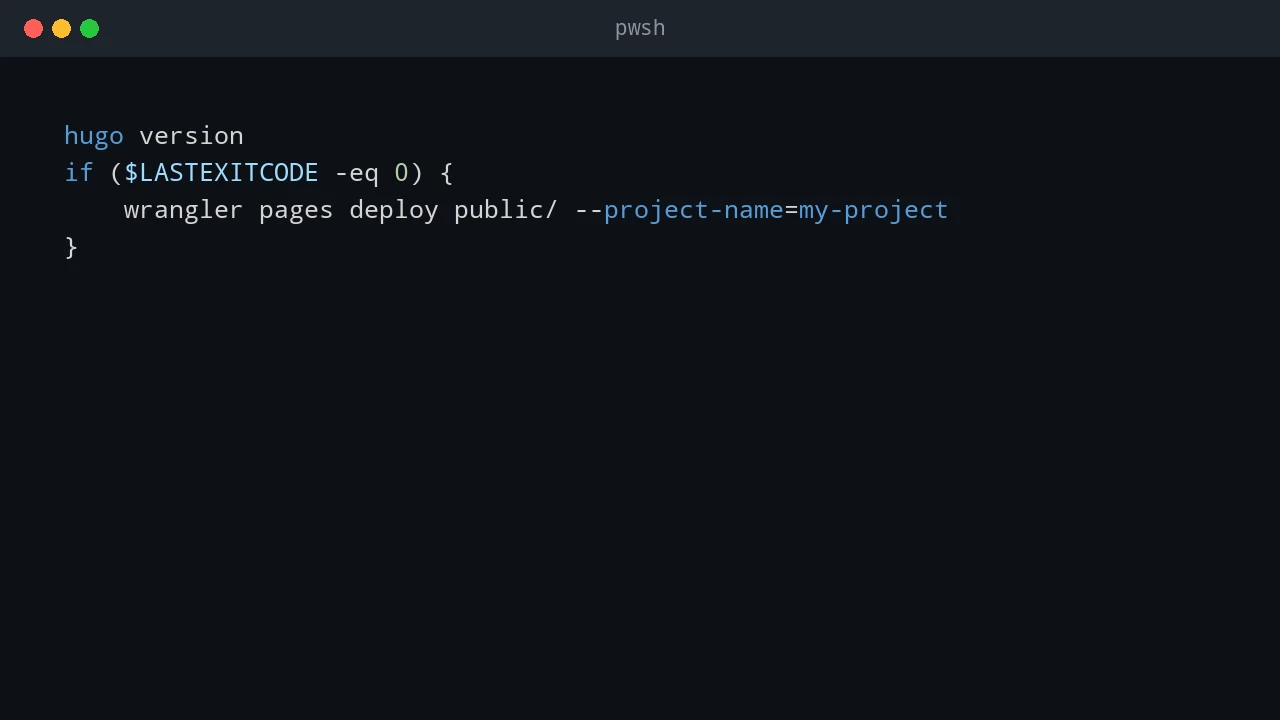
Practical notes on PowerShell operators, object pipelines, custom objects, JSON/CSV output, and reliable script paths.
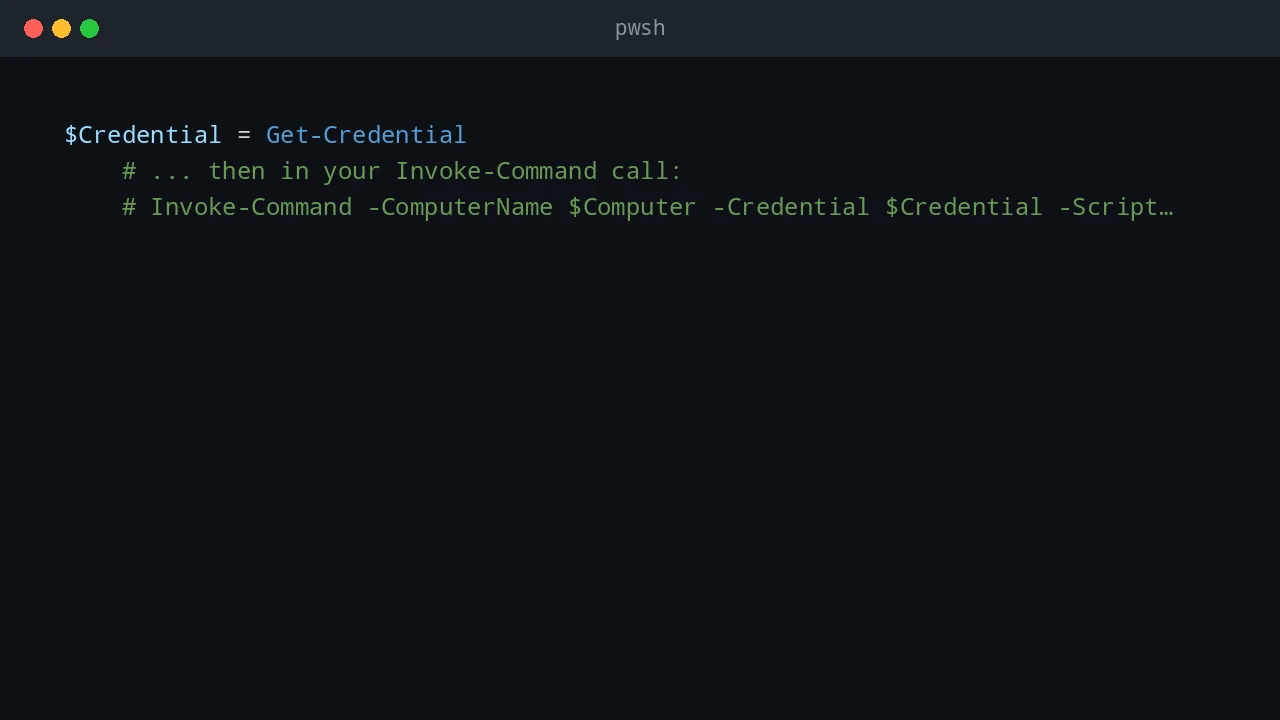
How to use PowerShell to discover Windows PCs, query installed applications remotely, and export a software inventory report.
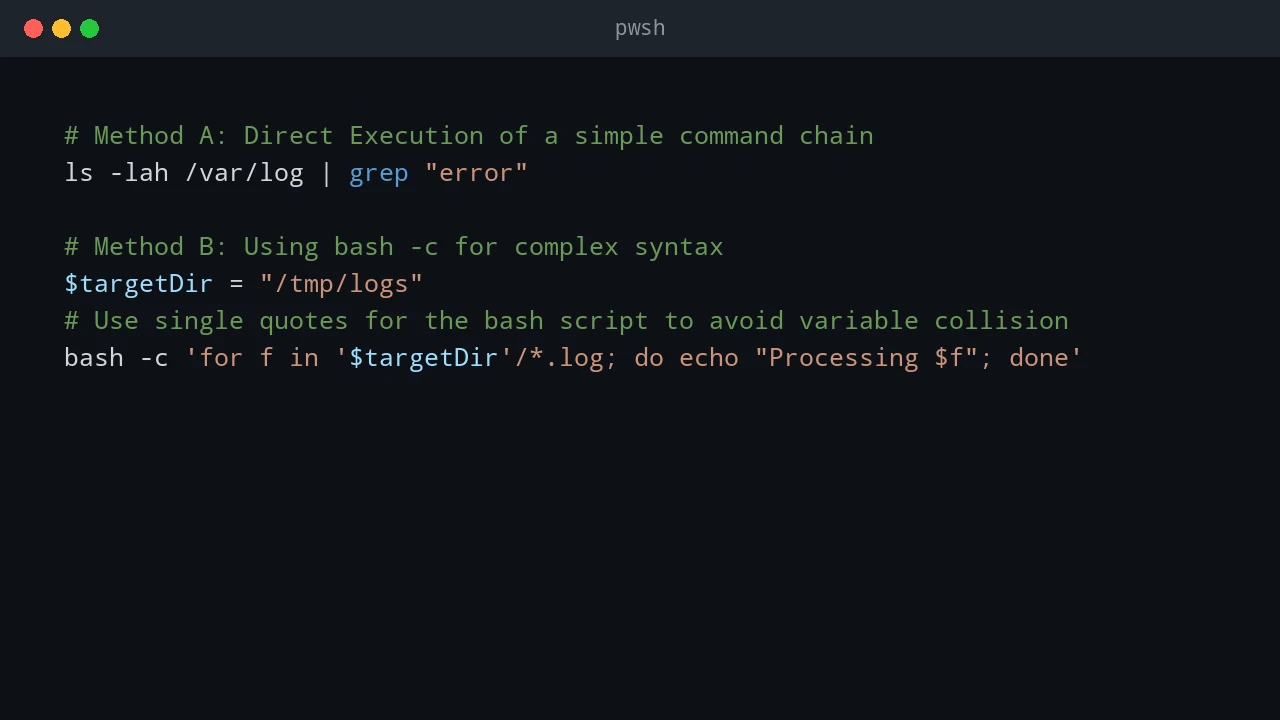
How to use PowerShell with Bash, CMD, JSON, and WSL when working across Windows and Linux.