Run Go Programs from PowerShell

Go and PowerShell work well together on Windows. PowerShell is convenient for orchestration, object filtering, scheduled tasks, and Windows management APIs. Go is useful when a small tool needs a single compiled executable, predictable startup behavior, or easy distribution to machines that do not have a PowerShell module installed. The useful split is simple: use PowerShell to prepare inputs, call the Go program, inspect its output, and react to its exit code. Let the Go program own the focused task it was written for. Do not make PowerShell scrape a human-oriented console screen when the Go command can return structured JSON or a clear exit code instead. ...

August 16, 2026 · 9 min · PwshTips

Run PowerShell Scripts from Go

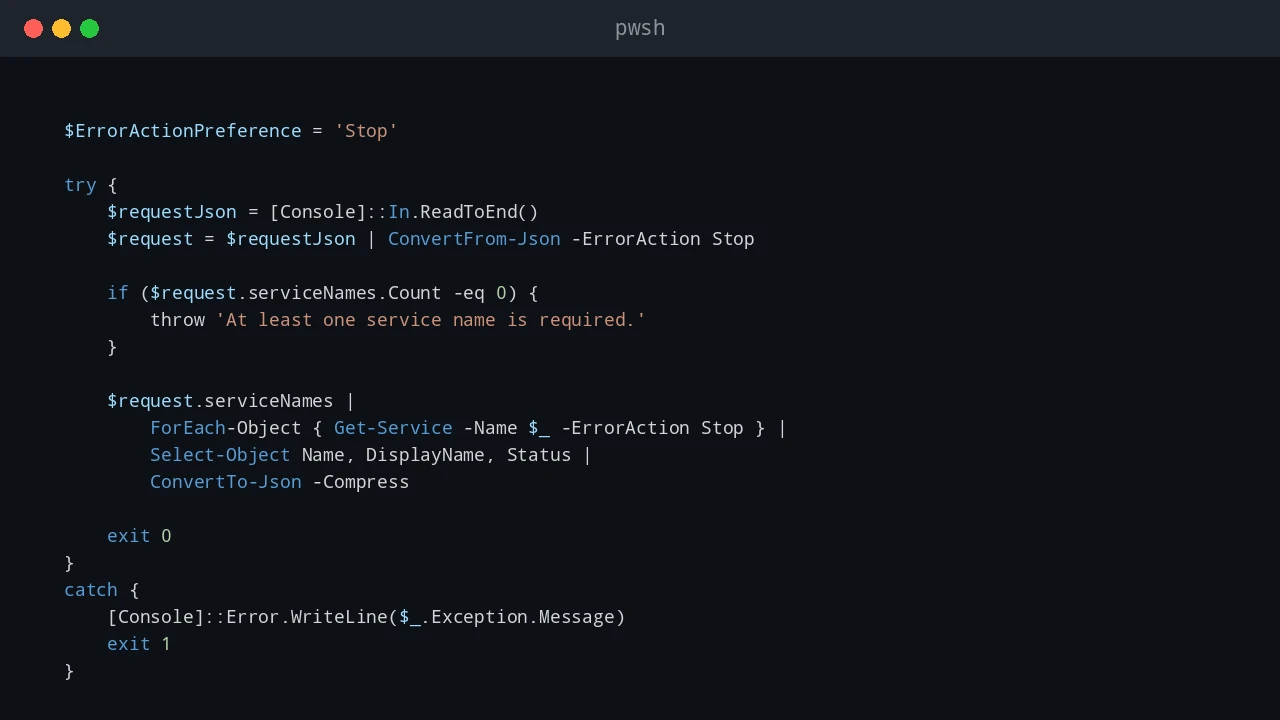
Go is a good place to coordinate a Windows utility that needs a compiled executable, HTTP service, queue worker, or structured application logic. PowerShell is still useful for the Windows task itself: calling a mature module, querying local configuration, or using an administrative command that already exists as a script. The reliable boundary is a PowerShell script file with named parameters, predictable standard output, useful standard error, and an explicit exit code. Let Go launch that file as a process. Do not build one large PowerShell command string from user input and hand it to -Command; nested quoting becomes fragile and command injection becomes easy to introduce. ...

August 16, 2026 · 11 min · PwshTips