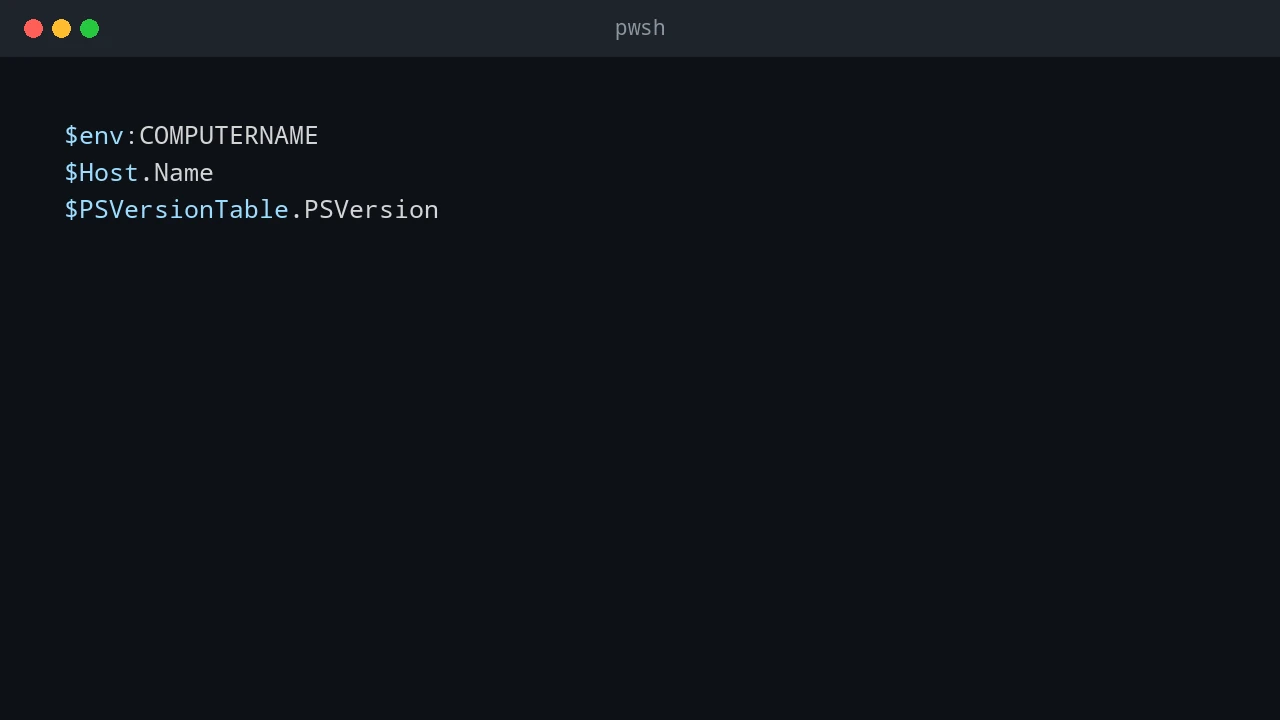
Why vi Breaks in Enter-PSSession (But Works Fine Over SSH)
Install Microsoft's lightweight Edit terminal editor with winget and use it safely over SSH or PowerShell remoting, with Vim as a fallback.
Install Microsoft's lightweight Edit terminal editor with winget and use it safely over SSH or PowerShell remoting, with Vim as a fallback.

How to troubleshoot and fix Discord installation error code 4294967295 in winget by resolving locked Squirrel installer directories and lingering background processes.
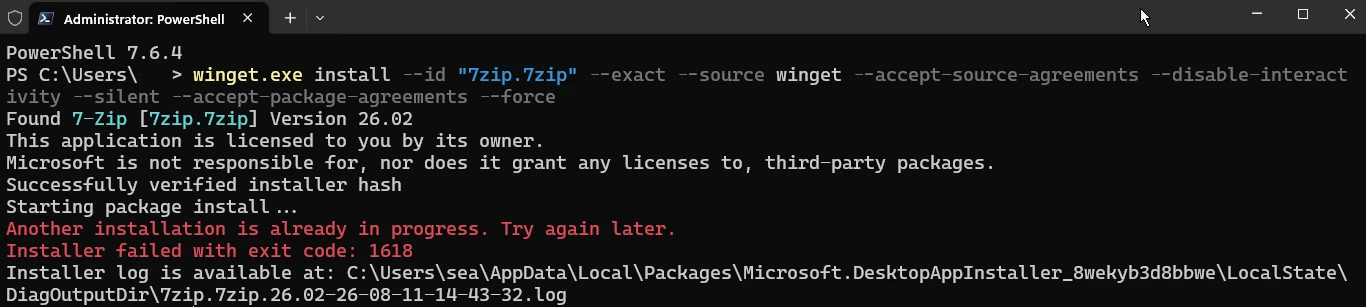
How to fix winget error 1618 when another Windows Installer operation is already in progress.

How to fix winget error 4294967295 when installing Microsoft 365 or Microsoft Office by repairing, elevating, or completely removing the existing Office installation.
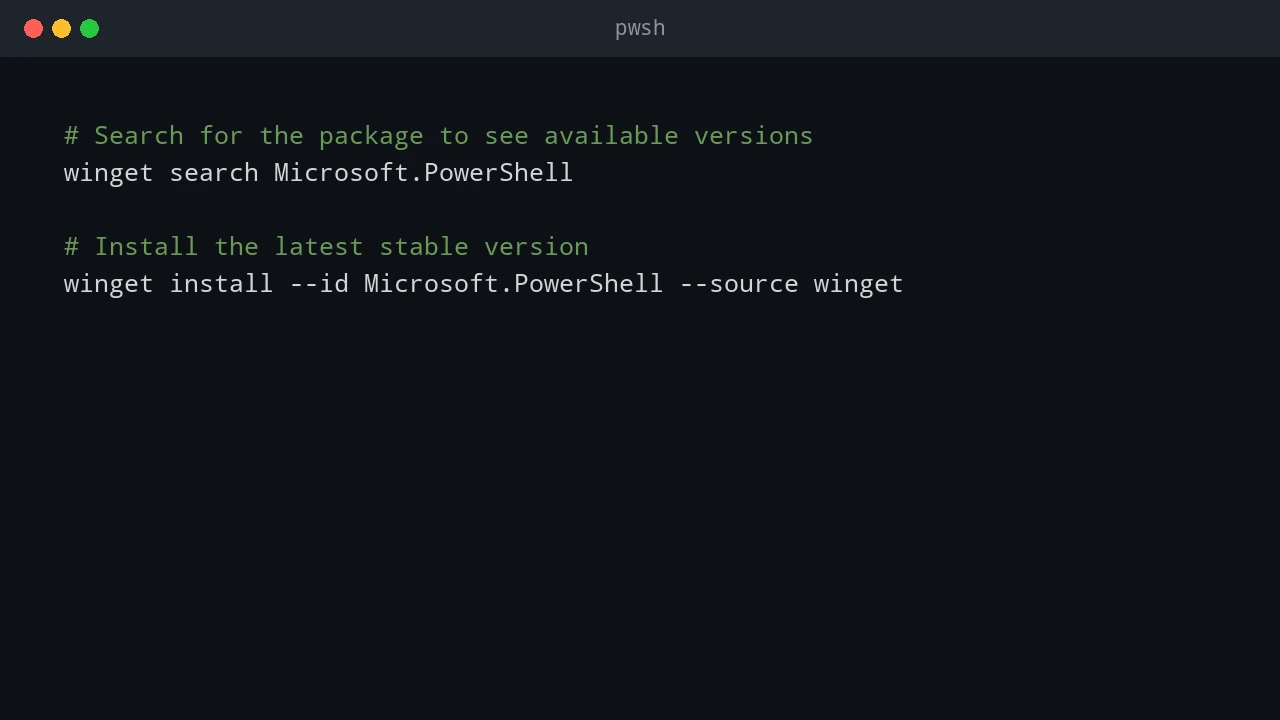
How to install PowerShell and modules on connected machines and offline or restricted networks.