Manage Active Directory Without Logging On to a Domain Controller

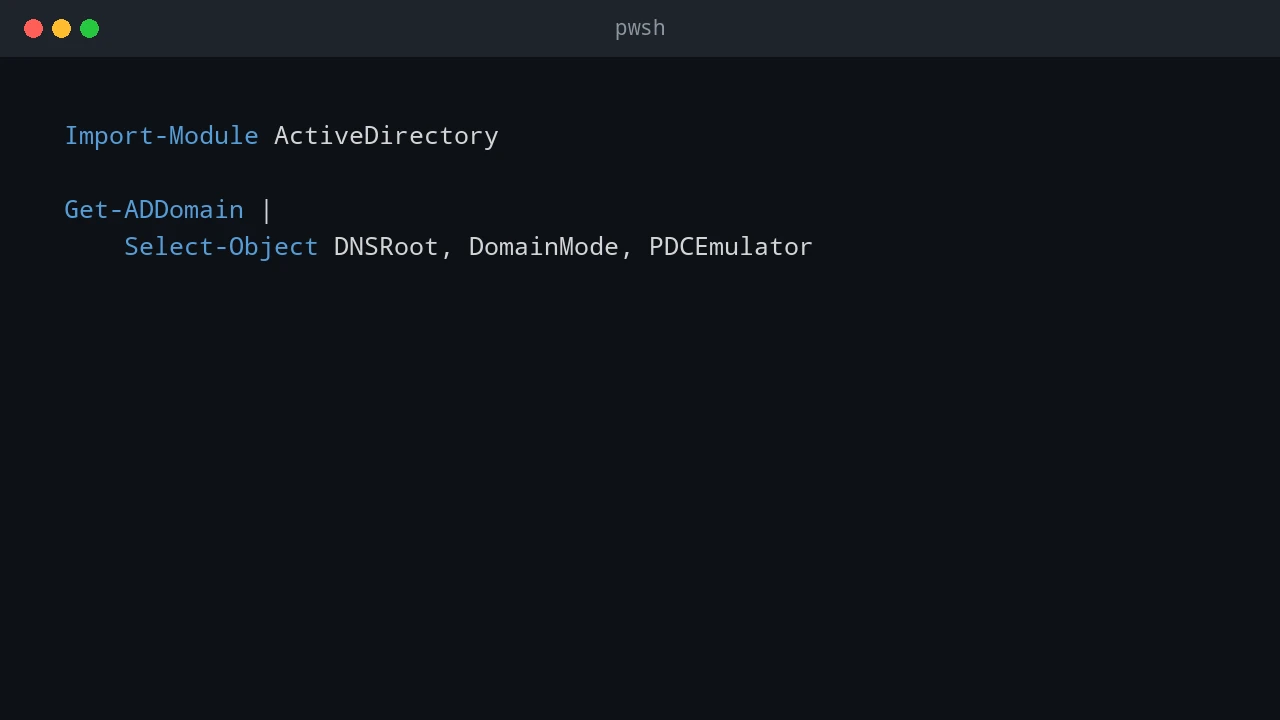
Routine Active Directory work does not require an RDP session or an interactive console sign-in on a domain controller. A separate, managed administration workstation is a better place to run the AD tools, inspect objects, make a narrow change, and keep a record of who performed it. That separation matters. Domain controllers hold directory credentials, Kerberos keys, DNS data, and the tools that change the forest. Browsing the web, opening email, or running a general-purpose admin desktop workflow on a DC increases the chance that a workstation-style problem becomes a directory-wide incident. ...

August 16, 2026 · 10 min · PwshTips

Fix Windows Primary Domain Failed

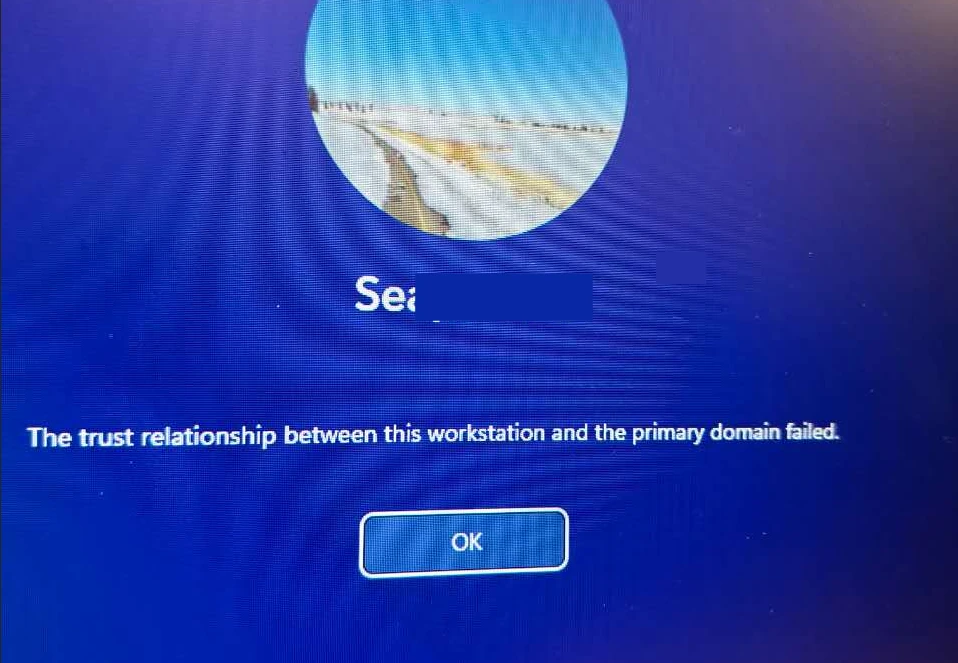
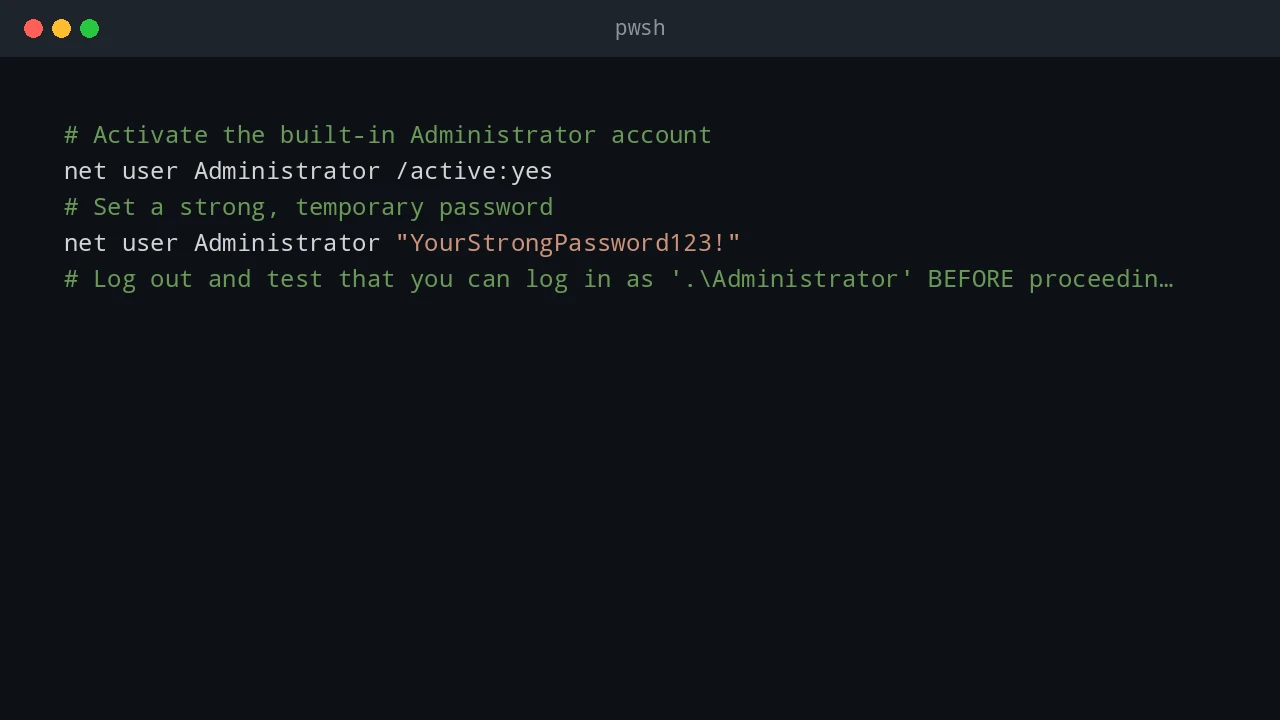
A domain user might be unable to sign in to an otherwise healthy Windows workstation and receive this message: The trust relationship between this workstation and the primary domain failed. A Windows workstation cannot authenticate its computer account to the Active Directory domain. This is an Active Directory computer-account problem, not usually a bad password for the person signing in. The workstation has a secure channel to the domain. Windows uses that channel to authenticate the computer account before it can complete normal domain operations. When the workstation and Active Directory no longer agree on that account’s machine password, Windows refuses the domain sign-in. ...

August 12, 2026 · 8 min · PwshTips

Automating Office and Active Directory with PowerShell

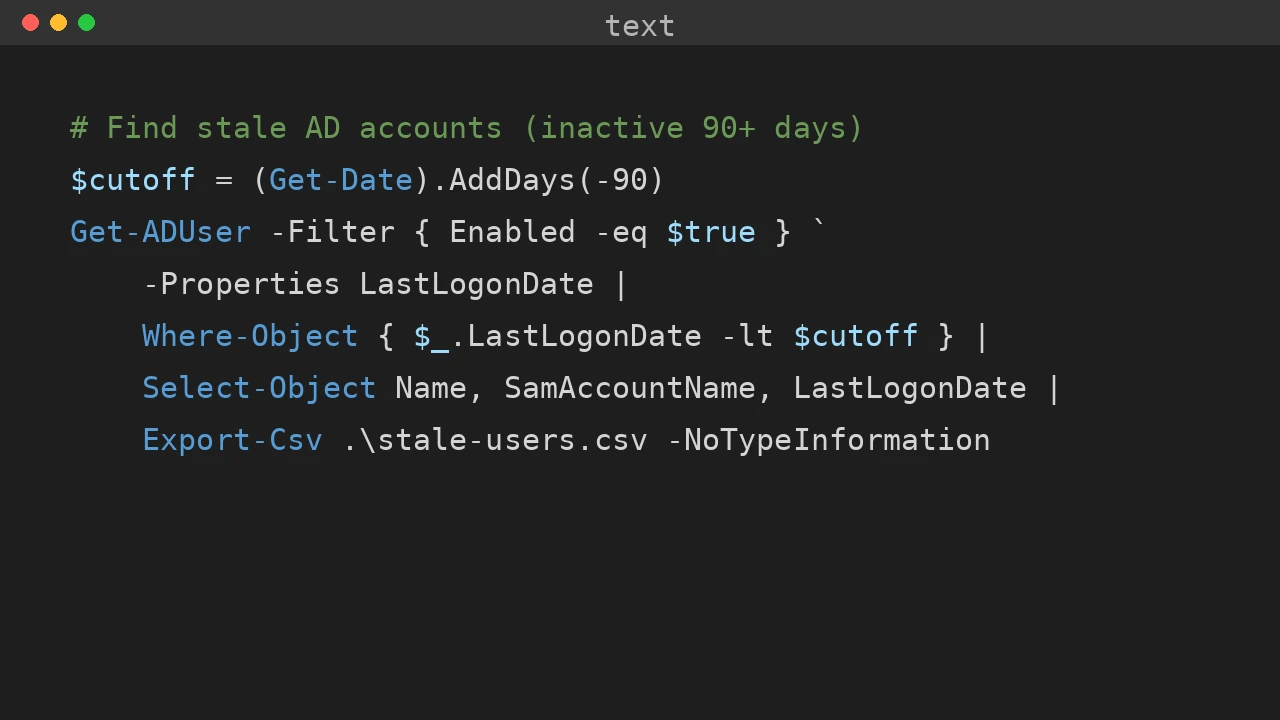
Office deployment and Active Directory maintenance often land on the same admin desk. This post collects the PowerShell workflows I use for silent Office installs, Office activation firewall rules, Get-ADUser reporting, and domain rejoin cleanup when a Windows device has stale identity state. Quick answer Use PowerShell to make Office and Active Directory work repeatable: deploy Office with the Office Deployment Tool and a checked configuration.xml, open only the firewall rules needed for activation, export AD user data with Get-ADUser, and fix stale device identity by checking domain join, Azure AD join, and dsregcmd output before rejoining the computer. ...

December 25, 2025 · 7 min · PwshTips