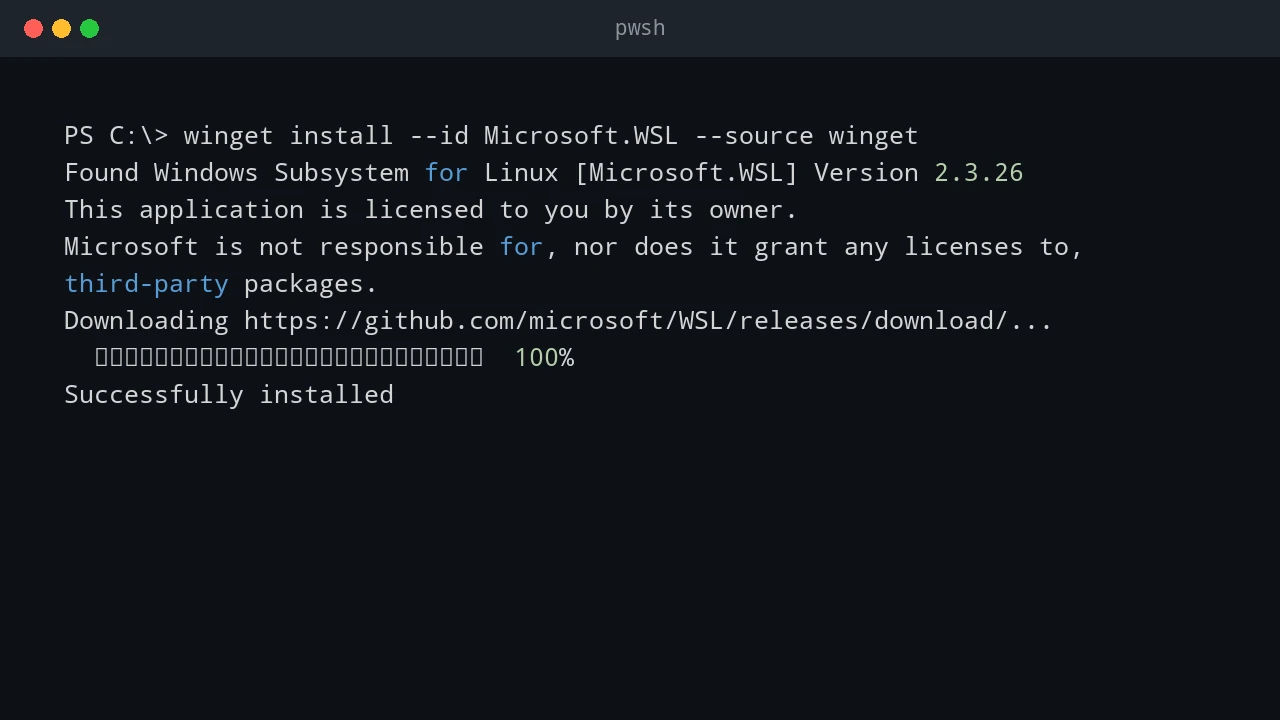
Install and Configure WSL: From Zero to Productive
A practical guide to installing WSL on Windows, configuring your Linux user, moving files between Windows and Linux, and going further with web servers, PowerShell, and VS Code.
A practical guide to installing WSL on Windows, configuring your Linux user, moving files between Windows and Linux, and going further with web servers, PowerShell, and VS Code.
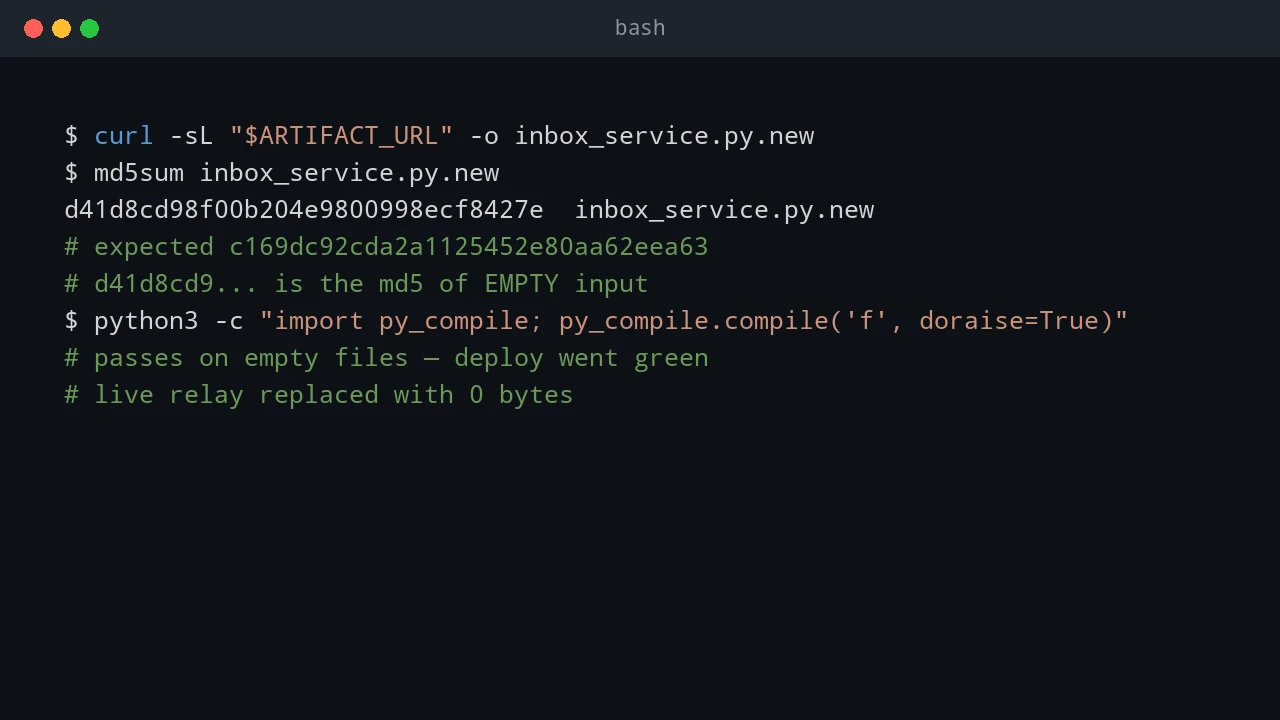
Building a 60-second failover standby for my dev environment — and the two outages that taught me to never trust an all-green deploy chain.
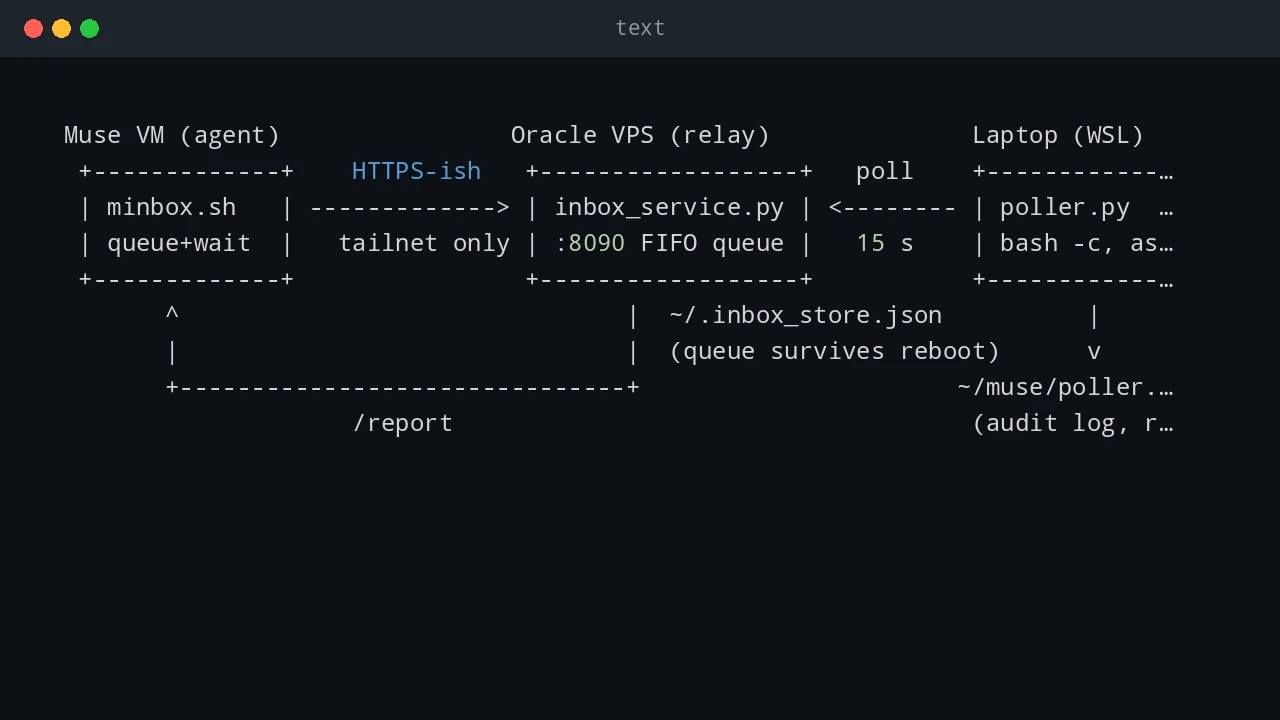
A persistent, bidirectional command channel between an AI agent VM, a small VPS relay, and a Windows laptop's WSL — what each piece does, how to set it up, and the dozen pitfalls I actually hit.
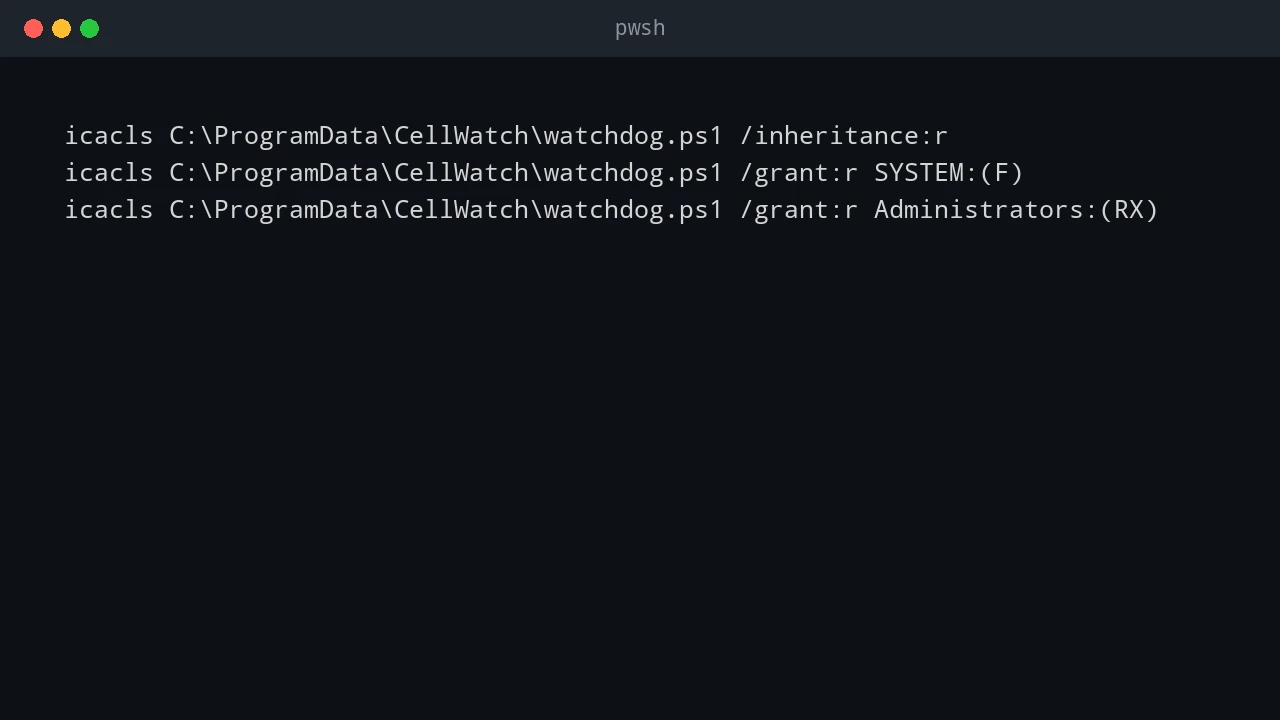
A scheduled PowerShell script running as SYSTEM is a high-value target. Lock it down with NTFS ACLs, code signing, auditing, and central deployment.
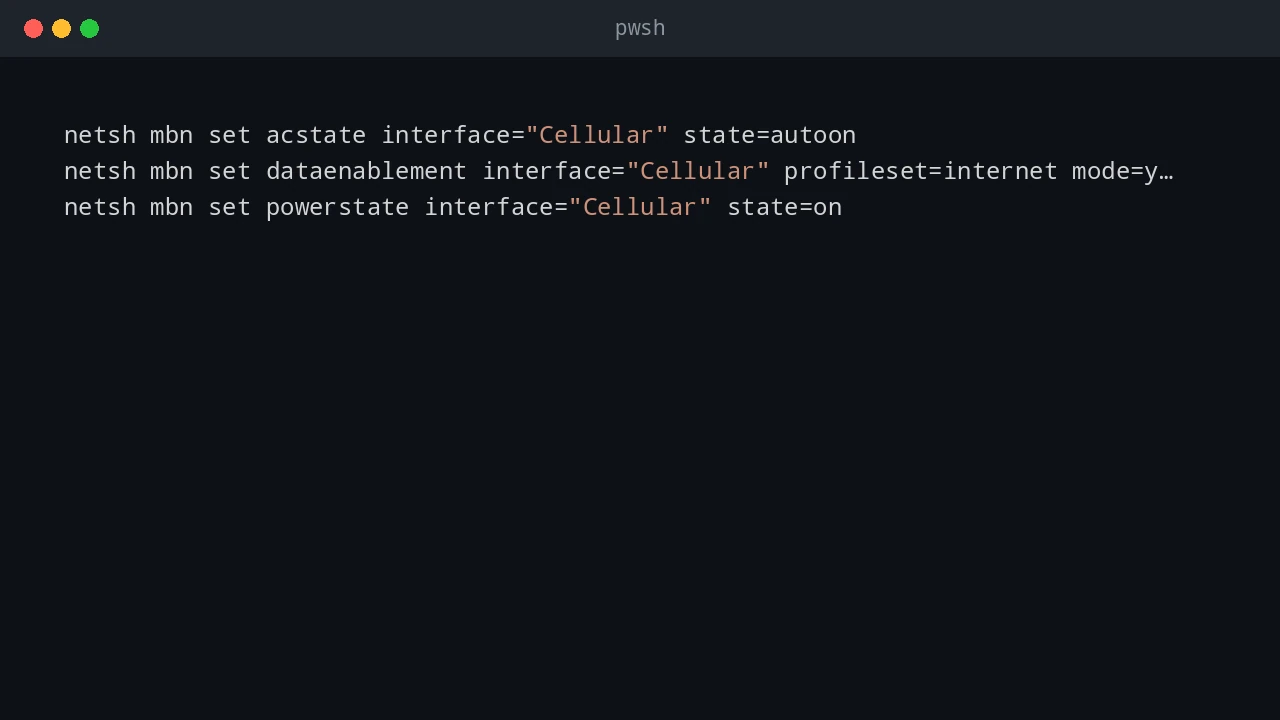
A scheduled PowerShell watchdog that checks the Windows WWAN APN every 5 minutes and reinstalls the profile and reconnects when it drifts.
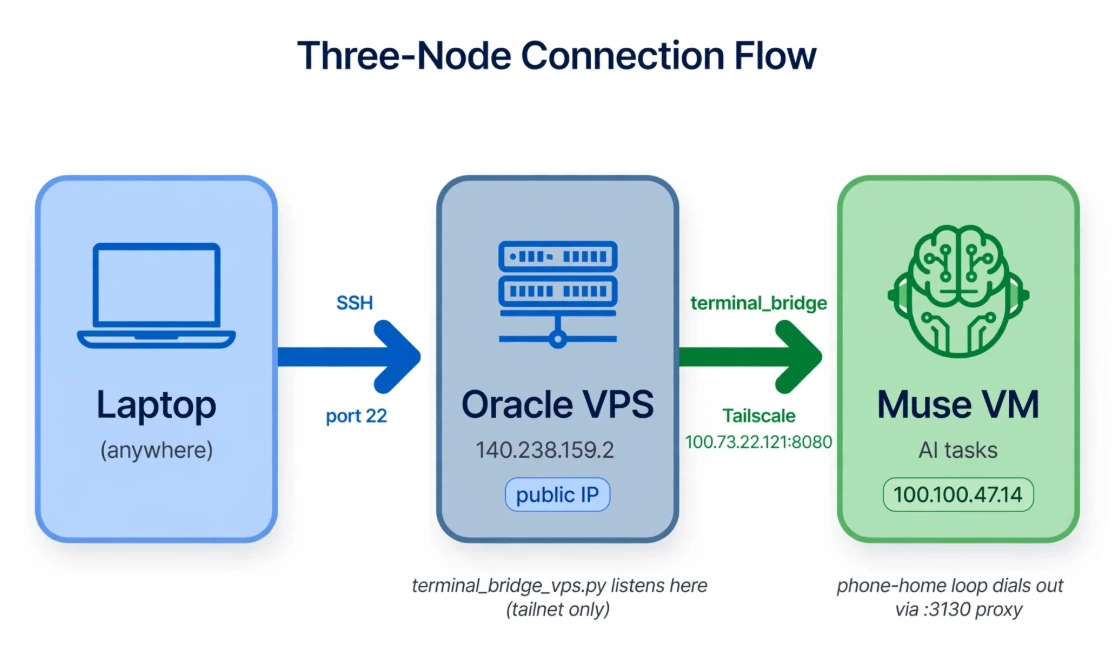
A Tailscale terminal-access postmortem: separate control-plane failures from SSH, trace TCP resets, and choose an authenticated access path.
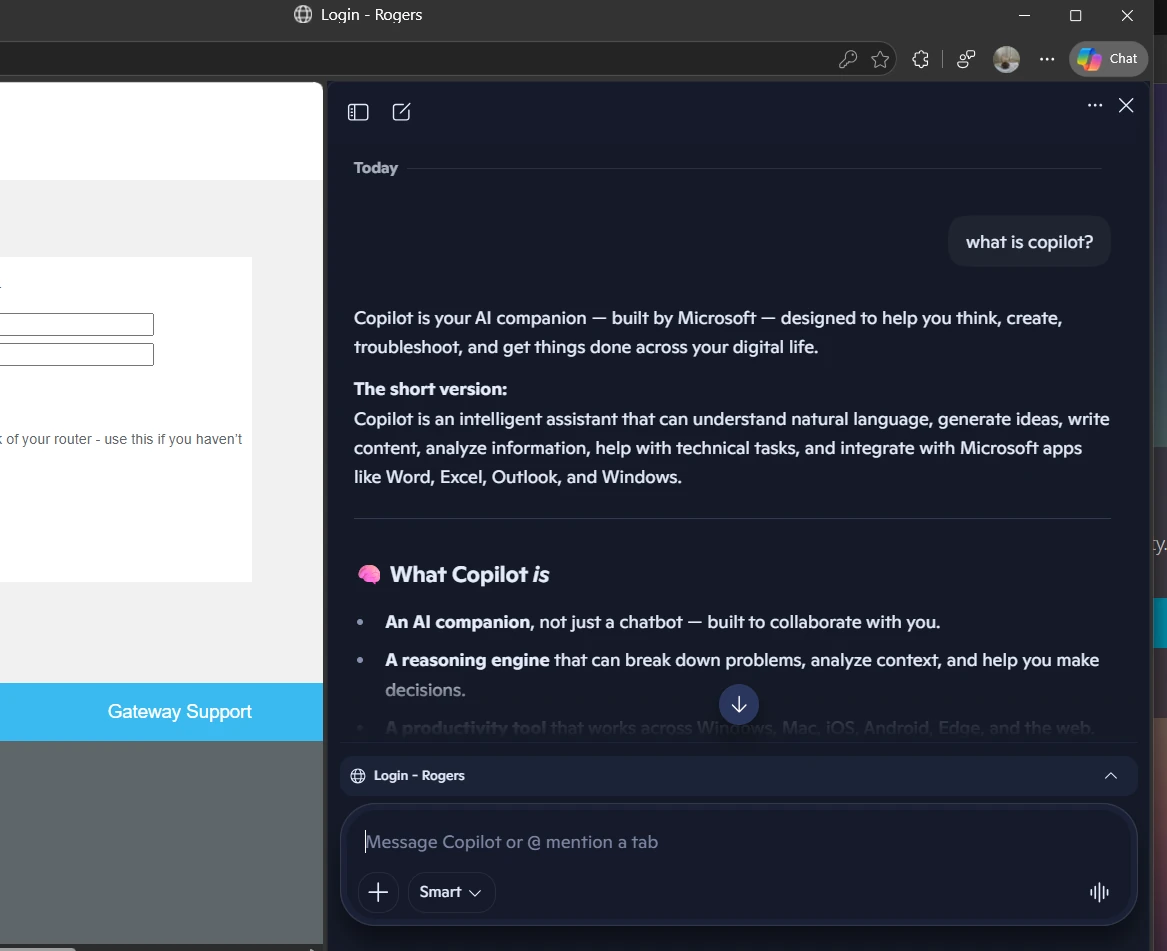
A practical guide to Microsoft Copilot, Microsoft 365, GitHub Copilot, phone and web apps, IDE integrations, prices, and alternatives.
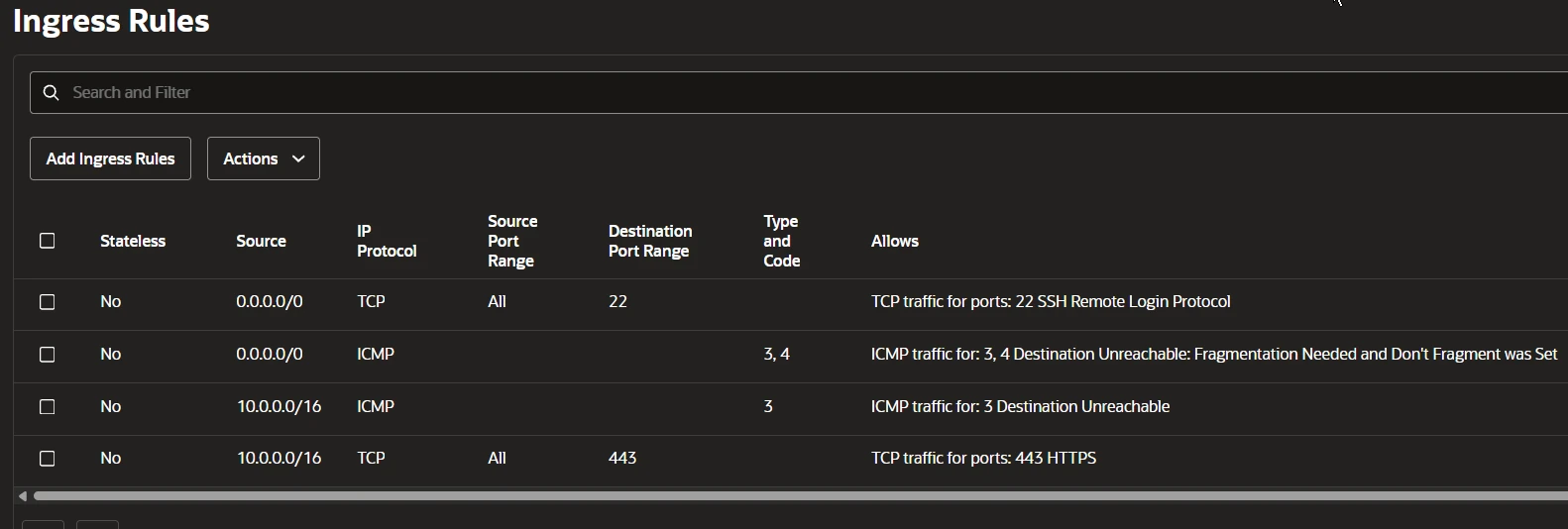
A reverse SSH tunnel test with an Oracle Cloud VPS, Ubuntu socket activation, proxy diagnostics, and the egress policy that stopped connectivity.
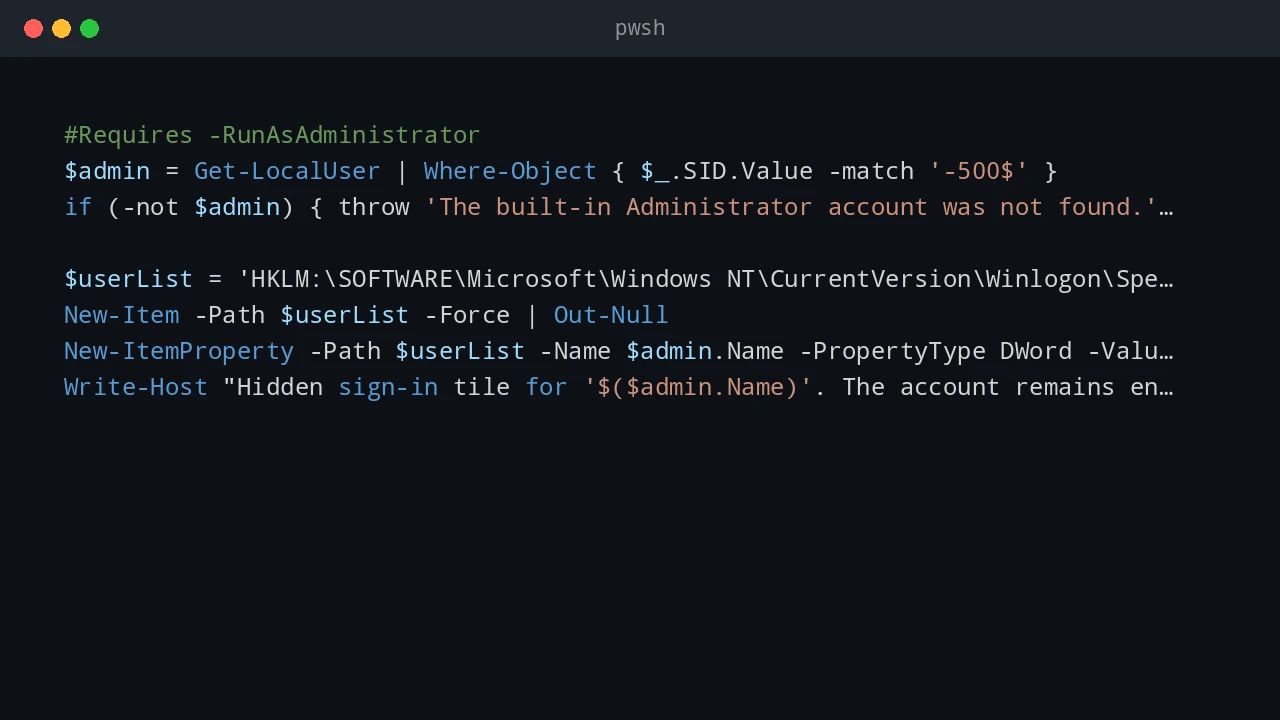
Practical Windows 11 hardening steps for local accounts, network protocols, Remote Desktop, memory integrity, and Defender ASR rules.
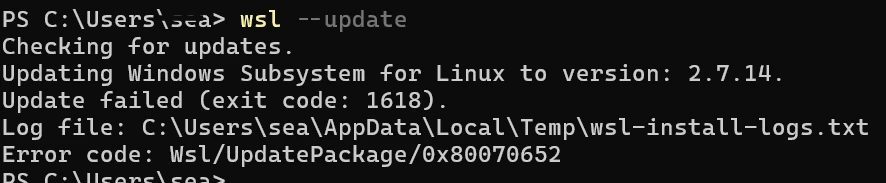
How to troubleshoot and fix WSL update error 1618 (Wsl/UpdatePackage/0x80070652) caused by concurrent Windows Installer locks and pending system reboots.