Essential PowerShell Security: Privileges, Firewalls, and File Safety

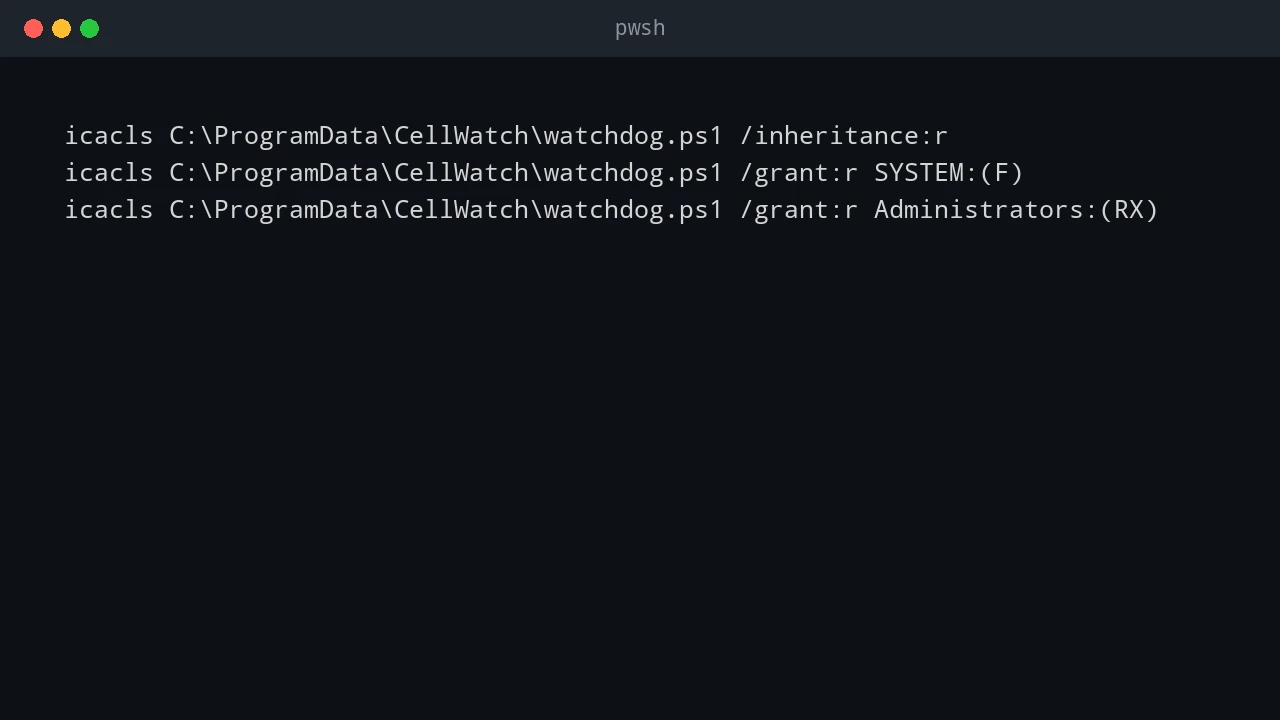
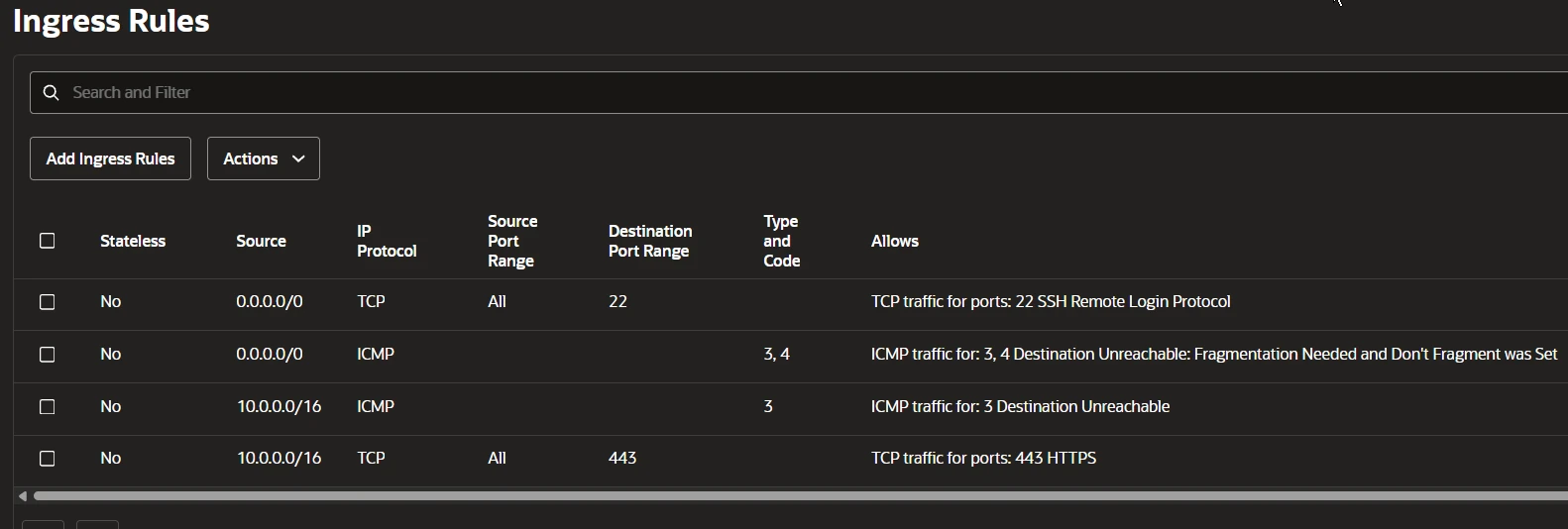
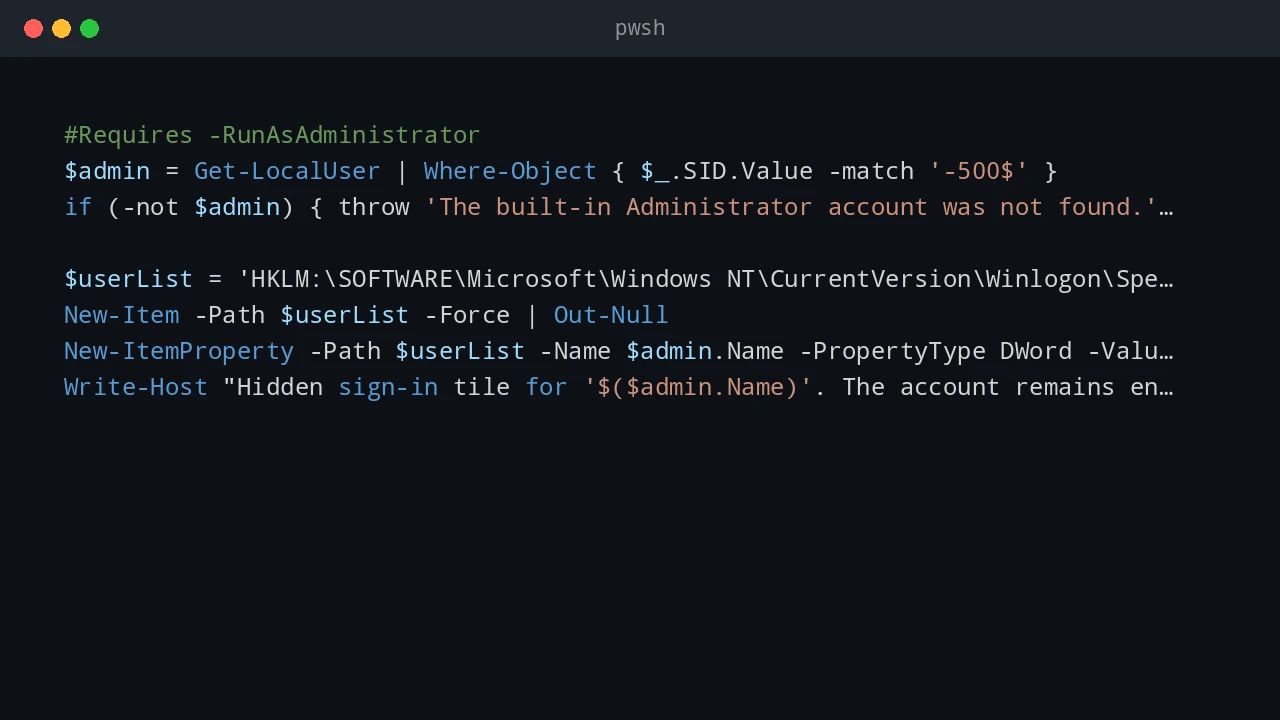
PowerShell scripts often need to touch privileged parts of Windows: services, firewall rules, downloaded scripts, and system folders. This post covers three areas I check often: elevation, Windows Defender Firewall rules, and the Mark of the Web on downloaded files. Quick answer For safer PowerShell administration, keep elevated actions small, explicit, and logged. Use gsudo, Start-Process -Verb RunAs, or Task Scheduler only when elevation is needed. Manage Windows Defender Firewall with named rules instead of broad exceptions, and inspect downloaded files before using Unblock-File because the Mark of the Web exists to warn you about internet-origin content. ...

December 25, 2025 · PwshTips

Installing PowerShell Online and Offline

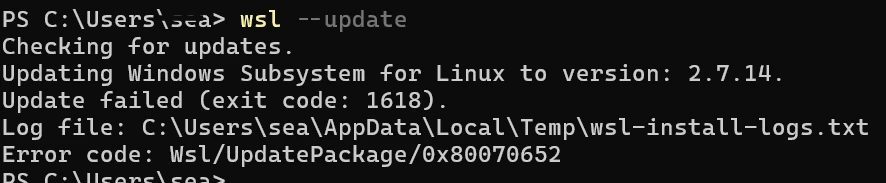
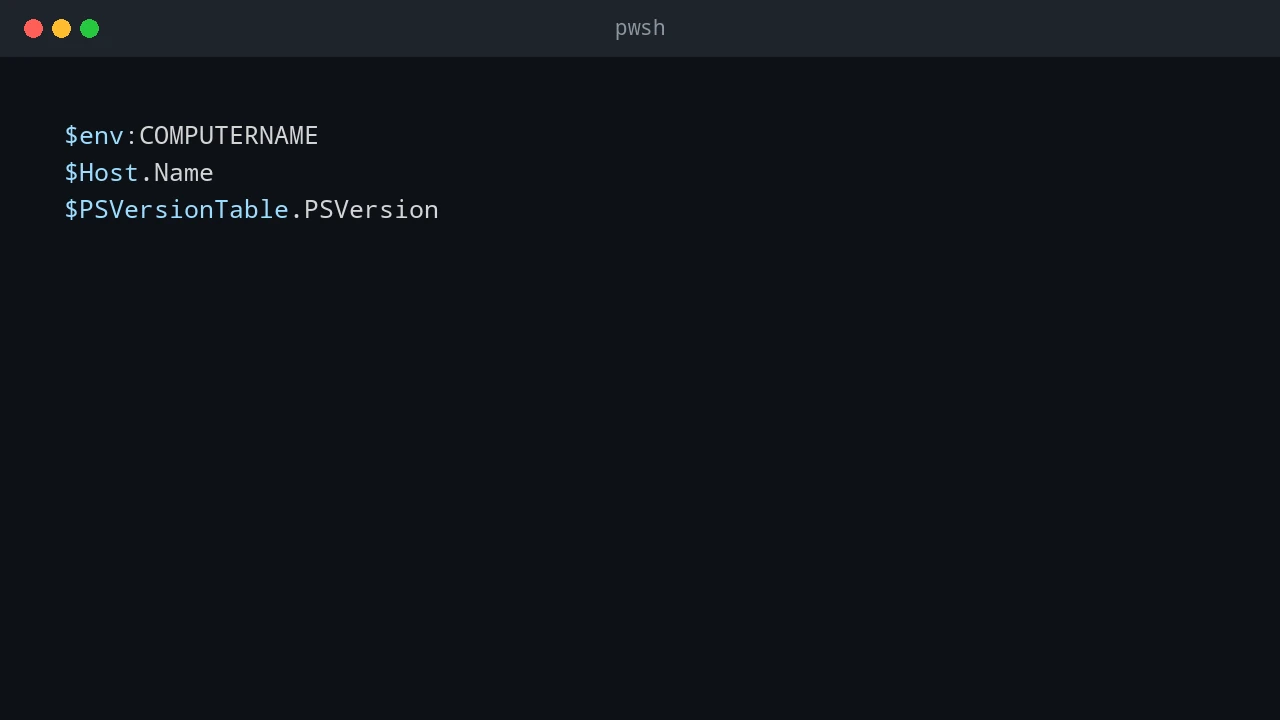
Installing PowerShell is easy on an internet-connected machine. It gets more interesting on servers, locked-down workstations, and networks that cannot reach package repositories. This post covers both cases: normal installs with package managers and offline installs where you need to move installers and modules by hand. Quick answer On connected Windows machines, install PowerShell 7 with winget install Microsoft.PowerShell and keep Windows PowerShell 5.1 for legacy modules. On offline machines, download the PowerShell installer, required modules, and trusted package sources on a connected computer, move them to the target system, then install from local files. Verify the install with $PSVersionTable.PSVersion. ...

December 25, 2025 · PwshTips

PowerShell for Cross-Platform Administration

Most admin work I do is not purely Windows or purely Linux. PowerShell may call Bash, Bash may call PowerShell, and old CMD commands still show up in scripts. This post covers the patterns I use to pass commands and data between those shells, then applies the same idea to USB access in WSL. Quick answer For cross-platform administration, use PowerShell when you need structured objects and use Bash or CMD when you need native platform tools. When crossing between shells, treat the boundary as a text boundary unless you deliberately serialize data as JSON. In WSL, use Windows paths carefully, pass commands with clear quoting, and confirm disk or USB device names before running commands that read or write block devices. ...

December 25, 2025 · PwshTips

PowerShell for IT Inventory: Getting All Installed Apps from Remote Windows PCs

Software inventory is one of those jobs that sounds simple until you need to do it across many Windows machines. For audits, license checks, cleanup work, or troubleshooting, I want a repeatable way to answer one question: what is installed, and where? This post uses PowerShell to build that report. The workflow is: get a target computer list from DNS, connect to each machine, read installed-app registry keys, and export the result to CSV. ...

December 25, 2025 · PwshTips

PowerShell Fundamentals: Operators, Objects, and Script Paths

These are the PowerShell basics I use most often when writing scripts that need to survive outside a one-off terminal session: pipeline operators, null handling, objects, CSV/JSON output, and script-relative paths. None of these features are complicated by themselves, but using them consistently makes scripts easier to read and easier to troubleshoot. Quick answer Good PowerShell scripts depend on a few fundamentals: use pipeline chain operators for simple success and failure flow, use null-coalescing operators for defaults, pass objects instead of formatted text, export data as CSV or JSON when another tool needs it, and build file paths from $PSScriptRoot so scripts run correctly from any working directory. ...

December 25, 2025 · PwshTips

PowerShell Remoting with WinRM and SSH

For a long time, PowerShell remoting usually meant WinRM. That is still true in many Windows domains. With PowerShell 7 and OpenSSH, SSH is now a practical option too, especially when Linux or mixed environments are involved. So, which protocol should you use? WinRM or SSH? There is no single best protocol. The right choice depends on the machines, authentication model, firewall rules, and whether you need rich PowerShell objects or simple cross-platform access. ...

December 14, 2025 · PwshTips

File Transfer Speed: SCP vs. Robocopy vs. Copy-Item

When I need to move large files between Windows systems, I do not pick a tool by habit. LAN copies, WAN copies, and PowerShell remoting copies behave very differently. This post compares SCP (OpenSSH), Robocopy (SMB), and Copy-Item (WinRM) for the kinds of transfers I actually run. The short version: Robocopy is usually best on a LAN, SCP or rsync is usually safer across untrusted or unstable networks, and Copy-Item is convenient for small files inside an existing PowerShell remoting workflow. ...

November 7, 2025 · PwshTips

Test if a Network Port is Open

When an application cannot connect, I usually test the port before changing firewall rules or blaming DNS. A quick TCP test tells me whether the client can reach the service at all. These are the Windows tools I use most often: Test-NetConnection, a small .NET TcpClient check, Telnet, and PortQry. Quick answer To test whether a TCP port is open from Windows, run Test-NetConnection -ComputerName servername -Port 443 and check TcpTestSucceeded. True means the client reached the service on that port. False means the port is closed, blocked by a firewall, the service is not listening, or the network path is unavailable. On older systems, use Telnet, PortQry, or a .NET TcpClient test. ...

November 5, 2025 · PwshTips

Clone a Bootable USB to an ISO

Sometimes I need to keep an exact copy of a bootable USB drive: a vendor recovery stick, a custom Windows installer, or a Linux live USB that took time to prepare. Copying the visible files is not enough because the bootloader and partition layout matter. This post shows three ways to make that image: PowerShell with WSL, Win32DiskImager on Windows, and dd on Linux. Quick answer To back up a bootable USB, create a sector-by-sector image of the whole device instead of copying files from the drive letter. On Windows, identify the USB disk with Get-Disk, then use WSL and dd or a tool such as Win32DiskImager to read the physical disk into an image file. Always confirm the disk number first because choosing the wrong disk can overwrite or expose the wrong device. ...

November 2, 2025 · PwshTips

Manage Pinned Taskbar Items with PowerShell

Standardizing the Windows taskbar sounds like a small desktop task, but it gets awkward fast when you need to automate it. Windows does not provide a clean built-in command for managing pinned items, partly to stop applications from pinning themselves without user consent. The methods below are the ones I use when I need to inspect or clean up pinned taskbar items with PowerShell. Quick answer Windows stores user-pinned taskbar shortcuts under the user’s profile, but it does not provide a clean supported cmdlet for fully managing pins. With PowerShell, you can list pinned .lnk files from the TaskBar folder and remove unwanted shortcuts. After changes, restart Explorer for the taskbar to refresh. Test this per Windows version because taskbar behavior changes across releases. ...

October 28, 2025 · PwshTips